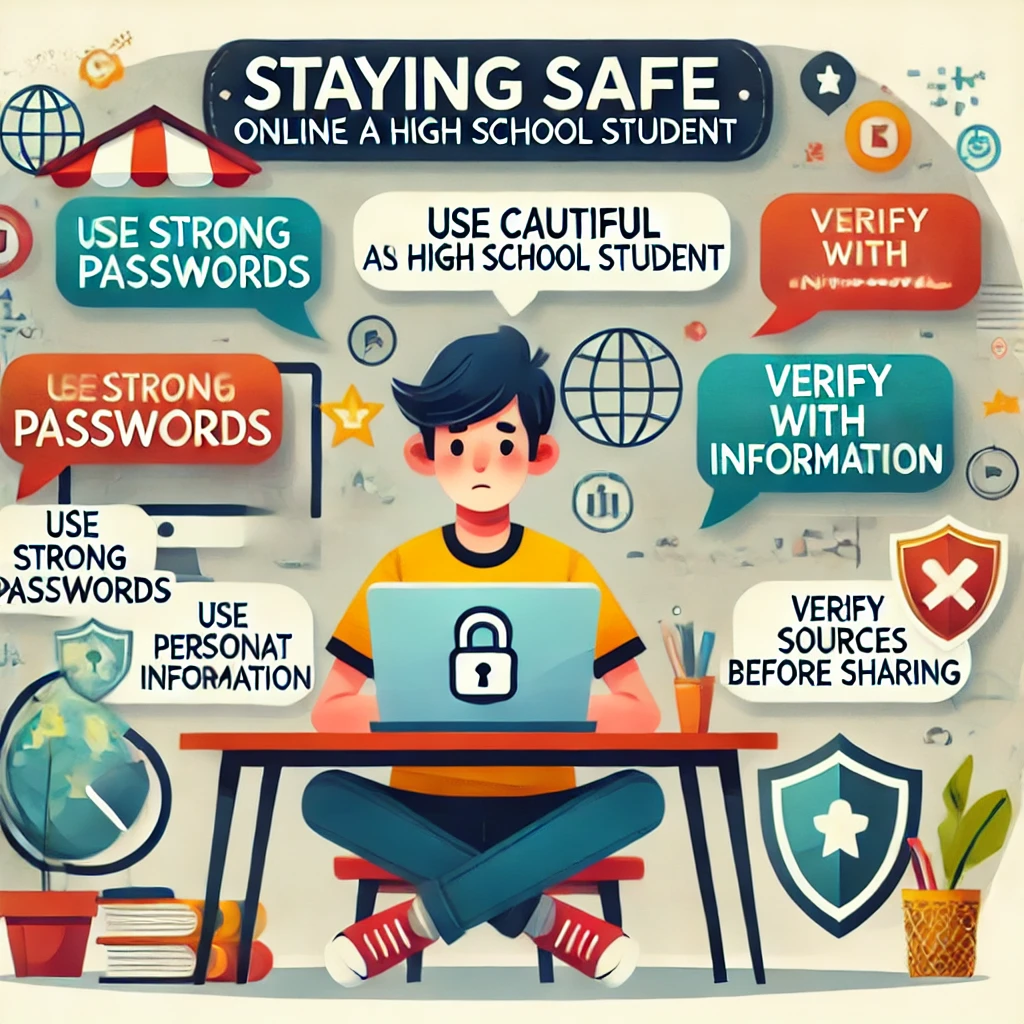
Staying Safe Online
The internet is an essential part of daily life, especially for high school students who use it for learning, socializing, and entertainment. However, online platforms also come with risks, including cyberbullying, scams, and privacy breaches. Here are practical tips to help you stay safe and make responsible choices while navigating the online world.
1. Protect Your Personal Information
Why It Helps:
Keeping personal details private reduces the risk of identity theft or unauthorized access.
How to Do It:
- Avoid sharing sensitive information like your full name, address, phone number, or school name on public profiles.
- Use strong, unique passwords for each account and enable two-factor authentication (2FA) where possible.
- Limit the information you post on social media, even in private accounts.
Tip: Update your privacy settings on all social platforms to restrict who can see your posts.
2. Think Before You Post
Why It Helps:
Once something is online, it’s almost impossible to remove it completely.
How to Do It:
- Avoid posting anything you wouldn’t want teachers, parents, or future employers to see.
- Consider the long-term impact of photos, videos, or comments before sharing.
- Respect others’ privacy and ask permission before tagging or posting about them.
Tip: Use the «Grandma Test»—if you wouldn’t want your grandmother to see it, don’t post it.
3. Be Cautious About Online Friendships
Why It Helps:
Not everyone online is who they claim to be.
How to Do It:
- Only accept friend requests or follow requests from people you know in real life.
- Be wary of strangers who ask for personal information or try to move conversations to private platforms.
- Report and block users who make you uncomfortable or act suspiciously.
Tip: If someone seems too good to be true, they might be—trust your instincts.
4. Avoid Clicking on Suspicious Links
Why It Helps:
Clicking unknown links can lead to scams, viruses, or phishing attacks.
How to Do It:
- Hover over links before clicking to see where they lead.
- Avoid links in messages or emails from unknown senders.
- Install reputable antivirus software to protect your device from malware.
Tip: If a link promises something unrealistic, like free money or prizes, it’s likely a scam.
5. Manage Your Privacy Settings
Why It Helps:
Controlling who can see your content protects your personal life from prying eyes.
How to Do It:
- Regularly review and update the privacy settings on social media and apps.
- Limit your posts to friends or trusted contacts instead of making them public.
- Turn off location sharing unless it’s absolutely necessary.
Tip: Perform a “privacy checkup” on your accounts every few months to ensure everything is secure.
6. Recognize and Avoid Cyberbullying
Why It Helps:
Addressing cyberbullying quickly prevents it from escalating.
How to Do It:
- Report and block anyone who sends hateful messages or harasses you online.
- Avoid responding to bullying—it often fuels the situation.
- Talk to a trusted adult, like a parent or school counselor, if you’re being targeted.
Tip: Stand up for others who are being bullied by reporting the behavior or offering support.
7. Be Mindful of Online Shopping
Why It Helps:
Protecting your financial information prevents fraud and scams.
How to Do It:
- Shop only on secure websites (look for “https” in the URL).
- Avoid entering credit card details on public Wi-Fi networks.
- Use payment methods like PayPal for added security.
Tip: Check reviews of websites or sellers before making a purchase.
8. Learn to Spot Fake News
Why It Helps:
Identifying misinformation ensures you don’t spread false information.
How to Do It:
- Check the source of articles or posts to ensure they’re reputable.
- Cross-reference information with trusted news outlets.
- Be cautious of overly dramatic or sensational headlines.
Tip: Use fact-checking websites like Snopes or FactCheck.org to verify claims.
9. Use Secure Wi-Fi Connections
Why It Helps:
Public Wi-Fi networks can expose your data to hackers.
How to Do It:
- Avoid accessing sensitive accounts (like banking or email) on public Wi-Fi.
- Use a Virtual Private Network (VPN) for added security when using shared networks.
- Disconnect from public Wi-Fi when it’s not in use.
Tip: At home, make sure your Wi-Fi is password-protected with a strong passphrase.
10. Speak Up About Unsafe Situations
Why It Helps:
Addressing problems early ensures your safety and that of others.
How to Do It:
- Report inappropriate content or behavior to the platform or a trusted adult.
- Let your parents or guardians know if you encounter something disturbing online.
- Advocate for digital safety awareness among your peers.
Tip: Schools often have resources or counselors who can help address online safety concerns.
Final Thoughts
Staying safe online as a high school student requires awareness, caution, and a proactive approach to managing your digital presence. By protecting your information, thinking critically, and seeking help when needed, you can enjoy the benefits of the internet while minimizing risks.
For additional tips and tools to enhance your online safety, explore helpful resources designed to keep you secure and informed!
Добавить комментарий