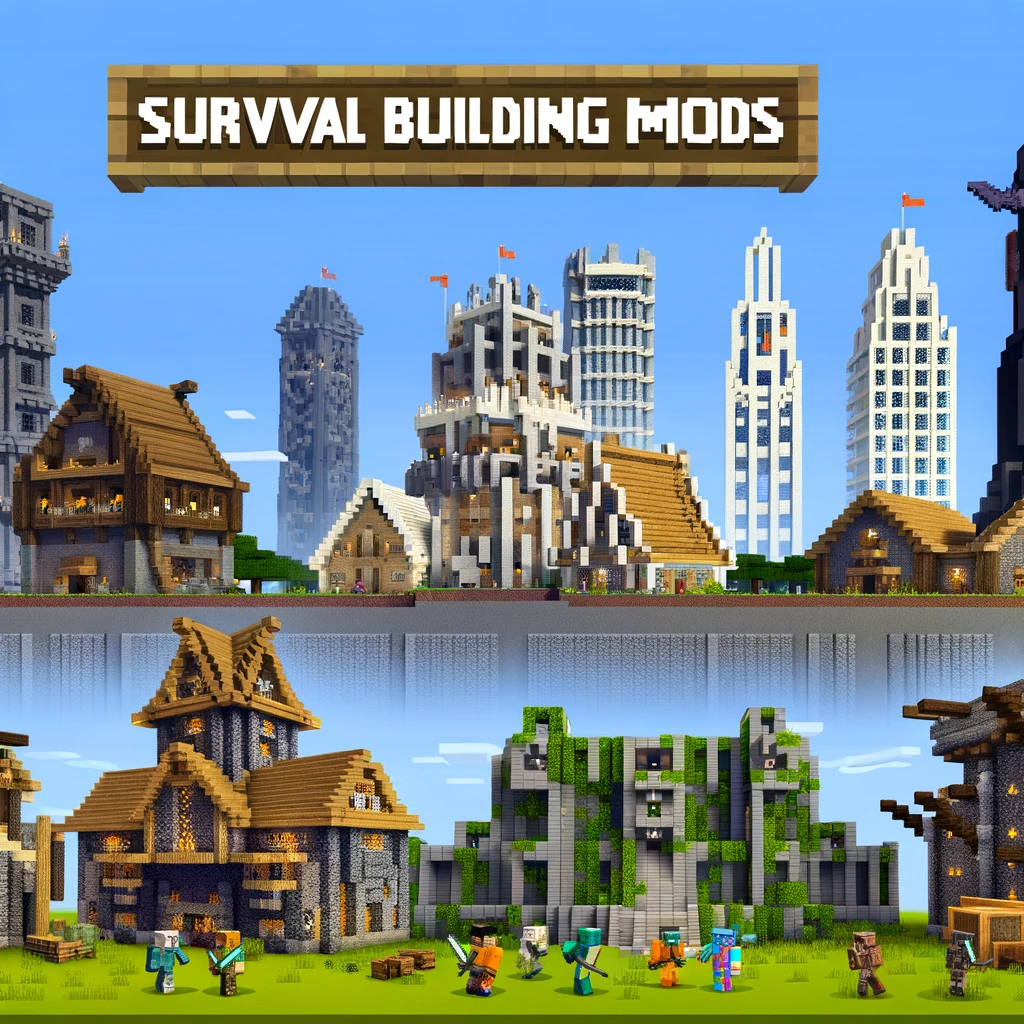
Elevate Your Minecraft Survival Builds: Essential Building Mods
Building in Minecraft is an art form, and for those who delve into survival mode, it’s also a matter of strategy and resource management. But what if you could enhance that aspect of the game even further? Enter the world of Minecraft building mods, designed to expand your creative possibilities and streamline the building process, all while keeping the thrill of survival mode alive. Let’s explore some essential building mods that every survival architect should consider.
1. Chisels & Bits
- What It Adds: Allows you to chisel away at blocks to create custom shapes and designs, adding incredible detail to your builds.
- Why You Need It: Perfect for adding intricate details and unique architectural elements to your survival bases or projects.
2. Building Gadgets
- What It Adds: Introduces tools that aid in building large structures more quickly and efficiently, such as the Building Gadget and Exchanging Gadget.
- Why You Need It: Speeds up the building process, letting you focus on design and creativity rather than repetitive block placement.
3. Tinkers’ Construct
- What It Adds: Adds a modular system for creating and customizing tools, including hammers and excavators for large-scale mining and terraforming.
- Why You Need It: While primarily a tool-crafting mod, its large-scale mining tools are invaluable for preparing large building sites.
4. Quark
- What It Adds: Introduces a plethora of small, thoughtful features and blocks designed to fit seamlessly into Minecraft’s vanilla aesthetic.
- Why You Need It: Adds variety and functionality with new building blocks and features, like vertical slabs and varied wood chests, enhancing your building and decorating options.
5. Immersive Engineering
- What It Adds: Brings in industrial-themed technological advancements, including power generation, machinery, and lighting.
- Why You Need It: Perfect for survival builders interested in creating more modern or industrial-themed builds without straying too far from Minecraft’s core gameplay.
6. Decocraft
- What It Adds: Adds over 3000 new decorative items and furniture to the game, from chairs and tables to toys and kitchen sinks.
- Why You Need It: Great for interior decorating and adding life to your builds, making your survival home not just a place to live, but a place to thrive.
7. Biomes O’ Plenty
- What It Adds: Introduces over 50 new biomes, each with unique blocks, plants, and building materials.
- Why You Need It: Expands your palette of natural materials for building, offering new and diverse environments as the backdrop or foundation for your structures.
8. Carpenter’s Blocks
- What It Adds: Provides customizable blocks, including slopes, stairs, gates, and more, which can take on the appearance of most other blocks.
- Why You Need It: Allows for more dynamic and varied architectural designs beyond the standard block shapes, enhancing the aesthetic of your builds.
9. MrCrayfish’s Furniture Mod
- What It Adds: Introduces a wide range of furniture and appliances that add both aesthetic and functional elements to your builds.
- Why You Need It: Perfect for adding the finishing touches to your home, making it feel lived-in and cozy with functional furniture.
10. Effortless Building
- What It Adds: Streamlines the building process with features like mirrored building, array building, and quick replace.
- Why You Need It: Makes large-scale building projects and symmetrical structures easier to execute, saving time and resources.
Installation Tips:
- Check compatibility with your Minecraft version and other mods.
- Use a reputable mod manager like Forge or Fabric for installation.
- Always back up your world before adding new mods.
- Test mods in a separate world before adding them to your main survival game.
Final Thoughts:
These building mods can significantly enhance your Minecraft survival experience, expanding your creative options and streamlining the building process. Whether you’re constructing a simple cottage, a sprawling castle, or a high-tech hideout, integrating these mods into your game can open up a whole new world of architectural possibilities. Remember, the only limit is your imagination (and maybe your inventory space). Happy building, and may your Minecraft creations be both grand and functional!
Добавить комментарий