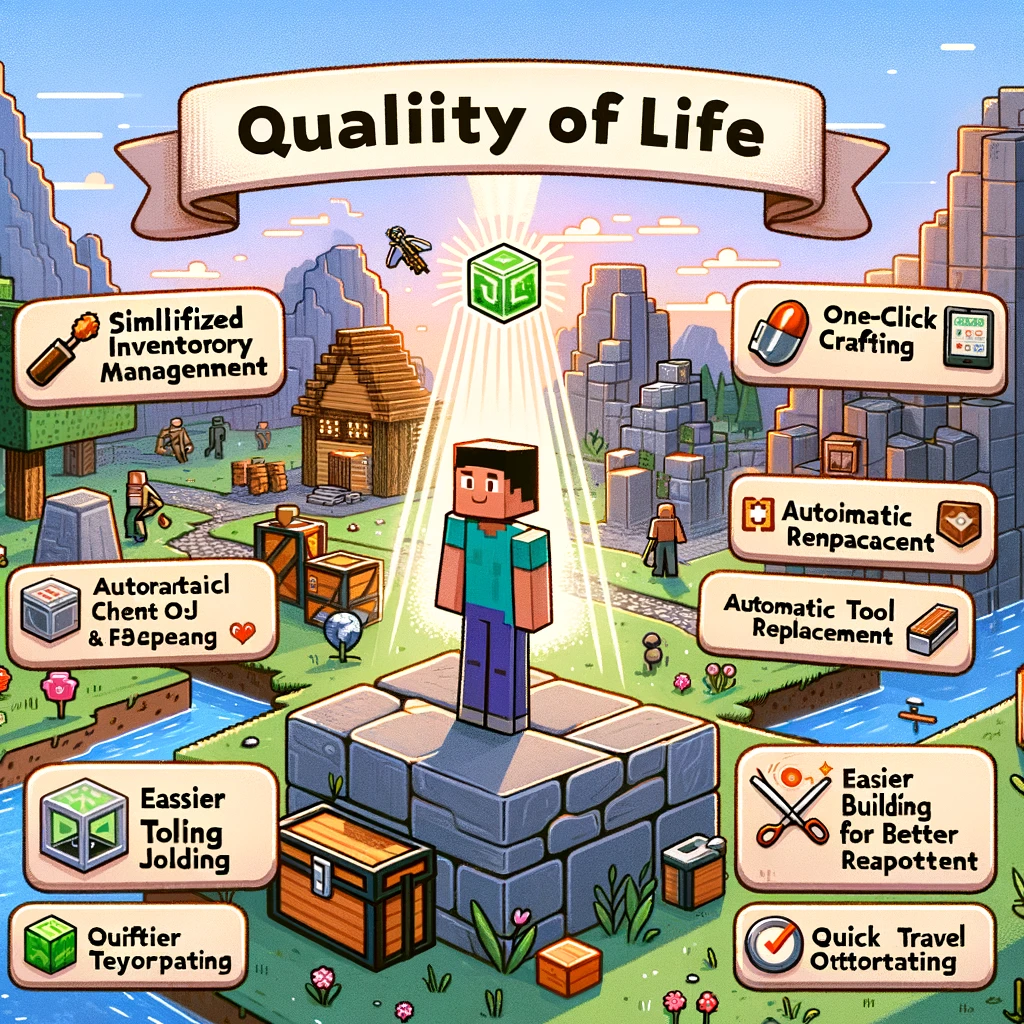
Transform Your Minecraft Experience: Essential Quality of Life Mods
Welcome, Minecraft enthusiasts! Whether you’re a seasoned builder, a hardcore survivor, or someone who just loves to explore the vast, blocky realms, quality of life (QoL) mods can significantly enhance your gameplay experience. These mods are designed not to overhaul the game but to streamline and improve various aspects, making everything from inventory management to exploration smoother and more enjoyable. Let’s dive into some must-have Minecraft QoL mods that will surely elevate your game.
1. Just Enough Items (JEI)
- What It Adds: An item and recipe viewer that displays all the crafting recipes and uses for various items within the game.
- Why You Need It: It eliminates the need to switch back and forth between the game and online guides, making crafting more accessible and less of a hassle.
2. Inventory Tweaks Renewed
- What It Adds: Automatic tool replacement when broken, customizable inventory sorting, and one-click item movement.
- Why You Need It: Saves time and effort by keeping your inventory organized and ensuring you’re always equipped with the right tools.
3. OptiFine
- What It Adds: Enhanced graphics options and performance optimizations, including dynamic lighting, smooth textures, and customizable settings.
- Why You Need It: Improves game visuals and performance, providing a smoother and more visually appealing Minecraft experience.
4. WAILA (What Am I Looking At) or HWYLA
- What It Adds: A display that shows information about whatever block or entity you’re currently looking at.
- Why You Need It: Helps identify new blocks and creatures introduced by other mods, making your exploration and resource gathering more informed.
5. The One Probe
- What It Adds: Similar to WAILA/HWYLA, providing detailed information about the blocks and entities you’re looking at, but can be more immersive as it requires an in-game item to use.
- Why You Need It: Offers a more balanced approach to gaining information about your environment, blending well with survival gameplay.
6. JourneyMap
- What It Adds: Real-time mapping in-game or in a web browser, showing terrain, creatures, and other players, with waypoint functionality.
- Why You Need It: Great for navigation and exploration, ensuring you never get lost and can always find important locations.
7. Mouse Tweaks
- What It Adds: Streamlines item picking and movement in inventories, including fast scrolling and dragging crafts.
- Why You Need It: Enhances inventory management, making it faster and more intuitive.
8. Fast Leaf Decay
- What It Adds: Leaves decay much faster after their tree is cut down.
- Why You Need It: Speeds up gathering and clearing trees, making wood collection less time-consuming.
9. Light Overlay
- What It Adds: An overlay that shows where light levels allow mobs to spawn.
- Why You Need It: Essential for properly lighting up areas to prevent unwanted mob spawns, enhancing base safety and efficiency.
10. Iron Chests
- What It Adds: Larger and more varied chest upgrades, allowing for more compact storage solutions.
- Why You Need It: Great for players who need more storage but want to keep their setups organized and space-efficient.
Installation Tips:
- Verify mod compatibility with your Minecraft version.
- Use a mod loader like Forge or Fabric for easier management.
- Back up your worlds before installing new mods.
- Read through each mod’s installation guide and requirements carefully.
Final Thoughts:
Quality of life mods are all about making your Minecraft journey more enjoyable, reducing tedious tasks, and allowing you to focus more on the fun parts of the game. Whether it’s improving your base’s organization, making navigation a breeze, or simplifying crafting, these mods are sure to enhance your Minecraft experience without altering the game’s core essence. So, gear up with these QoL mods and enjoy a smoother, more efficient, and more enjoyable Minecraft adventure!
Добавить комментарий