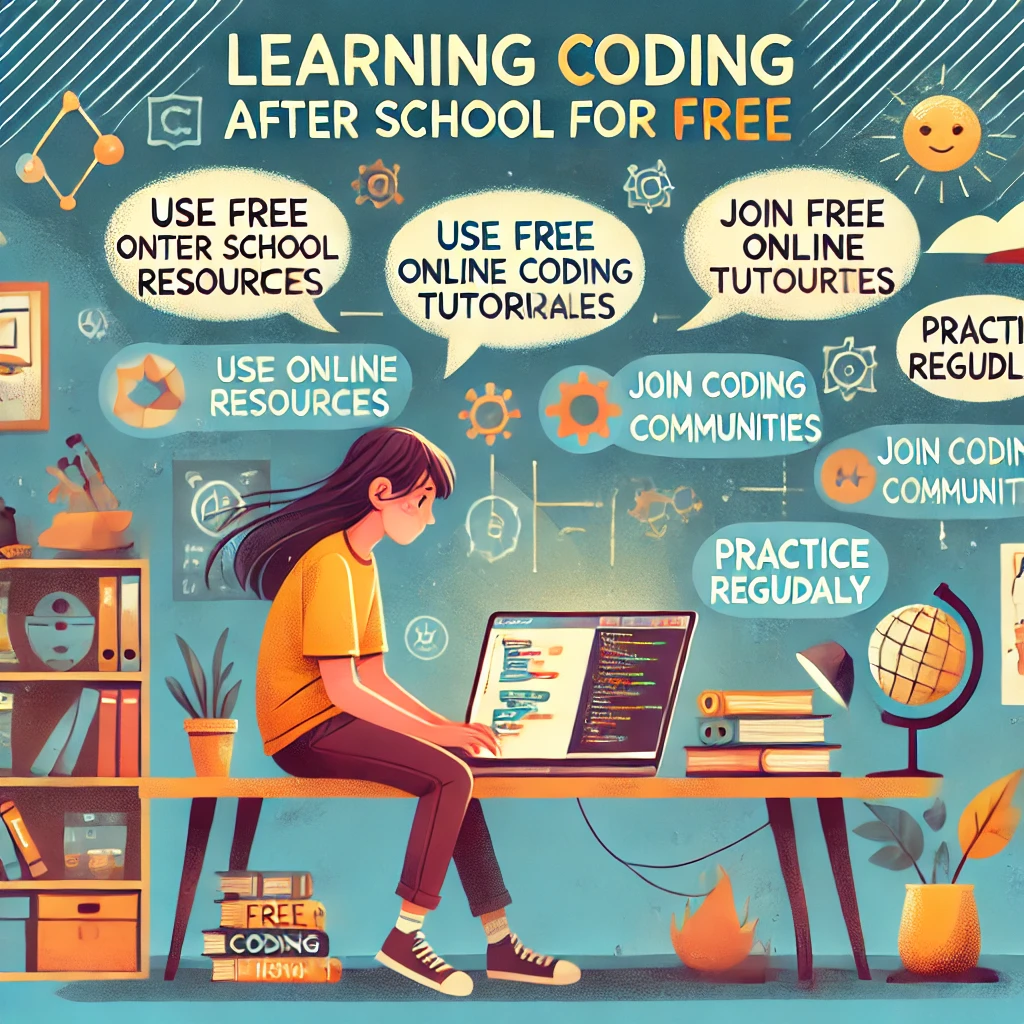
Learning Coding
Coding is a valuable skill that opens up opportunities in technology, creativity, and problem-solving. Fortunately, you don’t need to spend money to start learning! Here’s a guide to help you explore free resources and develop your coding skills after school.
1. Start with Free Online Platforms
Why It Helps:
These platforms offer structured lessons for beginners and allow you to learn at your own pace.
Top Free Platforms:
- Codecademy: Interactive lessons in Python, JavaScript, and HTML.
- Khan Academy: Beginner-friendly courses in computer programming and JavaScript.
- freeCodeCamp: Comprehensive coding lessons with real-world projects.
- Scratch: A visual programming tool perfect for younger learners or beginners.
Tip: Start with one platform to avoid feeling overwhelmed.
2. Explore YouTube Tutorials
Why It Helps:
YouTube offers countless tutorials for all levels, making coding accessible and engaging.
Popular YouTube Channels:
- Programming with Mosh: Beginner-friendly videos on Python, Java, and web development.
- The Net Ninja: Tutorials on JavaScript, React, and more.
- CS Dojo: Coding basics and problem-solving for beginners.
- Traversy Media: In-depth tutorials on web development and programming languages.
Tip: Look for playlists to follow a structured series of lessons.
3. Join Free Coding Bootcamps
Why It Helps:
Bootcamps provide immersive, project-based learning experiences.
Free Bootcamps:
- CS50 by Harvard: A renowned introduction to computer science and programming.
- The Odin Project: Full-stack web development curriculum.
- LaunchCode Discovery: Free coding courses with a focus on job-readiness.
Tip: Dedicate a few hours a week to stay on track with these intensive programs.
4. Use Coding Apps
Why It Helps:
Apps make coding convenient and fun, allowing you to learn anywhere.
Best Free Coding Apps:
- Grasshopper: Interactive coding puzzles for beginners.
- SoloLearn: Bite-sized lessons on Python, Java, C++, and more.
- Enki: Personalized coding exercises and challenges.
- Programming Hub: Courses and quizzes in various programming languages.
Tip: Set a daily goal on these apps to stay consistent.
5. Practice with Coding Challenges
Why It Helps:
Challenges improve your problem-solving skills and reinforce what you’ve learned.
Free Challenge Platforms:
- HackerRank: Practice coding problems and prepare for interviews.
- LeetCode: Focus on algorithms and data structures.
- Codewars: Solve challenges to advance your coding rank.
- Edabit: Beginner-friendly coding exercises.
Tip: Start with beginner-level challenges and gradually work your way up.
6. Build Small Projects
Why It Helps:
Projects help you apply your knowledge and create a portfolio of your skills.
Ideas for Beginners:
- Build a personal website using HTML, CSS, and JavaScript.
- Create a to-do list app with Python or JavaScript.
- Design a calculator using any programming language.
- Develop a simple game, like tic-tac-toe, in Scratch or Python.
Tip: Look for tutorials that guide you step-by-step through project creation.
7. Join Online Coding Communities
Why It Helps:
Connecting with other learners provides motivation, support, and feedback.
Communities to Explore:
- Reddit (r/learnprogramming): Ask questions and share progress with fellow coders.
- Stack Overflow: Get help with coding problems from experienced developers.
- Discord Servers: Join programming-focused groups like The Coding Den.
- GitHub: Share your projects and collaborate with others.
Tip: Participate actively in discussions to learn from others’ experiences.
8. Check Out Library Resources
Why It Helps:
Libraries often provide access to coding books, workshops, or online courses.
How to Do It:
- Borrow beginner-friendly books like Python Crash Course or HTML & CSS: Design and Build Websites.
- Attend free workshops or events hosted by your local library.
- Use library subscriptions to platforms like Lynda.com (now LinkedIn Learning).
Tip: Ask your librarian for recommendations on coding resources.
9. Use Open Source Projects
Why It Helps:
Contributing to open-source projects gives you hands-on experience and teaches collaboration.
How to Get Started:
- Explore beginner-friendly projects on GitHub with the «good first issue» label.
- Join open-source communities like Mozilla Developers Network or Open Source for Good.
- Start small by fixing bugs or adding minor features.
Tip: Read project documentation carefully to understand how to contribute effectively.
10. Create a Learning Schedule
Why It Helps:
Consistent practice ensures steady progress and helps you retain what you learn.
How to Do It:
- Dedicate 30 minutes to an hour daily for coding.
- Alternate between learning new concepts and practicing them through exercises or projects.
- Set weekly goals, such as completing a course module or finishing a project.
Tip: Treat coding like a subject you’re studying to stay disciplined.
Summary Table: Free Coding Resources
| Resource Type | Examples |
|---|---|
| Online Platforms | Codecademy, freeCodeCamp, Khan Academy |
| YouTube Channels | Programming with Mosh, The Net Ninja |
| Coding Challenges | HackerRank, Codewars, LeetCode |
| Apps | Grasshopper, SoloLearn, Enki |
| Open Source Communities | GitHub, Mozilla Developers Network |
Final Thoughts
Learning to code after school for free is entirely possible with dedication and the right resources. By combining online platforms, challenges, and real-world projects, you can develop strong coding skills at your own pace.
For more coding tips and resources, explore helpful guides and take the first step toward becoming a skilled programmer today!
Добавить комментарий