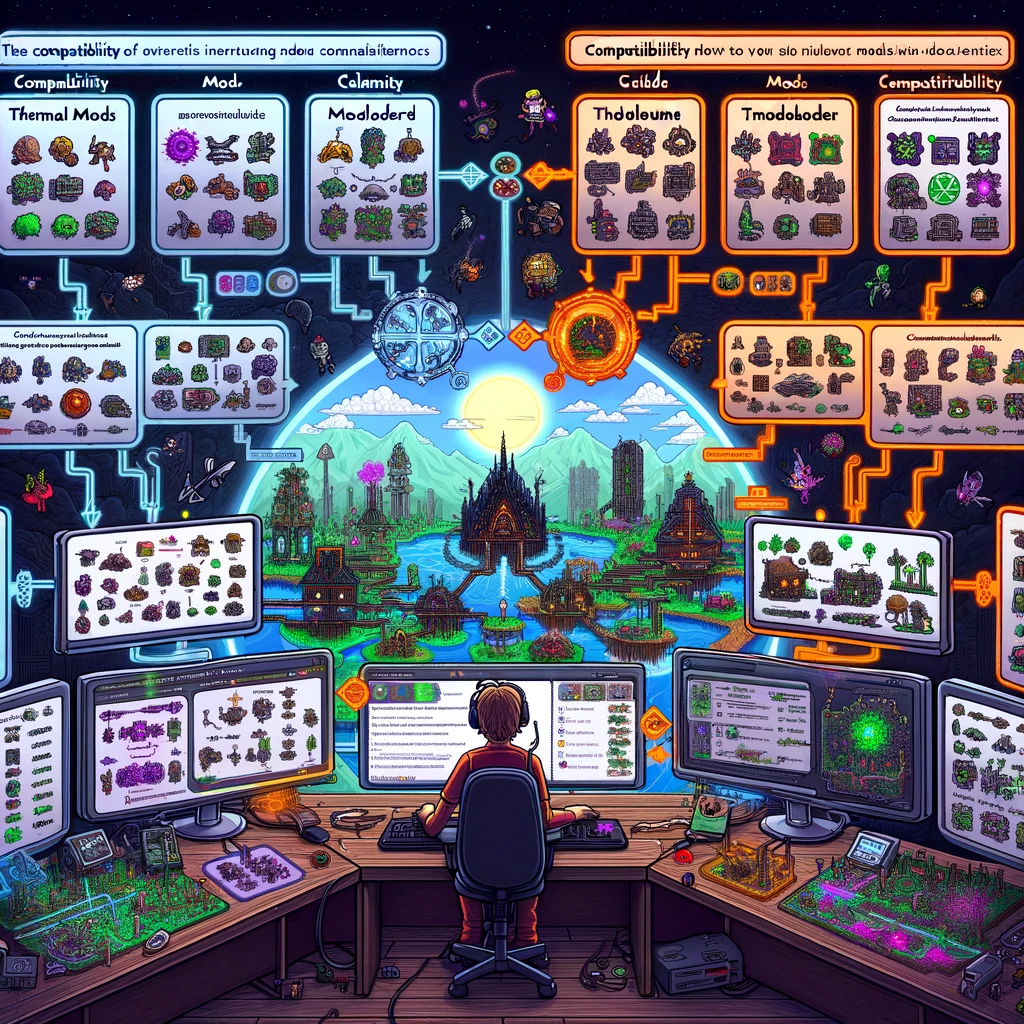
Modding in Terraria greatly extends the game’s lifespan and offers players new content, gameplay mechanics, and enhancements. However, compatibility between different mods can sometimes be a concern, as not all mods are developed with cross-compatibility in mind. Here’s an overview of how to manage mod compatibility in Terraria, focusing on using the popular mod loader, tModLoader, which is the community’s standard for applying and managing Terraria mods.
Understanding tModLoader
tModLoader is a tool that loads mods for Terraria and handles compatibility, updates, and mod settings. It operates as a separate version of Terraria, allowing players to switch between modded and vanilla gameplay as desired. Here are key aspects to consider regarding mod compatibility when using tModLoader:
- Mod Updates and Versions:
- Ensure that all your installed mods are updated to work with the current version of tModLoader and Terraria. Mismatched versions can lead to crashes, bugs, and other compatibility issues.
- Conflicting Mods:
- Some mods may inherently conflict with each other, especially if they modify similar aspects of the game (e.g., NPC behavior, world generation). Reading the mod descriptions and any provided compatibility notes can help identify potential conflicts.
- Load Order:
- The order in which mods are loaded can affect compatibility. tModLoader allows you to rearrange the load order of mods, which can sometimes resolve conflicts.
- Mod Configurations:
- Many mods offer configurable options that can be adjusted to improve compatibility or tailor the gameplay experience. Access these settings through the Mod Configuration menu in tModLoader.
Tips for Managing Mods
- Research Before Installing:
- Before downloading and installing new mods, research to ensure they are compatible with your current mod setup. Forums, mod descriptions, and community feedback are valuable resources for understanding compatibility issues.
- Start Small:
- When building a modded setup, start with a few essential mods and gradually add more. This step-by-step approach makes it easier to identify which mod might be causing issues if problems arise.
- Use Mod Packs:
- Some community members create mod packs that include a pre-selected list of compatible mods. These packs can simplify the process of modding by ensuring the mods included work well together.
- Back Up Your Saves:
- Always back up your save files before installing new mods. Modding can sometimes lead to corrupted save files, so having backups ensures you don’t lose your progress.
- Check for Patches:
- Some mod developers release patches that improve compatibility with other specific mods. Look for these and install them when available.
- Community Resources:
- Engage with the Terraria modding community through forums, Discord servers, and Reddit. Experienced modders often share insights on which mods work well together and how to troubleshoot common issues.
Popular Mods and Compatibility
- Calamity Mod with Thorium Mod: These two massive content mods are sometimes used together, but they may not be fully balanced against each other as they both significantly expand the game independently.
- Magic Storage: Highly compatible with various other mods as it provides an enhanced storage system that benefits almost any modded playthrough.
Using mods can transform the way you play Terraria, opening up a world of possibilities. By carefully managing compatibility and staying informed through community resources, you can enjoy a stable and enriched modded Terraria experience.
Добавить комментарий