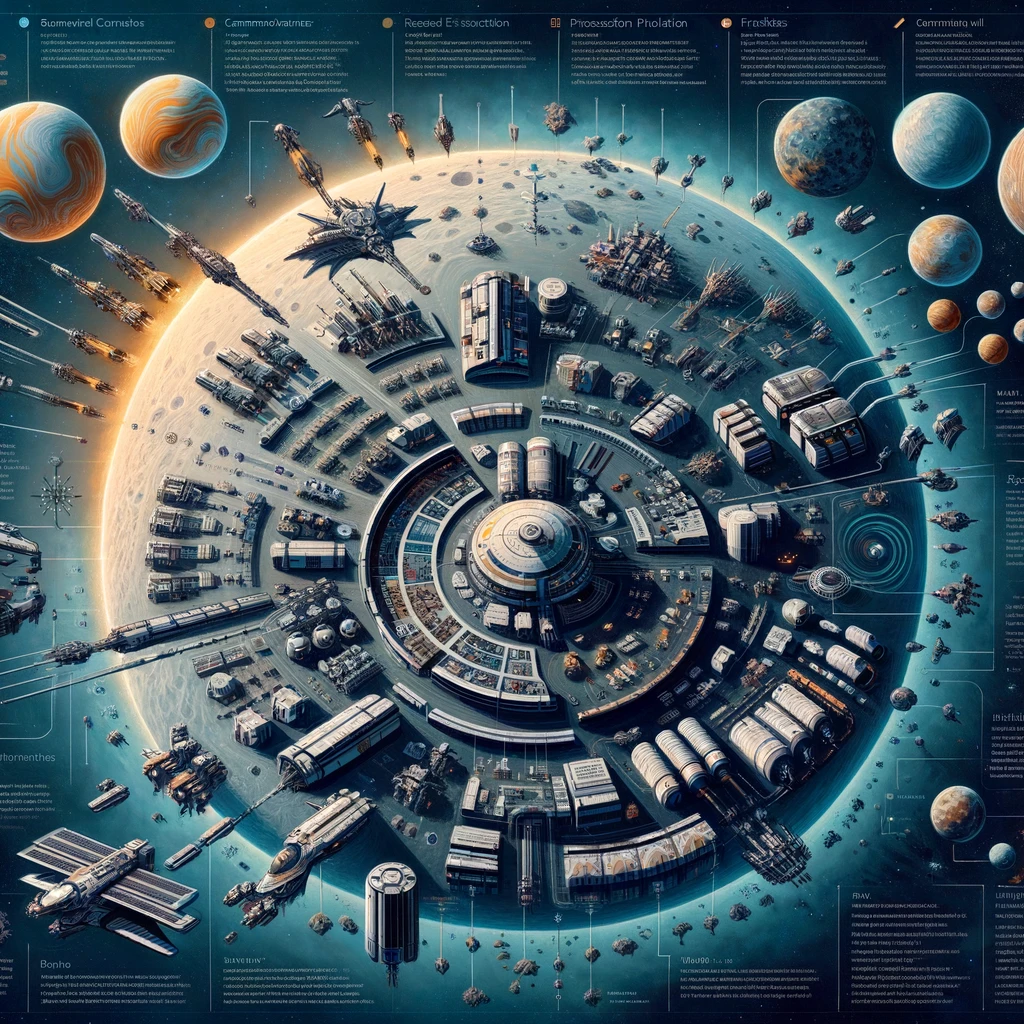
Planetary Interaction (PI) in EVE Online allows players to extract resources from planets and process them into valuable commodities used in manufacturing various in-game items, including those necessary for constructing structures and ships. A well-optimized Planetary Interaction setup can be a significant source of passive income. Here’s how to establish and optimize your PI setups in EVE Online:
Step 1: Skills and Preparation
- Train Relevant Skills: To maximize efficiency, train skills like Command Center Upgrades and Planetology. Advanced skills such as Advanced Planetology will further increase your efficiency by providing more accurate scans of planetary resources.
- Choose Your Planets: Different planets offer different resources. Use the in-game Planetary Production interface or third-party tools to identify planets with the resources you need. Consider the tax rate set by the controlling entity of the planet.
Step 2: Setting Up Your Command Center
- After landing on your chosen planet, deploy a Command Center (CC). Upgrade your CC to increase its power grid and CPU capabilities, allowing for more extractors and processors.
Step 3: Extracting Resources
- Extractor Control Units (ECUs): Place ECUs near resource hotspots. Use surveying to determine the best placement for optimal resource extraction.
- Extractor Heads: Deploy extractor heads from your ECU to begin extracting raw materials. Adjust the heads’ placement and extraction time for efficient resource gathering.
Step 4: Processing Resources
- Basic Industry Facilities: Route raw materials to these facilities to process them into tier 1 commodities.
- Advanced Industry Facilities: Further process tier 1 commodities into higher-tier products. Efficient routing and placement of these facilities can significantly impact your setup’s productivity.
Step 5: Storage and Export
- Storage Facilities: Use storage facilities to buffer resources and processed goods. This ensures continuous operation even if you cannot log in to manage your PI setups daily.
- Launchpads: Use launchpads not just for storage but also for exporting goods to orbit, from where they can be transferred to your cargo hold using a customs office.
Optimization Tips
- Minimize Routing Distances: Shorter routes between extractors, processors, and storage facilities reduce power and CPU usage, allowing for more infrastructure on the same planet.
- Balance Production: Ensure your processing facilities are balanced with your extraction rates to avoid bottlenecks or idle facilities.
- Refresh Cycles: Regularly adjust your extractors based on resource regeneration to maintain optimal output.
- Colony Layout: Plan your colony layout carefully to optimize space and resource routes. Avoid unnecessary overlaps or long connections.
- Multiple Planets: Diversify your PI across multiple planets to access a variety of resources. Specializing in high-demand commodities can increase profitability.
- Use Multiple Characters: If possible, use multiple characters on the same account for PI. This allows you to manage more planets and significantly increase your income.
Planetary Interaction in EVE Online requires initial effort to set up and occasional monitoring to maintain efficiency. However, once optimized, it provides a reliable source of income with minimal ongoing effort. Whether you’re funding your PvP adventures, contributing to your corporation’s needs, or simply building wealth, effective PI setups can significantly enhance your EVE Online experience.
Добавить комментарий