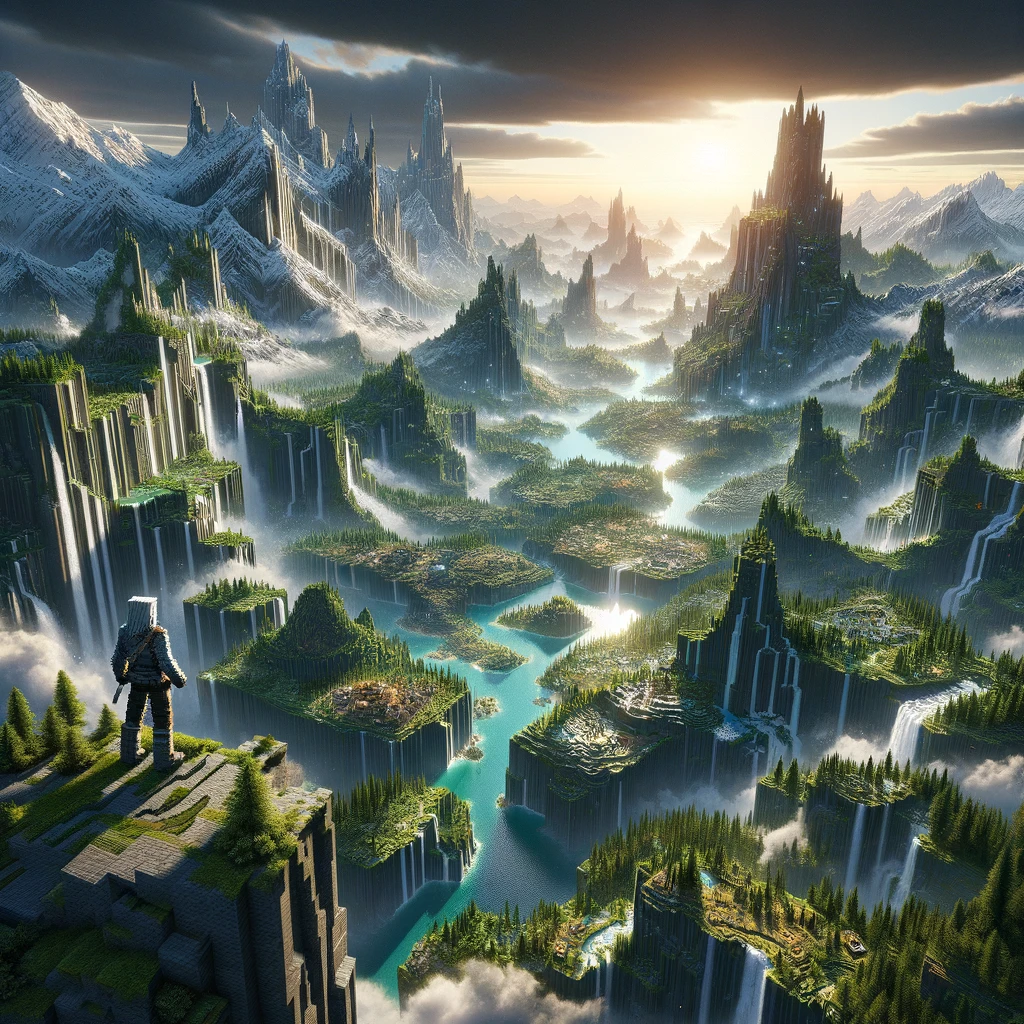
Minecraft’s terrain is the canvas on which players craft their adventures, build their dreams, and face their challenges. While the base game offers a variety of landscapes, the experience can be greatly enhanced with mods that introduce new biomes, geological features, and even entire dimensions. For those looking to elevate their exploration and survival experience, terrain mods can transform the world into an even more diverse and intriguing place to discover. Here are some notable mods focused on enhancing Minecraft’s terrain, making every expedition a journey into the unknown.
Biomes O’Plenty
- What It Offers: Biomes O’Plenty is a classic terrain mod that adds over 50 new biomes to Minecraft, along with new blocks, plants, flowers, and trees. From mystical groves and lavender fields to ominous woods and coral reefs, the mod drastically expands the variety of environments players can explore.
- Why It’s Great for Terrain: It enriches the world with diverse ecosystems, making exploration more rewarding and building locations more unique and varied.
TerraForged
- What It Offers: TerraForged reworks Minecraft’s world generation to produce more realistic and visually appealing landscapes. It introduces enhanced terrain features such as improved mountain formations, realistic river systems, and varied biome transitions. The mod offers extensive customization options, allowing players to tweak the generation settings to their liking.
- Why It’s Great for Terrain: It creates a more immersive and natural world, encouraging players to explore the breathtaking landscapes it generates.
WildNature
- What It Offers: WildNature adds a wide range of new biomes and environmental features, along with new tree types, plants, and building materials. The mod focuses on enhancing the natural beauty of Minecraft’s world, introducing detailed and varied vegetation that makes forests, meadows, and other biomes feel alive.
- Why It’s Great for Terrain: It provides a lush, detailed environment that makes exploration a delight, offering new resources and inspiration for builders and adventurers alike.
Traverse
- What It Offers: Traverse focuses on adding a variety of realistic biomes to Minecraft without altering the game’s vanilla essence. The mod introduces biomes like autumnal woods, meadows, and mini jungles, each designed to complement the existing Minecraft biomes seamlessly.
- Why It’s Great for Terrain: It expands the game’s exploration potential by adding new, beautifully crafted biomes that fit perfectly within the Minecraft aesthetic.
Realistic Terrain Generation (RTG)
- What It Offers: RTG is another mod that aims to improve Minecraft’s terrain generation for a more realistic look. It doesn’t add new biomes but enhances the existing ones, modifying landscapes to appear more lifelike with smoother transitions between biomes and more varied topography.
- Why It’s Great for Terrain: It offers a new way to experience the original Minecraft biomes, transforming them into more dynamic and realistic versions of themselves.
Atmospheric
- What It Offers: Atmospheric introduces several new biomes, particularly focusing on arid, desert-like environments and lush forests, adding more diversity and life to these areas. It includes new vegetation, blocks, and even mobs unique to these biomes, enhancing the exploration experience.
- Why It’s Great for Terrain: It diversifies the types of ecosystems players can explore, especially enhancing areas that might have felt monotonous or underdeveloped in the base game.
Installing Terrain Mods
To embark on a journey through these enhanced terrains, follow these steps:
- Install a Mod Loader: Mods like these typically require Minecraft Forge or Fabric. Download and install the version corresponding to your Minecraft version.
- Download the Mods: Always download mods from reputable sources such as CurseForge to ensure they’re safe and compatible.
- Place the Mods in the Mods Folder: Drag and drop the mod files into the «mods» folder within your Minecraft directory. If this folder doesn’t exist, create it.
- Launch Minecraft with the Mod Loader: Start the game using the mod loader profile. You should now be ready to explore new and enhanced terrains.
Conclusion
Terrain mods offer a fresh perspective on Minecraft’s world, turning every exploration into an adventure filled with new sights and discoveries. Whether you’re traversing realistic landscapes, discovering lush biomes, or marveling at the enhanced beauty of vanilla terrains, these mods ensure that the world beneath your feet is as engaging and diverse as the adventures you embark upon.
Добавить комментарий