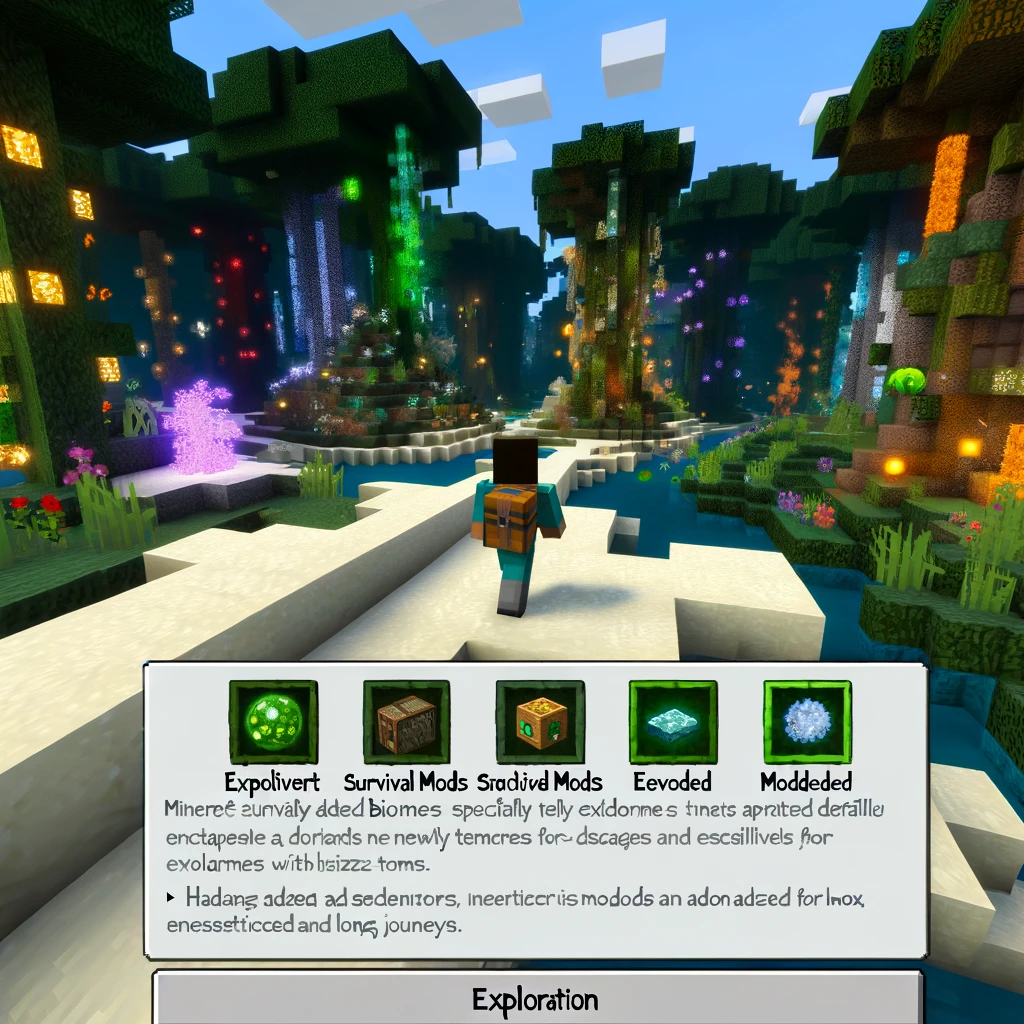
Exploration is at the heart of Minecraft’s enduring appeal. The game’s vast, procedurally generated worlds offer endless possibilities for adventure, discovery, and the thrill of the unknown. For those who’ve wandered the vanilla landscapes and yearn for new horizons, the modding community has crafted experiences that push the boundaries of exploration even further. Here are some of the best survival mods focused on exploration, each designed to renew your sense of wonder and challenge as you traverse through Minecraft’s endless realms.
Biomes O’Plenty
- What It Offers: Biomes O’Plenty adds over 90 new biomes to Minecraft, dramatically increasing the variety of landscapes. From mystical groves and lavender fields to ominous woods and coral reefs, each biome is a new world to explore, filled with unique plants, blocks, and building materials.
- Why It’s Great for Exploration: It makes each journey unique, with diverse ecosystems that renew the game’s sense of discovery and wonder.
The Twilight Forest
- What It Offers: This mod introduces an entirely new dimension, accessed through a magical portal built from flowers and water. The Twilight Forest is a dense, enchanting world filled with giant trees, mysterious ruins, and challenging bosses. Its unique biomes and structures are intertwined with engaging quests and loot.
- Why It’s Great for Exploration: It offers a cohesive, fairy-tale-like adventure, encouraging in-depth exploration with rewards and challenges.
Lost Cities
- What It Offers: Lost Cities transports you to an abandoned world filled with crumbling cities and infrastructure. This mod can be configured as a world type, transforming the entire landscape into an urban wasteland ripe for exploration. You’ll find buildings to loot, dungeons to explore, and a unique setting for survival.
- Why It’s Great for Exploration: It provides a post-apocalyptic exploration experience, a stark contrast to Minecraft’s usual natural landscapes.
Mystical World
- What It Offers: Mystical World introduces a range of mythical creatures and new ore types to the game, along with unique biomes. From gentle deer and sprightly spriggans to fierce enderminis, the mod adds both beauty and danger to your exploration endeavors.
- Why It’s Great for Exploration: It enriches the world with fantastical elements, making each exploration trip a chance to encounter something magical or menacing.
Aether II
- What It Offers: Aether II is a massive mod that adds a new dimension called the Aether, envisioned as the opposite of the Nether. Floating islands, unique mobs, and new mechanics, such as flying pigs and airships, create a sky-high adventure that’s drastically different from anything in the overworld or Nether.
- Why It’s Great for Exploration: It’s like discovering a whole new game within Minecraft, with its sky islands offering a fresh perspective on survival and exploration.
Waystones
- What It Offers: Waystones adds craftable waystones that players can place around the world for teleportation. Once activated, you can instantly travel between any two waystones, making exploration less tedious and allowing for quick returns to interesting locations.
- Why It’s Great for Exploration: It encourages distant exploration by removing the fear of getting lost or the tedium of long journeys back home, making it easier to venture farther into the unknown.
Nature’s Compass
- What It Offers: Nature’s Compass is a simple yet incredibly useful tool that allows you to find any biome within the game. By right-clicking with the compass in hand, you can search for a specific biome, and the compass will point you in its direction.
- Why It’s Great for Exploration: It’s perfect for explorers looking for specific scenes or resources, streamlining the search process and adding a new objective to your adventures.
How to Install These Mods for Exploration
To embark on these expanded adventures, you’ll generally need to install a mod loader like Forge or Fabric. Here’s a quick guide:
- Download and Install Forge or Fabric: Choose the loader compatible with the mods you’re interested in and install it for your Minecraft version.
- Download Mods: Always use reputable sources like CurseForge to download mods, ensuring they’re safe and compatible with your game version.
- Place Mods in the «Mods» Folder: Drop the downloaded mod files into the «mods» folder located in your Minecraft directory. If it doesn’t exist, create one.
- Launch Minecraft with the Mod Loader: Open the Minecraft launcher, select the profile for your mod loader, and start the game. Your new mods should be ready to enhance your exploration experience.
Conclusion
With these mods, Minecraft transforms into an even more boundless playground for exploration, inviting you to uncover new lands, mysteries, and challenges. Whether you’re delving into enchanted forests, decaying urban sprawls, or mystical dimensions, each mod offers a unique journey that rekindles the spirit of adventure and discovery in Minecraft’s ever-expanding universe.
Добавить комментарий