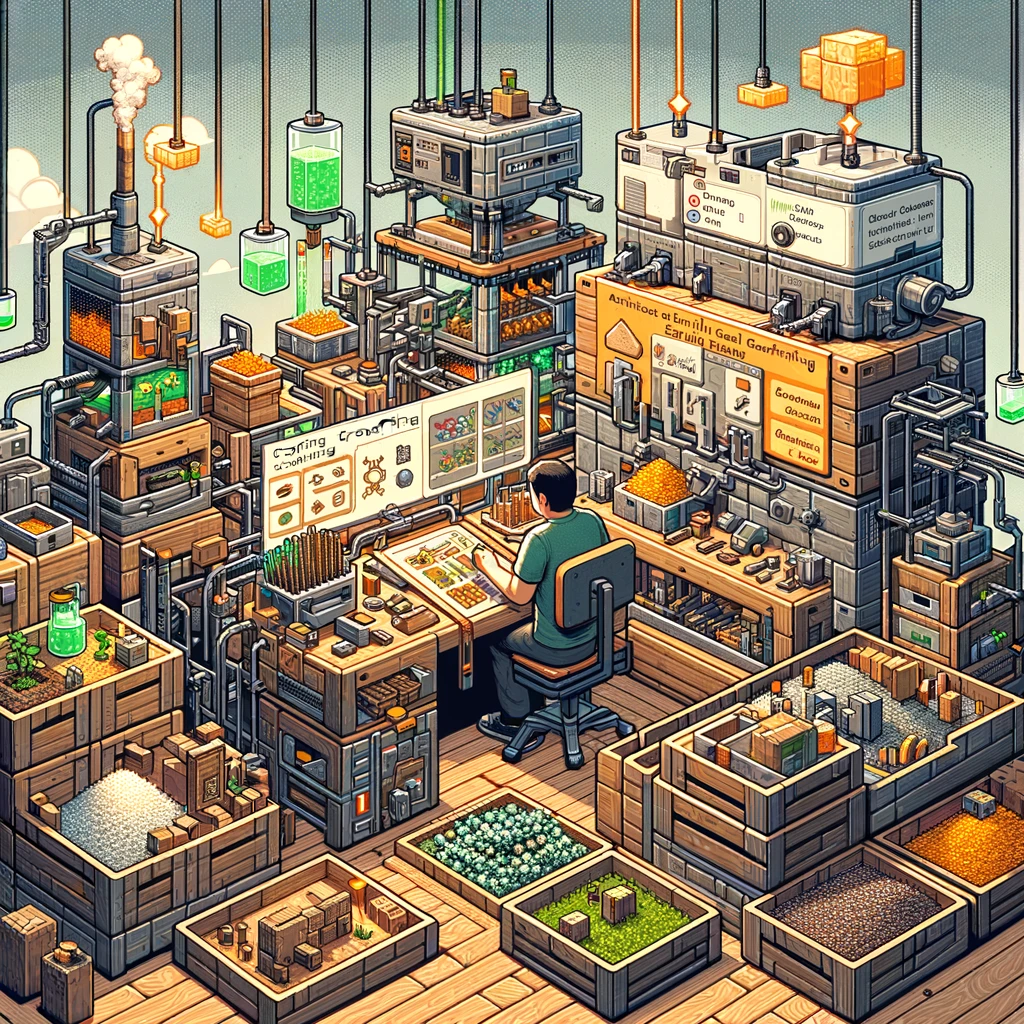
Elevate Your Crafting Game: Top Minecraft Mods for Crafting Enhancement
In Minecraft’s survival mode, crafting is at the heart of the game. Whether it’s creating essential tools, building shelter, or preparing for an epic battle, your crafting table is where the magic happens. But as your inventory expands and your ambitions grow, the vanilla crafting system can feel limiting. Thankfully, there’s a world of mods out there designed to enhance and streamline your crafting experience. Here’s a curated list of Minecraft mods that will take your crafting to the next level.
1. Tinkers’ Construct
- What It Adds: Introduces a new, modular system for tool and weapon crafting, offering customizable and upgradable items with unique abilities.
- Why You Need It: To create tools and weapons that grow with you, adapting to your specific needs and playstyle.
2. Applied Energistics 2
- What It Adds: Features a sophisticated storage and crafting system, turning materials into digital data for easy management and automated crafting.
- Why You Need It: For managing large quantities of resources and crafting complex items effortlessly, perfect for large-scale projects.
3. Crafting Tweaks
- What It Adds: Adds quality-of-life improvements to the crafting interface, such as rotating the grid, balancing materials, and clearing slots with one click.
- Why You Need It: To make the crafting process faster and more efficient, especially when dealing with repetitive or complex recipes.
4. JEI (Just Enough Items)
- What It Adds: Provides a comprehensive item and recipe viewer, with the ability to look up uses and sources for any item instantly.
- Why You Need It: To streamline your crafting workflow, quickly learning new recipes and tracking down necessary materials.
5. Refined Storage
- What It Adds: Offers network-based storage and crafting, similar to Applied Energistics but with a different approach and style.
- Why You Need It: For an alternative method of managing resources and automating crafting, particularly useful if you prefer a simpler interface.
6. Auto Utilities
- What It Adds: Introduces automated crafting tables and machines, enhancing production efficiency and allowing for bulk crafting.
- Why You Need It: To automate repetitive crafting tasks, saving time and effort when producing large quantities of items.
7. FastWorkbench
- What It Adds: Improves the performance and functionality of the standard crafting table, reducing lag and adding useful features.
- Why You Need It: For a smoother, more responsive crafting experience, especially in resource-intensive environments.
8. Extended Crafting
- What It Adds: Adds new crafting tables and mechanics, including tiered crafting tables for complex recipes and automation interfaces.
- Why You Need It: To expand your crafting capabilities beyond the basic table, enabling the creation of advanced items and components.
9. Cyclic
- What It Adds: Features a wide array of new items, blocks, and tools, including several crafting enhancements like batch crafting and portable crafting.
- Why You Need It: For a variety of quality-of-life improvements that make crafting more versatile and convenient.
10. Artisan Worktables
- What It Adds: Provides themed worktables for different types of crafting, from engineering to magecraft, each with unique recipes and capabilities.
- Why You Need It: To specialize your crafting stations, adding depth and flavor to the crafting process while expanding your creative possibilities.
Installation Tips:
- Verify compatibility with your current Minecraft version and other mods.
- Use a mod manager like Forge or Fabric for easier installation and updates.
- Back up your game before installing new mods to protect your progress.
- Test the mods in a creative world first to understand their features and impacts on your crafting process.
Final Thoughts:
Enhancing your crafting experience in Minecraft can lead to a more enjoyable and efficient survival journey. These mods provide the tools to revolutionize the way you craft, store, and manage resources, allowing you to focus more on exploring, building, and thriving in the vast world of Minecraft. Happy crafting!
Добавить комментарий