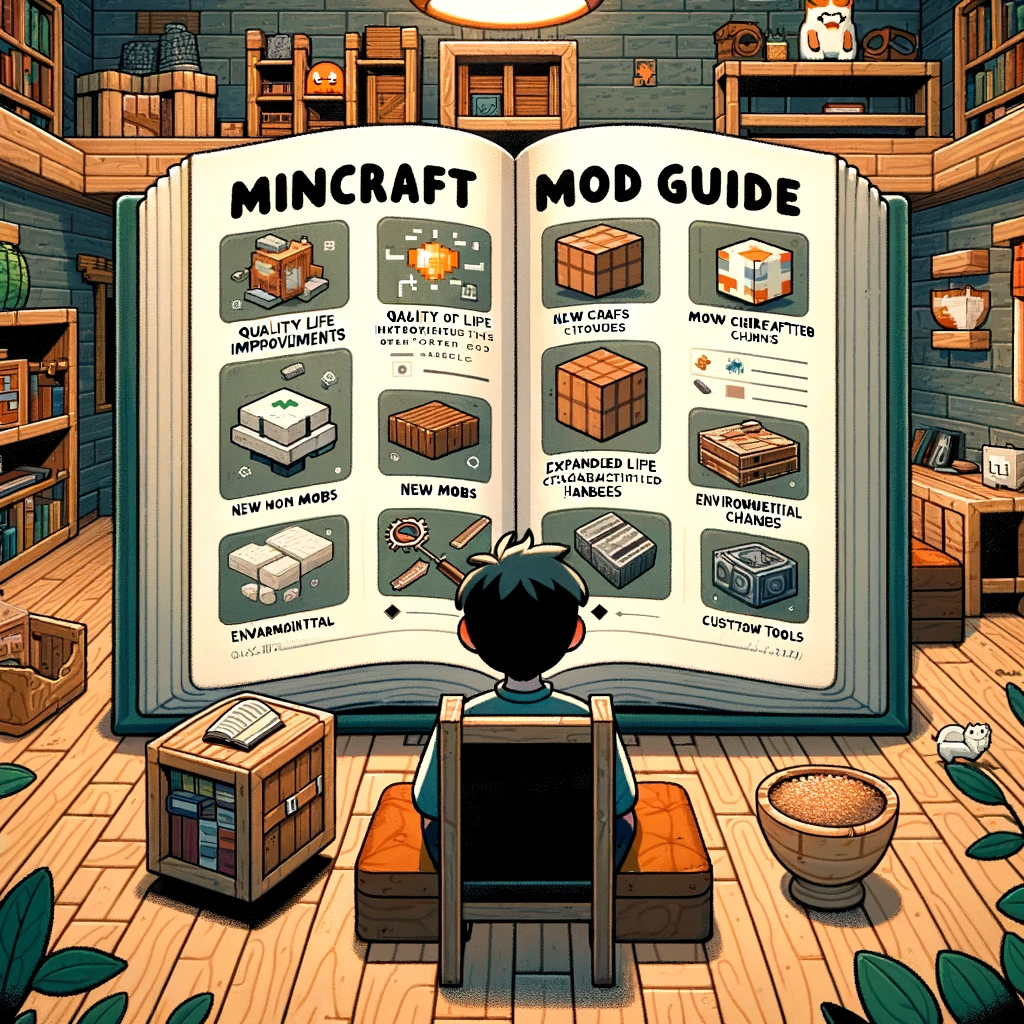
Navigating the World of Minecraft Mods: A Comprehensive Guide
Ah, Minecraft mods! They transform the game in ways you never imagined, from enhancing the graphics to adding entirely new dimensions and gameplay mechanics. But where do you start, and how do you ensure you’re not biting off more than you can chew (or more than your computer can handle)? Fear not, fellow Minecraft enthusiast, for you’re about to embark on a journey into the heart of modded Minecraft with this guide as your map.
Step 1: Understanding Minecraft Mods
Mods (short for modifications) are alterations to the game made by the community that can change gameplay, add new content, or overhaul graphics. Before diving in:
- Compatibility: Check mod compatibility with your version of Minecraft. Most mods specify which version they work with.
- Sources: Download mods only from reputable sources to avoid harmful software. Sites like CurseForge are popular and generally safe options.
- Backups: Always back up your Minecraft world before installing new mods. Better safe than sorry!
Step 2: Setting Up for Modding
Before you can enjoy mods, you need the right setup:
- Mod Loaders: Tools like Forge or Fabric are required to run most mods. They modify the game to allow mods to work seamlessly. Download the version corresponding to your Minecraft edition.
- Installation: Install your chosen mod loader by following the provided instructions. This usually involves running an installer and following its steps.
Step 3: Choosing Your Mods
The modding world is vast. Start with a goal or theme in mind – are you looking for a better Minecraft look, new adventures, or more building options? Here are some categories to explore:
- Quality of Life (QoL) Mods: These mods make minor improvements to gameplay, like inventory management or map displays.
- Biome and World Mods: Transform your world with new landscapes, biomes, and dimensions.
- Tech and Automation Mods: Introduce new technologies, machinery, and automation options into your game.
- Magic Mods: Add a touch of mysticism with spells, enchantments, and magical artifacts.
- Adventure and RPG Mods: Bring new quests, dungeons, and creatures into your world for added challenge and exploration.
Step 4: Installing Mods
Once you’ve chosen your mods:
- Download: Save the mod files (usually .jar files) to your computer.
- Minecraft Folder: Locate your Minecraft «mods» folder. If you can’t find it, run Minecraft after installing your mod loader, and the folder should be created.
- Transfer Files: Move the downloaded mod files into the «mods» folder.
- Launch Game: Start Minecraft using the mod loader profile (Forge, Fabric, etc.). If the mods are compatible, they should be active in your game.
Step 5: Troubleshooting Common Issues
Mods can sometimes conflict or cause issues:
- Crashes and Bugs: If Minecraft crashes or bugs appear, try removing recently added mods to identify the culprit.
- Compatibility: Some mods require specific versions or additional mods to work. Read the mod’s description and requirements carefully.
- Performance: Adding many mods can slow down your game. Optimize performance by installing only what you need and using performance-enhancing mods like OptiFine.
Step 6: Enjoying Your Modded Game
With everything set up, it’s time to enjoy your new Minecraft experience! Here are a few tips:
- Experiment: Don’t be afraid to try out different mods and combinations to find what works best for you.
- Community: Join Minecraft modding forums and communities to share experiences, get help, and find new mods.
- Updates: Keep your mods and mod loaders updated for the best performance and new features.
Conclusion:
Minecraft mods can unlock a whole new dimension of play, reinvigorating your love for the game. Whether you’re engineering complex machinery, exploring new worlds filled with mythical creatures, or simply building your dream house with new blocks and tools, mods offer endless opportunities for personalization and adventure. Remember, the key to a successful modded Minecraft experience is research, preparation, and community engagement. So, gear up, and dive into the boundless universe of Minecraft mods. Happy modding!
Добавить комментарий