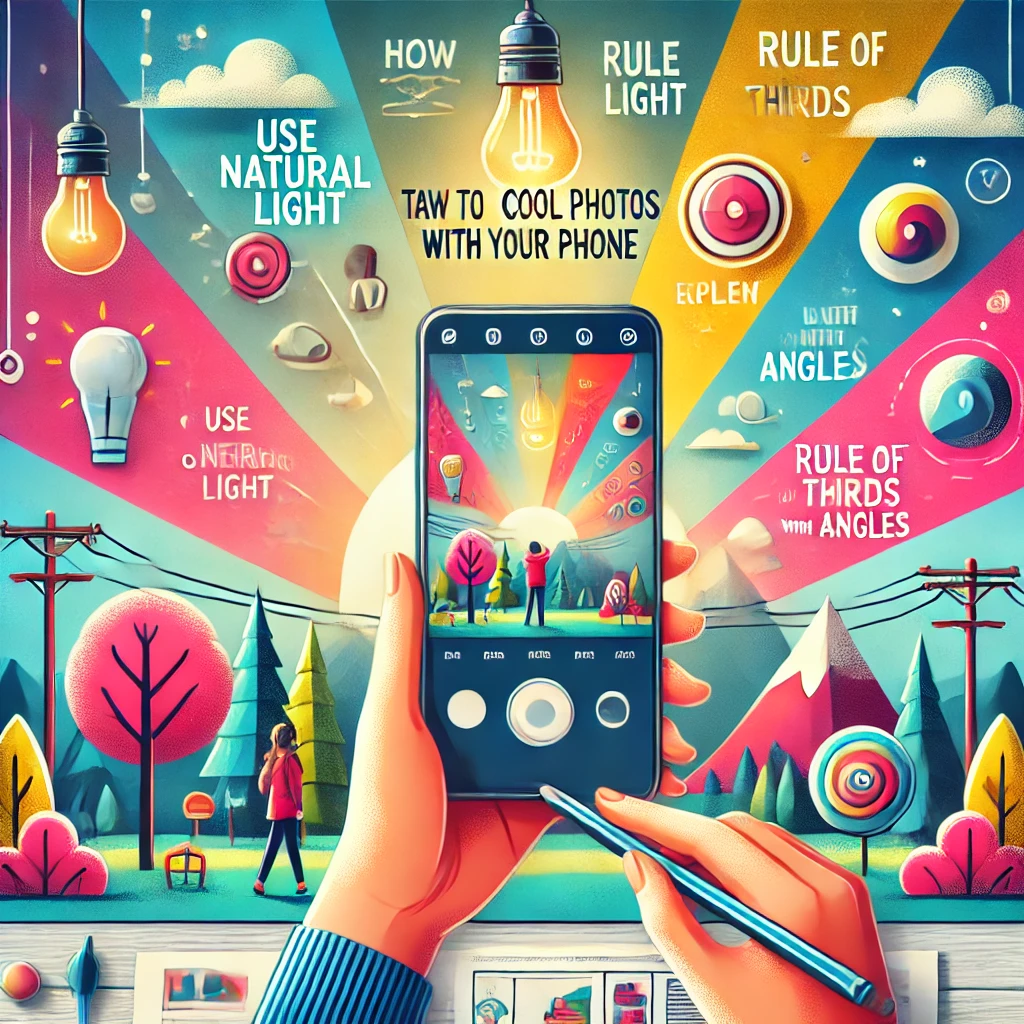
Photos with Your Phone
Smartphone cameras are powerful tools that can capture stunning photos with a little creativity and technique. Whether you’re snapping shots for Instagram or just for fun, here are tips to help you take cool photos with your phone.
1. Clean Your Lens
Why It’s Important:
Dirt or fingerprints on your lens can blur your photos.
How to Do It:
- Wipe the lens gently with a microfiber cloth or a soft, lint-free cloth.
- Avoid using rough materials that might scratch the lens.
2. Use Natural Light
Why It’s Important:
Natural light enhances colors and details, making photos look vibrant and professional.
How to Do It:
- Shoot during the «golden hour» (early morning or late afternoon) for warm, soft light.
- Position your subject so light falls on them evenly, avoiding harsh shadows.
- Avoid using your phone’s flash, as it can create unflattering lighting.
3. Experiment with Angles
Why It’s Important:
Unique angles make your photos stand out and tell a story.
How to Do It:
- Shoot from a low angle for a dramatic effect or to make objects look larger.
- Try a bird’s-eye view for a flat-lay composition (great for food or objects).
- Tilt your phone slightly for a creative perspective called «Dutch angle.»
4. Focus on Composition
Why It’s Important:
Good composition makes photos visually appealing and professional.
How to Do It:
- Use the Rule of Thirds: Turn on your phone’s gridlines and place your subject along the lines or at their intersections.
- Create leading lines using paths, fences, or roads to draw attention to your subject.
- Keep the background simple to avoid distracting from your subject.
5. Use Portrait Mode
Why It’s Important:
Portrait mode blurs the background (bokeh effect) to highlight your subject.
How to Do It:
- Open your camera app and select Portrait mode.
- Ensure your subject is well-lit and stands out from the background.
- Adjust the depth effect if your phone allows it for a more dramatic blur.
6. Get Close for Macro Shots
Why It’s Important:
Close-up photos reveal intricate details that are often missed.
How to Do It:
- Move your phone close to the subject and tap to focus.
- Ensure the lighting is sufficient to capture details.
- Try shooting flowers, textures, or small objects for creative results.
7. Play with Reflections
Why It’s Important:
Reflections create symmetrical and artistic effects.
How to Do It:
- Look for puddles, mirrors, or glass surfaces.
- Position your phone close to the reflective surface and frame your subject creatively.
- Experiment with different angles to find the best reflection shot.
8. Use Editing Apps
Why It’s Important:
Editing enhances your photos and adds a unique touch.
How to Do It:
- Use apps like Snapseed, Lightroom Mobile, or VSCO for editing.
- Adjust brightness, contrast, saturation, and sharpness for a polished look.
- Apply filters sparingly to maintain a natural appearance.
9. Capture Motion
Why It’s Important:
Photos with motion add energy and tell a story.
How to Do It:
- Use burst mode to take multiple shots quickly.
- Pan your phone to follow a moving subject for a dynamic effect.
- Try slowing your shutter speed (if your phone has manual controls) for light trails or water motion.
10. Include Leading Lines
Why It’s Important:
Leading lines guide the viewer’s eye to the focal point of your photo.
How to Do It:
- Use natural lines like roads, railways, or pathways.
- Position the lines so they direct attention to your subject.
11. Use Silhouettes for Drama
Why It’s Important:
Silhouettes create a striking contrast and add mood to your photos.
How to Do It:
- Position your subject against a bright background, such as a sunset or a well-lit window.
- Tap on the brightest part of the screen to expose for the background.
- Ensure your subject is a recognizable shape.
12. Keep Your Hands Steady
Why It’s Important:
A steady hand prevents blurry photos and ensures sharp details.
How to Do It:
- Use both hands to hold your phone securely.
- Lean against a stable surface if needed.
- Use a tripod or phone stand for even more stability.
Bonus Tip: Explore Your Camera Settings
-
- HDR Mode: Use it for high-contrast scenes to balance the light and dark areas.
- Manual Mode: Adjust settings like ISO, shutter speed, and focus for full control.
- Live Photos: Capture movement and sound for dynamic shots (iPhone feature).
Final Thoughts
With a bit of creativity and practice, you can capture stunning photos with your phone. Experiment with these tips, explore new perspectives, and remember to have fun. Photography is all about expressing your unique vision—so get snapping!
Добавить комментарий