Social Media
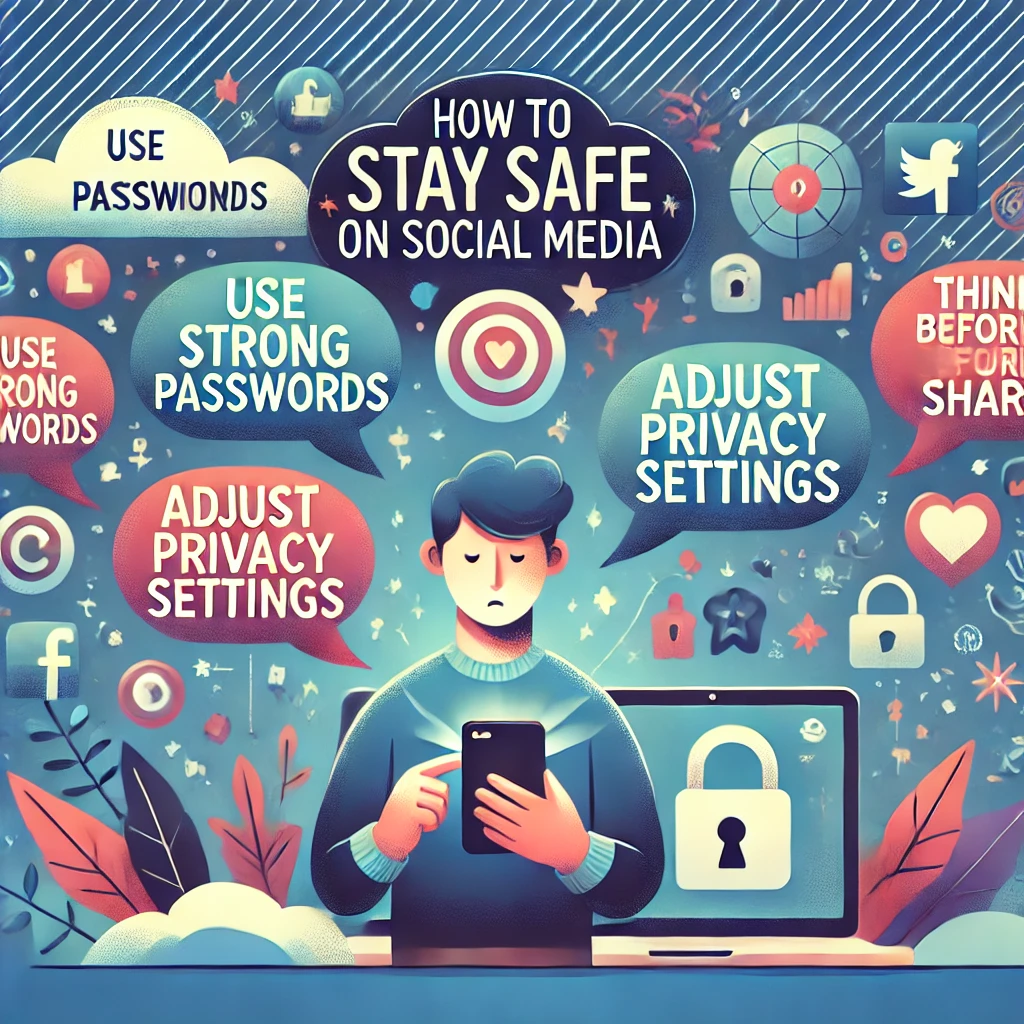
Social media connects us with friends, trends, and global communities, but it also comes with risks. Protecting your privacy and staying secure online is essential to avoid cyber threats, scams, and unwanted attention. Here’s a guide to help you stay safe while enjoying social media responsibly.
1. Protect Your Personal Information
Why It’s Important:
Sharing too much online can expose you to identity theft or scams.
How to Do It:
- Avoid posting your full address, phone number, or other sensitive details.
- Be cautious with location-sharing features; turn them off when not necessary.
- Use privacy settings to control who can see your posts.
Tip: Keep personal information like your school or workplace private unless absolutely needed.
2. Use Strong Passwords
Why It’s Important:
Weak passwords make it easier for hackers to access your accounts.
How to Do It:
- Create a unique password for each social media account.
- Include a mix of letters, numbers, and symbols for added security.
- Use a password manager to keep track of all your passwords safely.
Tip: Update your passwords regularly to stay ahead of potential threats.
3. Enable Two-Factor Authentication (2FA)
Why It’s Important:
2FA adds an extra layer of security to your accounts.
How to Do It:
- Go to your account’s security settings and enable two-factor authentication.
- Use an authentication app or receive codes via SMS for verification.
- Always verify login alerts to detect unauthorized access.
Tip: Two-factor authentication protects your account even if your password is compromised.
4. Think Before You Post
Why It’s Important:
What you post online stays there forever and can affect your reputation.
How to Do It:
- Avoid sharing inappropriate, offensive, or overly personal content.
- Think about how your post might be perceived by different audiences.
- Refrain from posting while angry or upset—give yourself time to cool off.
Tip: Consider if you’d be comfortable with a future employer or family member seeing your post.
5. Be Careful with Friend Requests
Why It’s Important:
Not everyone on social media is who they claim to be.
How to Do It:
- Only accept friend requests from people you know in real life.
- Check mutual connections or profiles for authenticity before accepting.
- Be wary of accounts with little activity, fake photos, or generic names.
Tip: Block and report suspicious accounts to prevent scams or harassment.
6. Watch Out for Scams and Phishing
Why It’s Important:
Scammers use fake links or messages to steal your personal information.
How to Do It:
- Avoid clicking on suspicious links, even if they come from friends’ accounts.
- Ignore messages asking for money, personal information, or passwords.
- Double-check the authenticity of accounts offering giveaways or deals.
Tip: If something seems too good to be true, it probably is.
7. Monitor Your Privacy Settings
Why It’s Important:
Privacy settings control who can see your posts and interact with you.
How to Do It:
- Regularly review your settings on platforms like Facebook, Instagram, and TikTok.
- Set your profile to private to limit access to your content.
- Customize settings for individual posts or stories if needed.
Tip: Tightening privacy settings gives you more control over your online presence.
8. Limit App Permissions
Why It’s Important:
Some apps collect unnecessary data or access sensitive information.
How to Do It:
- Check app permissions in your phone’s settings and disable those you don’t need.
- Avoid granting apps access to your contacts, camera, or location unless required.
- Delete apps you no longer use to reduce potential vulnerabilities.
Tip: Be cautious with third-party apps linked to your social media accounts.
9. Be Mindful of Your Digital Footprint
Why It’s Important:
Everything you do online leaves a trace that can impact your future.
How to Do It:
- Google your name occasionally to see what information is publicly available.
- Request removal of harmful or outdated information from search results when possible.
- Avoid tagging locations or events in real-time to protect your privacy.
Tip: Building a positive digital footprint can benefit you in personal and professional life.
10. Educate Yourself and Stay Updated
Why It’s Important:
Cyber threats and privacy policies change frequently.
How to Do It:
- Stay informed about the latest online security tips and scams.
- Follow trusted sources or blogs for updates on social media safety.
- Familiarize yourself with platform-specific security features and guidelines.
Tip: Knowledge is your best defense against cyber risks.
Final Thoughts
Staying safe on social media requires awareness, caution, and a proactive approach to protecting your online presence. By using strong passwords, managing privacy settings, and staying vigilant against scams, you can enjoy the benefits of social media without compromising your security.
Remember, it’s your space—control it wisely and responsibly. For more tips on maintaining digital safety, explore valuable resources to stay secure online.
Добавить комментарий