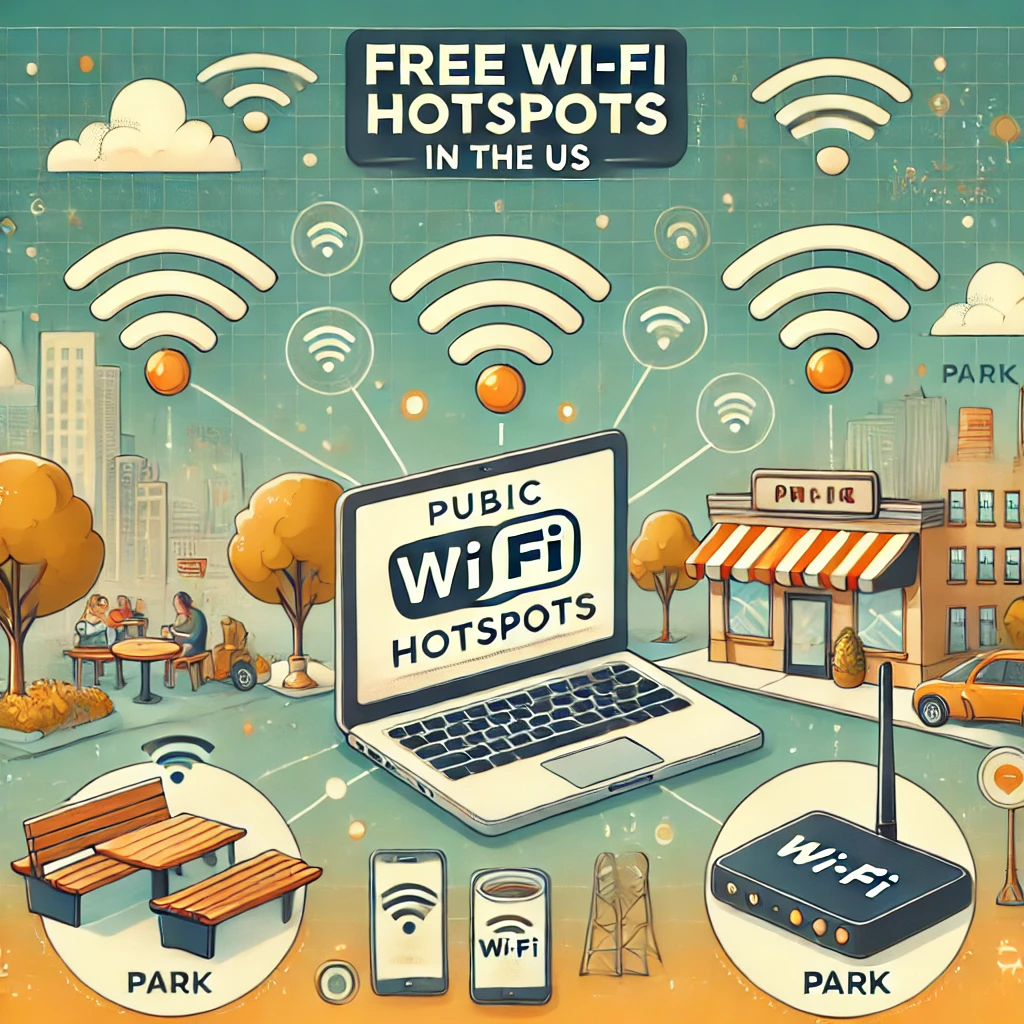
How Do Free Wi-Fi Hotspots Work in the US?
Free Wi-Fi hotspots have become an essential part of daily life in the US, offering internet access in public spaces like coffee shops, libraries, airports, and parks. These hotspots allow users to connect their devices to the internet without using mobile data. But how exactly do they work, and what should you know before using them? Here’s a breakdown of how free Wi-Fi hotspots work in the US, their advantages, and important safety tips.
1. What Is a Wi-Fi Hotspot?
A Wi-Fi hotspot is a location where a wireless network provides internet access to nearby devices.
- Free Wi-Fi Hotspots: These are public networks provided at no cost, typically by businesses, government agencies, or community organizations.
- How It Works:
- A router connects to the internet and broadcasts a wireless signal.
- Nearby devices like smartphones, laptops, or tablets can connect to this network, often without requiring a password.
- Examples of Locations with Free Wi-Fi:
- Coffee shops like Starbucks or Dunkin’.
- Airports and train stations.
- Retail stores like Target or Walmart.
- Hotels and public libraries.
- City parks or public transportation systems.
2. Types of Free Wi-Fi Hotspots
1. Public Wi-Fi Networks
- These networks are open to anyone in the area and usually don’t require a password.
- Examples: Airports, shopping malls, and public libraries.
2. Business-Sponsored Wi-Fi
- Many businesses offer free Wi-Fi to attract customers and encourage them to stay longer.
- Examples: Restaurants, coffee shops, hotels, and coworking spaces.
3. Municipal Wi-Fi Hotspots
- Some cities provide free Wi-Fi as a public service, particularly in parks, downtown areas, or on public transportation.
- Example: New York City’s «LinkNYC» program provides free Wi-Fi kiosks throughout the city.
4. Internet Provider Hotspots
- Internet service providers (ISPs) like Xfinity and AT&T offer free or discounted Wi-Fi to their subscribers at designated hotspots.
- How It Works: Subscribers log in using their account credentials to access the network.
3. How to Connect to a Free Wi-Fi Hotspot
Connecting to a free Wi-Fi hotspot is usually simple and quick:
- Turn on Wi-Fi: Open the Wi-Fi settings on your device and ensure Wi-Fi is enabled.
- Search for Networks: Your device will automatically detect nearby networks. Look for networks labeled as «free» or associated with the location you’re in (e.g., “Starbucks Wi-Fi”).
- Select a Network: Tap the network you want to connect to. Some networks may redirect you to a login or welcome page.
- Login or Accept Terms:
- If prompted, agree to the terms of service or provide an email address.
- Some networks may require a password, which businesses often display on signs or provide at the counter.
- Start Browsing: Once connected, you can browse the internet, stream, or use apps as usual.
4. How Do Free Wi-Fi Hotspots Work?
Free Wi-Fi hotspots work by broadcasting an internet connection via a router:
- Router Setup: Businesses or municipalities install a Wi-Fi router that connects to an internet service provider (ISP).
- Wireless Signal: The router broadcasts a signal that nearby devices can detect.
- Open or Secured Access:
- Open networks don’t require passwords but are less secure.
- Secured networks may require a password or login credentials.
- Internet Connection: Once connected, users can access the internet via the shared bandwidth of the router.
5. Advantages of Free Wi-Fi Hotspots
1. Save Mobile Data
Connecting to free Wi-Fi helps users conserve their mobile data plans, especially when streaming, downloading, or performing data-heavy tasks.
2. Accessibility for All
Free Wi-Fi hotspots provide internet access for individuals who may not have access at home, helping bridge the digital divide.
3. Productivity on the Go
For remote workers, travelers, or students, free Wi-Fi makes it easy to work, study, or stay connected outside of traditional workspaces.
6. Safety Concerns with Free Wi-Fi Hotspots
While free Wi-Fi is convenient, it does come with security risks:
- Unencrypted Networks: Open networks are more vulnerable to hackers who can intercept your data.
- Man-in-the-Middle Attacks: Cybercriminals can position themselves between your device and the network to steal sensitive information.
- Fake Hotspots: Scammers can set up fake Wi-Fi networks to trick users into connecting and stealing their data.
7. How to Stay Safe When Using Free Wi-Fi
1. Avoid Entering Sensitive Information
- Don’t log into bank accounts, shop online, or enter sensitive passwords while on public Wi-Fi.
2. Use a Virtual Private Network (VPN)
- A VPN encrypts your internet connection, making it harder for hackers to access your data. Popular VPNs include NordVPN, ExpressVPN, and ProtonVPN.
3. Verify the Network Name
- Double-check the official network name with staff or signs to avoid connecting to fake hotspots.
4. Disable Auto-Connect
- Prevent your device from automatically connecting to public networks by turning off the «Auto-Connect» feature in Wi-Fi settings.
5. Use HTTPS Websites
- Stick to websites with «https://» in the URL, which indicates they use secure encryption.
6. Enable Firewalls and Antivirus Software
- Make sure your device’s firewall and antivirus software are active to protect against malicious attacks.
8. How Municipal and ISP Wi-Fi Hotspots Work
Municipal Wi-Fi
- Cities provide free Wi-Fi in public spaces as a community service.
- Examples: Parks, libraries, and downtown areas.
ISP Hotspots
- Many ISPs offer Wi-Fi hotspots for their customers.
- How to Access:
- Look for hotspot locations on the ISP’s app or website.
- Log in using your account credentials.
Pro Tip: Some ISPs offer temporary access to their hotspots for non-customers during emergencies or public events.
Final Thoughts
Free Wi-Fi hotspots are a convenient way to stay connected while saving on data costs. However, it’s essential to use them safely by avoiding sensitive transactions, using VPNs, and verifying network authenticity. Whether you’re in a coffee shop, park, or airport, free Wi-Fi hotspots are a great resource for internet access in the US—just make sure to prioritize your security.
For more tips on improving your photography and editing skills, check out helpful guides to take your selfies to the next level.
Добавить комментарий