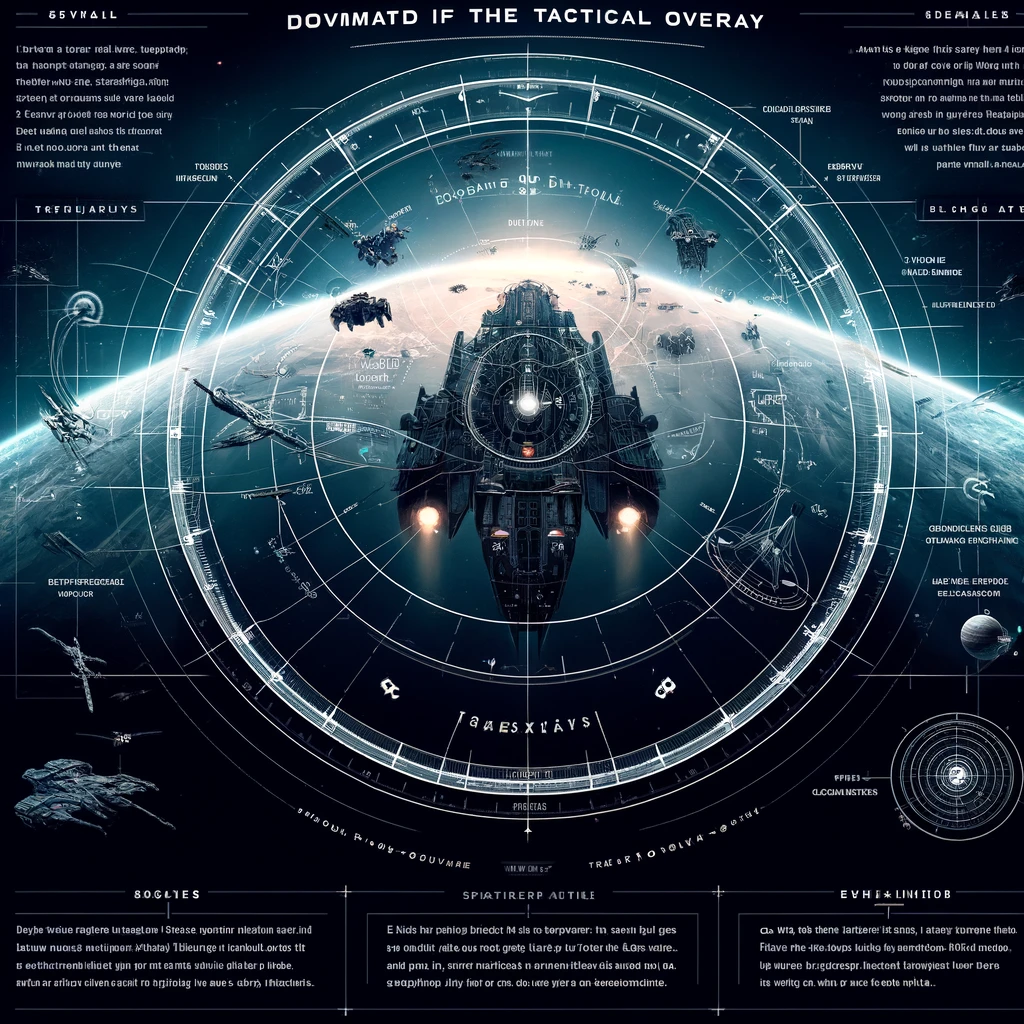
The Tactical Overlay in EVE Online is an essential tool for pilots, offering a visual representation of important spatial information and helping with situational awareness during navigation, exploration, and combat. When activated, it overlays a grid on your view in space, along with icons and ranges, to assist in decision-making. Here’s how to make the most out of the Tactical Overlay:
Activating the Tactical Overlay
- Shortcut: You can toggle the Tactical Overlay on and off by clicking the crosshair icon next to the capacitor or by pressing the default shortcut, which is usually «Ctrl-D.»
- Settings: Customize the overlay’s features and what it displays through the game settings to tailor it to your needs.
Key Features and How to Use Them
- Range Spheres and Circles:
- Your ship, targeted ships, and selected objects will have range circles around them. These indicate various ranges, such as weapon, sensor, and warp disruptor ranges, helping you maintain optimal distances in combat or avoid detection.
- Grid Lines:
- The grid helps you understand your position relative to other objects in 3D space, useful for aligning to celestial objects, navigating asteroid fields, or positioning in combat.
- Directional Lines:
- When a ship is selected, a line extends from it in the direction it’s moving. This helps anticipate its trajectory, whether you’re pursuing a target, evading enemies, or coordinating fleet movements.
- Tactical Warp-ins:
- Use the overlay to find and create tactical warp-in points above, below, or at specific angles to objects like stargates, stations, or fleets, giving you a strategic advantage or safer approach/departure vectors.
- Celestial Object Ranges:
- The overlay shows the range to celestial objects from your current position. This is crucial for quickly warping out in an emergency, setting up sniper positions, or for exploration tasks.
Tips for Effective Usage
- Adjust Zoom and Camera Angles: Learn to quickly adjust your camera view and zoom level while using the overlay to get the most relevant information for the situation.
- Practice with Probing: The overlay complements the use of probes by helping visualize their coverage area and the position of scanned signatures or anomalies in space.
- Combat Awareness: In combat, especially in larger fleets, the overlay can help you maintain formation, keep at optimal ranges, or avoid area-of-effect dangers like smartbombs and bombs.
- Safe and Tactical Spots: Use the overlay to create and use safe spots and tactical bookmarks that are not aligned with any celestial plane, making it harder for enemies to predict your movements.
- Use in Exploration: When exploring, especially in wormhole space, the overlay can help you quickly identify cosmic signatures in relation to celestial bodies, saving time and making your exploration runs more efficient.
Advanced Overlay Customization
- EVE Online’s UI settings allow you to adjust what information the Tactical Overlay shows, including the ability to filter out certain ranges or types of information. Tailoring these settings to your play style can reduce screen clutter and focus on the information most crucial to your current activity.
Understanding and mastering the Tactical Overlay is a fundamental skill in EVE Online that can enhance your gameplay significantly, whether you’re a new pilot navigating your first solar systems or a seasoned veteran commanding fleets in battle.
Добавить комментарий