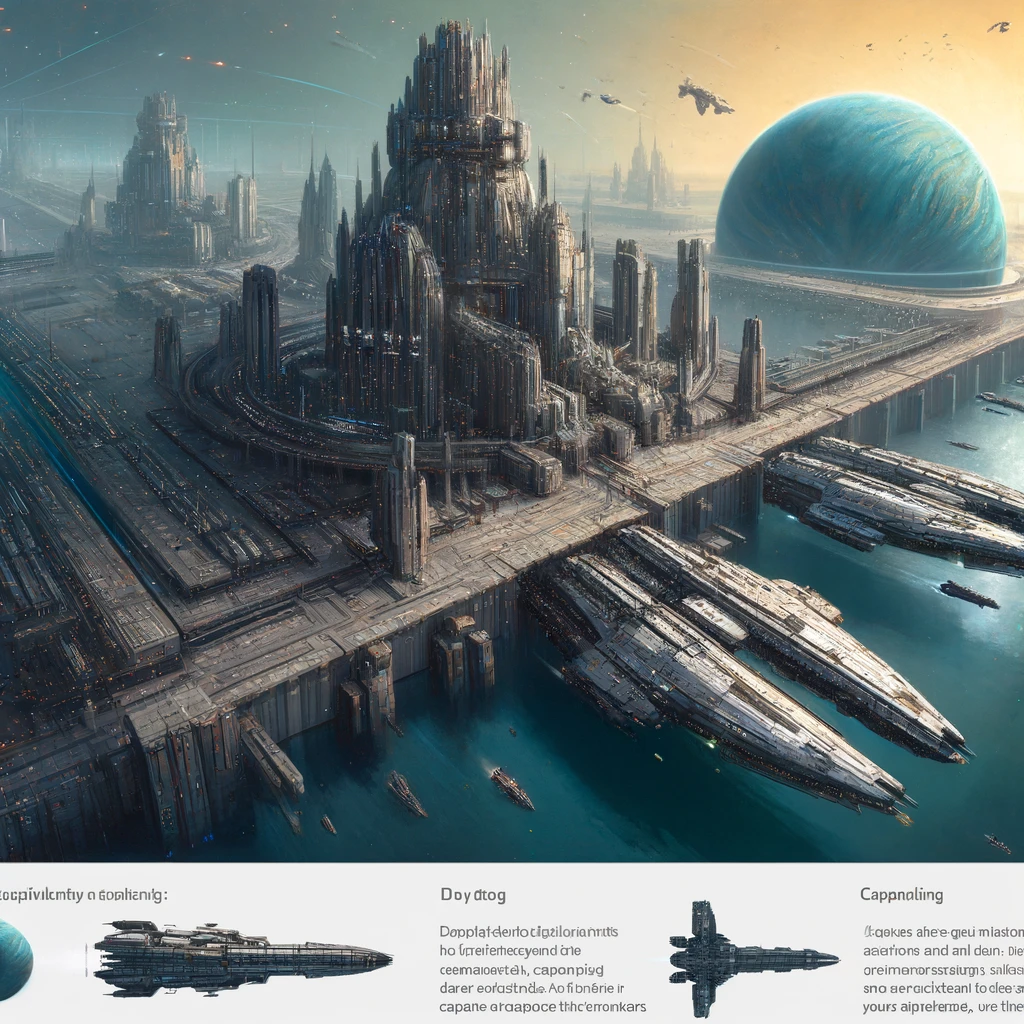
Docking capital ships in EVE Online involves specific considerations, given their size and the strategic value they represent. Not all structures in New Eden can accommodate these behemoths, so understanding where and how to safely dock your capital ship is crucial for their maintenance, refitting, and protection. Here’s a guide to docking capital ships, focusing on which structures you can use and tips for keeping your valuable assets safe.
Structures Capable of Docking Capital Ships
- Keepstar Citadels:
- The Keepstar is the largest of the Upwell Consortium’s Citadel structures and can dock any ship, including Titans, the largest ships in EVE Online. Keepstars are often found in well-defended nullsec or lowsec systems controlled by major alliances.
- Fortizar Citadels:
- A step down in size from the Keepstar, Fortizars can dock Dreadnoughts, Carriers, Force Auxiliaries, and Supercarriers but cannot accommodate Titans.
- Astrahus Citadels and Smaller Upwell Structures:
- These structures cannot dock capital ships. However, they can provide tethering services that offer some degree of safety while in space near the structure.
Docking Considerations
- Safety and Intel:
- Always gather intelligence on the system and specific structure before attempting to dock. Check for recent kills in the system and any potential threats or blockades.
- Use scouts or covert ops ships to surveil the structure and surrounding space before bringing in your capital.
- Tethering:
- If you’re unsure about the safety of docking or need to wait for some reason, remember that approaching a friendly Fortizar or Keepstar will grant you tethering protection. Tethering makes your ship invulnerable as long as you don’t initiate hostile actions or warp.
- Permissions:
- Ensure you have docking rights at the structure. These rights are managed by the controlling corporation or alliance. Attempting to dock at a structure where you lack permissions could leave you vulnerable.
- Strategic Operations:
- For alliance or fleet operations, coordinate with your fleet commanders and logistics teams. They will provide instructions on when and where to dock or tether, ensuring the fleet’s capital ships are managed efficiently.
Docking Tips
- Fuel and Maintenance:
- Before docking, ensure your ship is well-fueled, especially if it’s a jump-capable ship. This preparation is crucial for rapid deployment or retreat scenarios.
- Fit for Docking:
- Equip modules that reduce your ship’s align time if you’re traveling to the dock. This can slightly decrease the time you’re vulnerable while maneuvering into position.
- Use of Citadels for Storage:
- Capitals, especially those not frequently used, can be safely stored in Keepstars or Fortizars. This is common in staging areas or strategic locations.
- Asset Safety:
- In the event of a structure’s destruction, EVE Online’s asset safety system can protect your docked assets, including capital ships, by moving them to a nearby location. However, this system works differently in wormhole space, where asset safety is not available.
Capital ships represent significant investments of resources and are pivotal in EVE Online’s warfare and power projection. Properly managing these assets, including knowing when and where to safely dock them, is a critical skill for any capital ship pilot or alliance logistics coordinator. Always stay updated on game mechanics changes, as CCP Games periodically adjusts structures and docking capabilities to balance gameplay.
Добавить комментарий