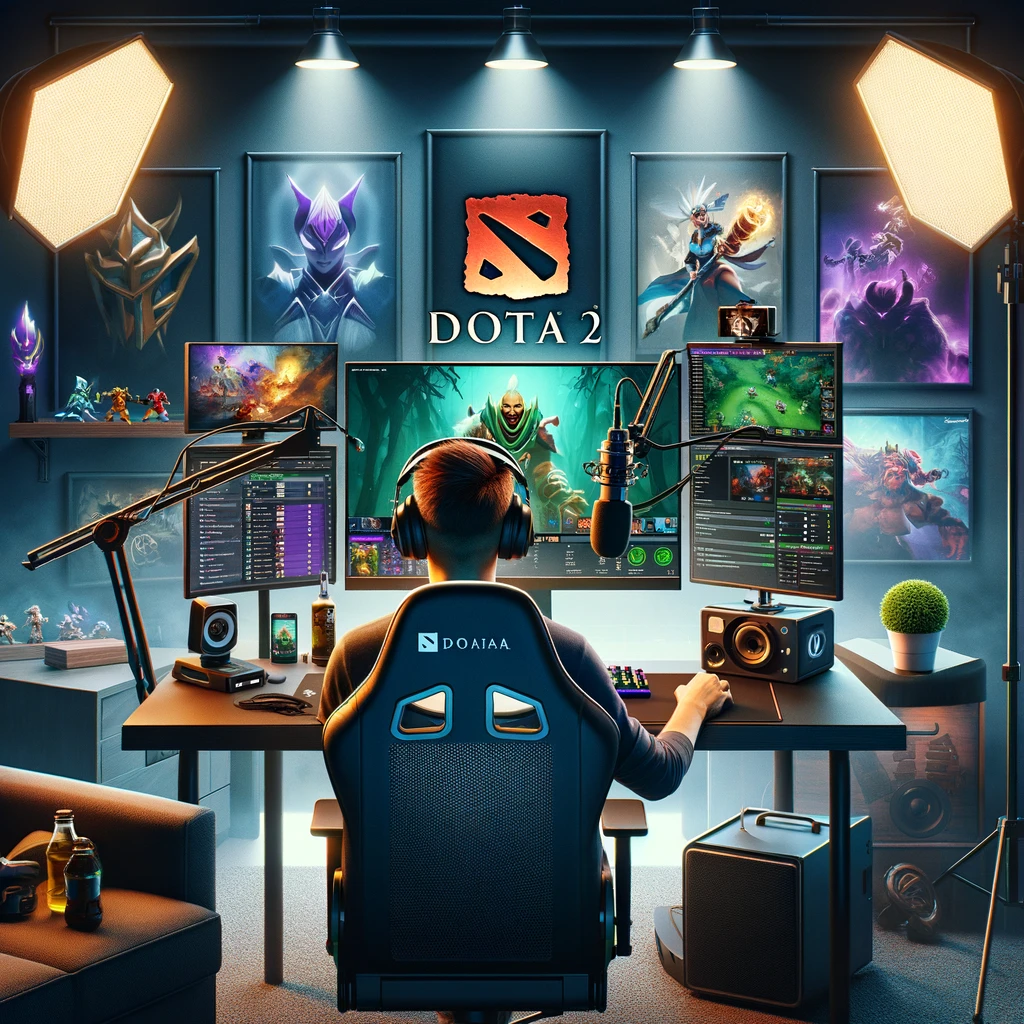
Creating a successful Dota 2 streaming setup involves more than just having the right hardware; it’s about optimizing your software settings, creating a comfortable environment, and engaging with your audience. Whether you’re looking to stream casually or aspire to become a well-known figure in the Dota 2 community, here’s a guide to setting up your stream.
Essential Hardware
- Powerful PC: Dota 2 isn’t the most demanding game, but streaming software can be. Aim for a PC with a multi-core CPU (Intel i5/Ryzen 5 or better), 16GB RAM, and a mid-to-high range GPU to ensure smooth gameplay and streaming.
- High-Quality Microphone: Clear audio is crucial. Consider a cardioid condenser microphone to capture crisp voice audio while minimizing background noise.
- Webcam: A webcam adds a personal touch to your stream, allowing viewers to see your reactions. 720p is the minimum resolution, but 1080p is recommended for higher quality.
- Headphones: Good quality headphones can provide clear game audio without causing microphone feedback.
Software and Streaming Platforms
- Streaming Software: OBS Studio or Streamlabs OBS are popular choices, offering a balance between functionality and ease of use. They allow you to add overlays, manage scenes, and adjust audio sources.
- Twitch or YouTube Gaming: Most Dota 2 streamers use Twitch or YouTube Gaming. Choose based on where you feel your content fits best or where you already have a following.
- Dota 2 In-Game Settings: Optimize settings for performance and visual clarity. Consider turning down some graphical settings to ensure a smooth frame rate while streaming.
Setting Up Your Environment
- Lighting: Good lighting is essential for making sure you’re well-lit on camera. Soft, diffused lighting can reduce harsh shadows.
- Background: Keep your background neat or use a green screen to superimpose yourself onto custom backdrops.
- Comfortable Seating: Invest in a comfortable chair to support long streaming sessions.
Stream Configuration
- Overlay Design: Use overlays to display information like recent subscribers, donations, or your social media handles. Keep it unobtrusive to the gameplay.
- Alerts and Widgets: Set up alerts for new followers, donations, and subscribers to engage with your audience. Widgets can add interactive elements to your stream.
- Audio Mix: Balance game audio, microphone volume, and any background music. Your voice should be clear over the game sounds.
Building an Audience
- Consistent Schedule: Stream regularly and stick to a schedule so viewers know when to find you.
- Engage with Viewers: Interact with your audience through chat. Answer questions, acknowledge contributions, and create a welcoming community.
- Social Media: Promote your stream on social media and engage with the Dota 2 community on platforms like Reddit and Twitter.
Additional Tips
- Network Test: Ensure your internet connection is stable and fast enough for streaming (upload speed of at least 6 Mbps for 1080p).
- Stream Delay: Set a slight delay to prevent stream sniping, especially if you’re playing competitively.
- Content Variety: While focusing on Dota 2, occasionally streaming other content can attract a wider audience.
Remember, successful streaming is not just about showing gameplay but creating an entertaining and engaging experience for your viewers. With the right setup and approach, you can build a community around your Dota 2 streams.
Добавить комментарий