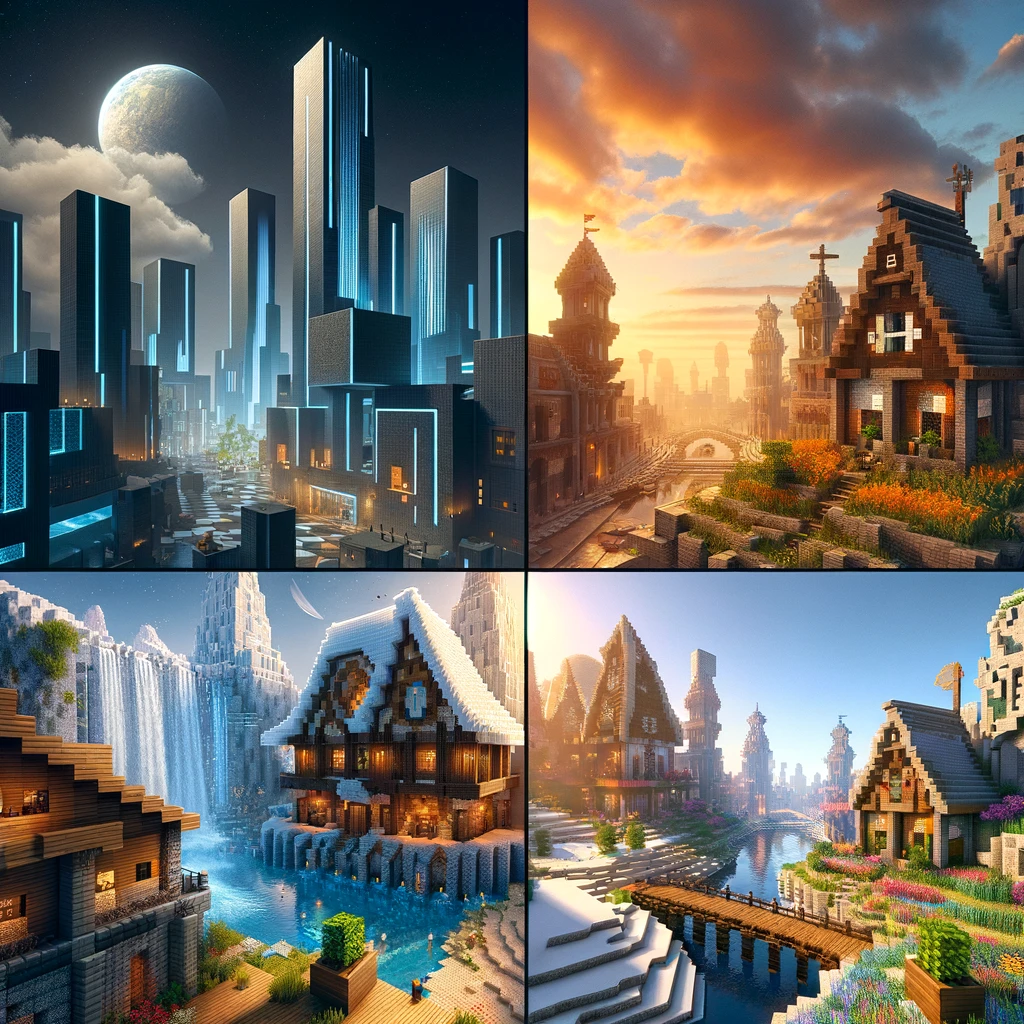
Revamping Your Blocky World: The Enthusiast’s Guide to Minecraft Texture Packs
Ah, Minecraft! A game where you can build anything, explore everywhere, and transform your world with the flick of a pickaxe. But what if you could change not just the structure but the very fabric of your Minecraft universe? Enter the magical realm of texture packs (or resource packs, as they’ve been known since Minecraft 1.6.1), your ticket to a visually revamped gameplay experience. From the medieval charm to futuristic sleekness, there’s a texture pack for every style. Let’s dive into how you can give your Minecraft world a whole new look.
Understanding Texture Packs
Texture packs are like wardrobe changes for your Minecraft world. They alter the appearance of blocks, items, mobs, and even the GUI, making everything feel fresh and new. Some aim to enhance the default textures, offering higher resolution versions, while others completely overhaul the game’s aesthetics, bringing themes from fantasy to realism and beyond.
Choosing Your Style
The first step in your texture pack journey is deciding what vibe you’re going for. Do you want to make your world look more realistic, or are you in the mood for something whimsical? Perhaps you’re a fan of a particular movie or video game and want your Minecraft world to reflect that. With countless options available, there’s bound to be a texture pack that’s perfect for your vision.
Finding Texture Packs
The quest for the perfect texture pack is an adventure in itself. Here are some treasure troves to begin your search:
- Official Minecraft Marketplace: For Bedrock Edition players, this is a gold mine of professionally created texture packs, albeit at a cost.
- Community Websites: Platforms like Planet Minecraft, CurseForge, and Minecraft Resource Packs are bustling with community-made treasures waiting to be discovered.
Installation Guide: Java Edition
- Download: Once you’ve found your desired texture pack, download it. Most will come in a .zip file, but there’s no need to unzip it.
- Open Minecraft: Launch Minecraft and navigate to «Options» -> «Resource Packs».
- Access the Resource Pack Folder: Click on «Open Resource Pack Folder». A window will pop up showing the folder where Minecraft stores its texture packs.
- Drag and Drop: Move the downloaded .zip file into this folder.
- Activation: Return to the game, and you should now see your texture pack in the list. Click on it to move it to the «Selected» column, then hit «Done». Minecraft will reload with your new textures applied.
For Bedrock Edition
Bedrock Edition users have it a bit easier, especially when purchasing from the Minecraft Marketplace, where it’s a straightforward buy-and-apply scenario. For free community-made packs:
- Download: Find a compatible texture pack and download it to your device.
- Open the File: Simply open the downloaded file, and Bedrock Edition should automatically import and apply the pack.
Customization and Compatibility
While texture packs are fantastic for personalizing your game, ensure they’re compatible with your version of Minecraft. Also, combining multiple texture packs can create unique combinations, though it requires a bit of trial and error to see what meshes well together.
Performance Considerations
Remember, higher-resolution texture packs demand more from your system. If you’re running a pack with 256×256 textures or higher and notice performance issues, consider scaling down or optimizing your game settings for a smoother experience.
Creating Your Own Texture Pack
Feeling creative? Why not craft your own texture pack? Tools like Nova Skin and Paint.NET allow you to edit textures, giving you the power to customize your Minecraft world down to the finest detail. Start with modifying the default textures, then branch out into creating your unique designs.
The Conclusion: A World Renewed
Texture packs are a testament to Minecraft’s enduring appeal, allowing players to continuously rediscover the game in visually exciting ways. Whether you’re after a subtle enhancement or a complete thematic transformation, there’s a texture pack out there waiting to breathe new life into your blocky adventure. So, why wait? Dive into the vast ocean of textures and reshape your Minecraft experience today. Happy crafting, and may your world look ever more wondrous!
Добавить комментарий