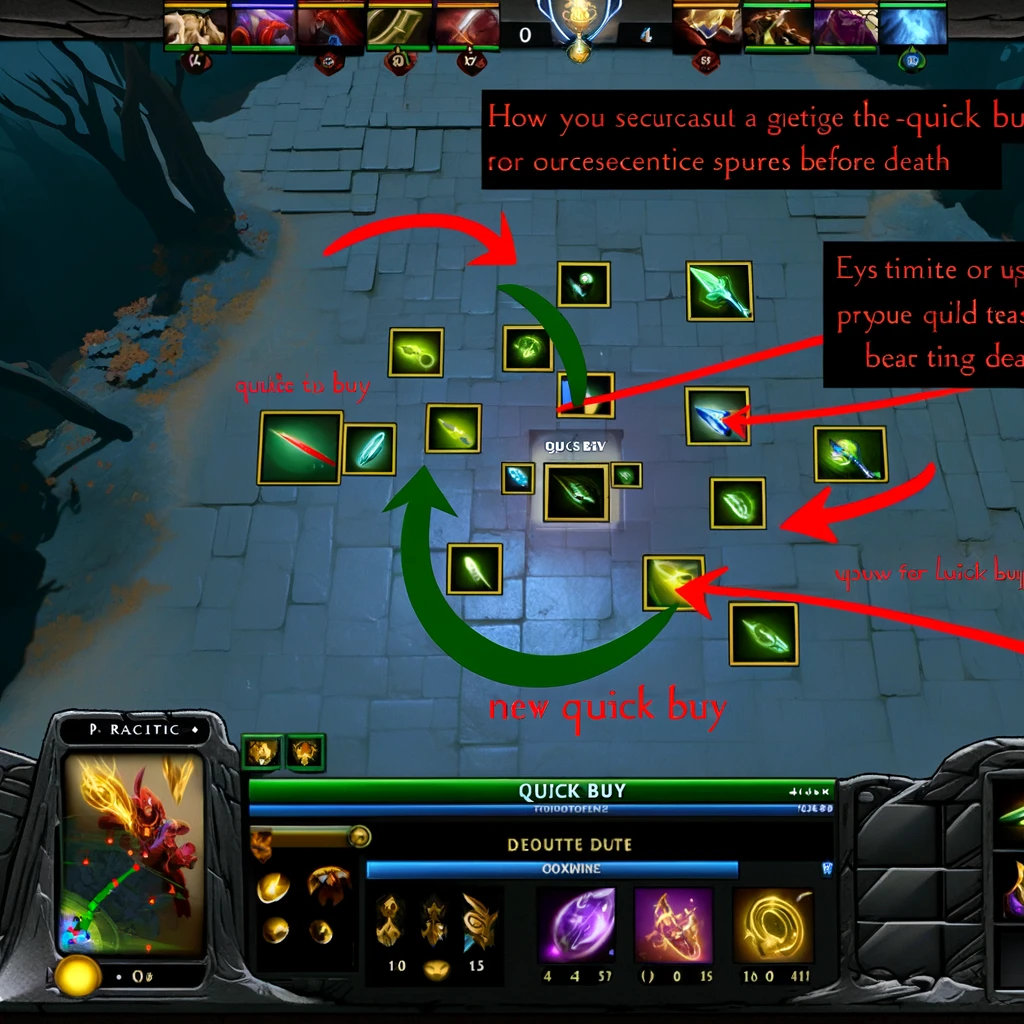
Efficiently managing your gold and ensuring you get your items as quickly as possible can significantly impact your Dota 2 gameplay. The quick buy feature in Dota 2 allows you to set specific items to purchase next, enabling you to buy them instantly without opening the shop. Here are some tips on how to effectively use the quick buy feature and manage your gold in Dota 2:
1. Setting Up Quick Buy:
- Drag and Drop: You can drag items from the shop menu into the quick buy area at the bottom right of your screen. This is helpful for planning your next item purchase.
- Shift-Click: If you’re browsing the shop and decide on your next purchase, shift-clicking an item will add it to your quick buy queue.
- Use the Shop Hotkey: Familiarize yourself with the shop hotkey (
default F4) to quickly access and modify your quick buy selection during the game.
2. Planning Your Purchases:
- Early Game: During the early game, add essential items like boots, magic wand, or your hero’s core laning items to quick buy. This ensures you can purchase them immediately upon accumulating enough gold.
- Core Items: As the game progresses, update your quick buy with your next significant item. Having parts of core items like BKB, Manta Style, or Desolator in quick buy can help you complete them faster.
3. Managing Gold Efficiently:
- Save for Buyback: Especially in the mid to late game, it’s crucial to manage your gold so you always have enough for buyback. Dota 2’s UI conveniently shows your buyback status next to your gold. Use this feature to decide whether to purchase items or save gold.
- Components in Danger: When playing in a high-risk scenario (e.g., pushing high ground or about to fight for Roshan), purchasing components that are in your quick buy can prevent gold loss upon death.
4. Using Quick Buy During Combat:
- Pre-Fight Preparation: Before engaging in a fight, make sure your quick buy is set up with an item component you can afford. If you sense the fight might not go well, you can quickly purchase the item(s) to minimize gold loss.
- Post-Kill Purchases: After securing kills or objectives, quickly purchasing items from your quick buy can ensure your gold is efficiently spent, bolstering your strength for subsequent engagements.
5. Hotkeys for Quick Buying:
- Customize Hotkeys: Dota 2 allows you to customize hotkeys for almost every action, including purchasing from the quick buy. Setting a comfortable hotkey for quick buy purchases can significantly speed up your item acquisitions.
- Sticky Buy: A “sticky” buy slot exists for TP scrolls. Always keeping a TP scroll in this slot and familiarizing yourself with the hotkey can ensure you always have a way to move across the map.
6. Item Disassembly and Quick Buy:
- If you’re planning to build an item that shares components with your current item (e.g., disassembling Arcane Boots for Aether Lens), you can add the new item to quick buy and disassemble your current item for a quick upgrade.
7. Communication with Team:
- If you’re close to completing a crucial item (like BKB or Blink Dagger), communicate with your team. It might be worth avoiding fights until the item is purchased, potentially swinging the next engagement in your favor.
Mastering the use of Dota 2’s quick buy feature and effectively managing your gold can give you a tactical edge, ensuring you’re always prepared for what the game throws at you. Practice incorporating these tips into your gameplay to improve your efficiency and impact in matches.
Добавить комментарий