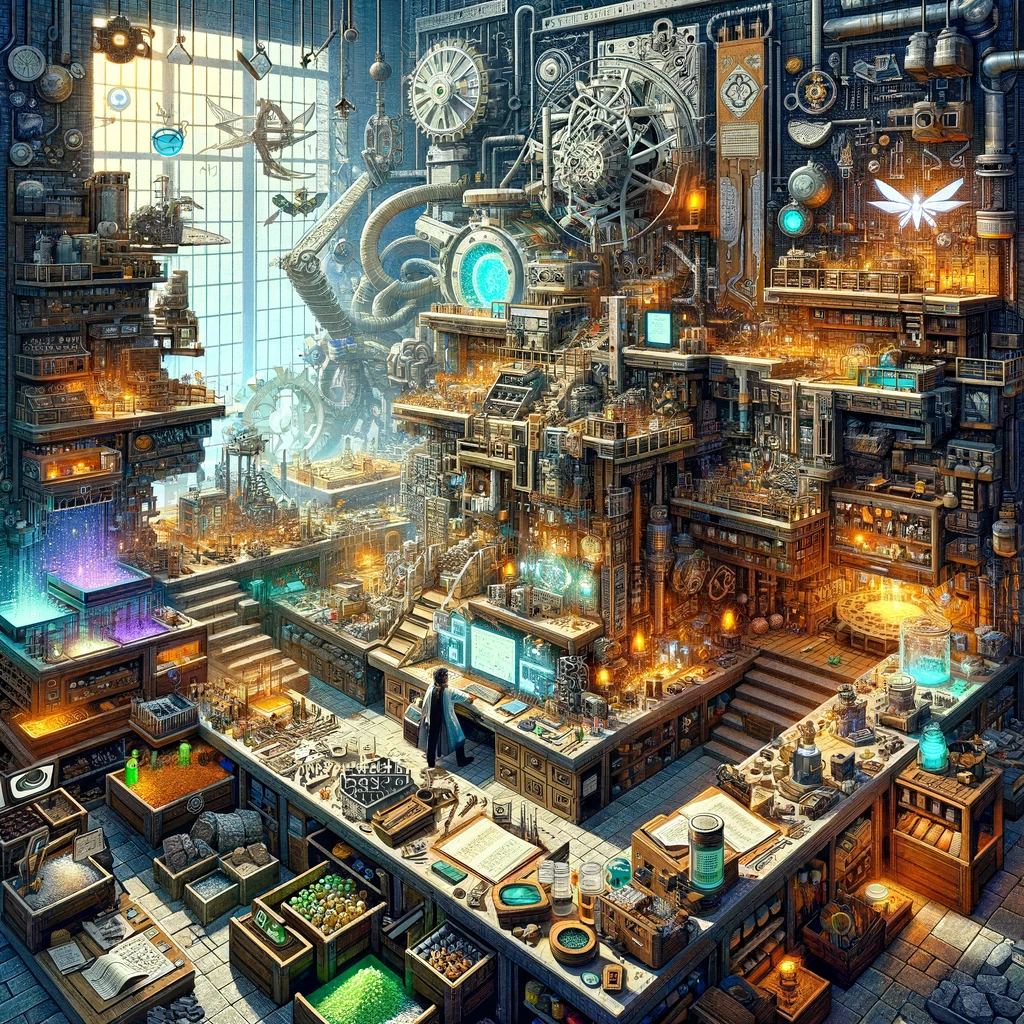
Crafting lies at the heart of Minecraft’s gameplay, offering a satisfying loop of gathering resources and creating items that help players navigate and shape the world around them. For those looking to expand beyond the vanilla crafting system, numerous mods introduce new items, materials, and complex crafting mechanics, enriching the experience. Here’s a selection of mods that elevate the crafting aspect of Minecraft survival mode, bringing depth, variety, and innovation to your crafting table.
Tinkers’ Construct
- What It Offers: Tinkers’ Construct revolutionizes tool-making by allowing players to craft custom tools and weapons from various materials, each with unique properties. The mod introduces a new crafting station, the Tool Forge, where players can build, modify, and repair their creations.
- Why It’s Great for Crafting: It adds depth to tool crafting, encouraging experimentation with different material combinations for the perfect balance of durability, speed, and damage.
Applied Energistics 2
- What It Offers: AE2 is a sophisticated storage and automation mod that includes a unique crafting system. It allows for the digital storage of items and automates complex crafting processes through a networked system, making inventory management and multi-step crafting efficient and straightforward.
- Why It’s Great for Crafting: It’s ideal for players engaged in large-scale building and crafting projects, significantly simplifying the logistics of storing and crafting items.
Immersive Engineering
- What It Offers: Immersive Engineering adds multi-block machines and structures for power generation, material processing, and automation, wrapped in a charming early 20th-century industrial aesthetic. It includes its own power system and introduces new crafting components and mechanics.
- Why It’s Great for Crafting: It offers a more immersive, realistic approach to crafting and machinery, challenging players to design and construct intricate industrial setups.
Pam’s HarvestCraft
- What It Offers: Pam’s HarvestCraft significantly expands the food and farming aspects of Minecraft, introducing over 1,400 new foods and items, along with crops, fruit trees, and livestock. It redefines the culinary side of Minecraft, making food crafting a more complex and rewarding experience.
- Why It’s Great for Crafting: It turns cooking and farming into a significant part of the game, offering endless culinary possibilities and encouraging players to explore diverse recipes.
Reforged
- What It Offers: Reforged brings back and improves upon weapons from the Balkon’s Weapon Mod, adding a wide variety of medieval and ancient weapons. Each weapon has unique crafting recipes and combat capabilities, expanding the arsenal available to players.
- Why It’s Great for Crafting: It enriches combat and exploration with historically-inspired weaponry, offering new tactical options and crafting projects.
Botania
- What It Offers: Botania focuses on natural magic, drawing power from flowers and harnessing it through intricate devices and baubles. It introduces a new crafting system centered around the Mana Pool and the Petal Apothecary, enabling the creation of magical items and tools.
- Why It’s Great for Crafting: It blends crafting with magic in a unique, visually stunning system, encouraging outdoor exploration and the cultivation of magical gardens.
How to Install Crafting Mods
To integrate these crafting enhancements into your Minecraft experience, follow these general steps:
- Install a Mod Loader: Mods like these typically require Forge or Fabric. Choose the appropriate version for your Minecraft edition and install it.
- Download the Mods: Always use reputable sources such as CurseForge to download mods, ensuring compatibility and safety.
- Place Mods in the Mods Folder: Drag and drop the mod files into the «mods» folder within your Minecraft directory. If this folder doesn’t exist, create it.
- Launch Minecraft with the Mod Loader: Open the Minecraft launcher, select the mod loader profile, and start the game. Your crafting mods should now be active, ready to enrich your crafting experience.
Conclusion
With these mods, crafting in Minecraft evolves from a simple necessity to a complex, engaging activity that rewards creativity and experimentation. Whether you’re assembling the perfect set of tools, automating your base’s production lines, or cooking up a feast, these mods offer new challenges and opportunities, making every crafting session an adventure in itself.
Добавить комментарий