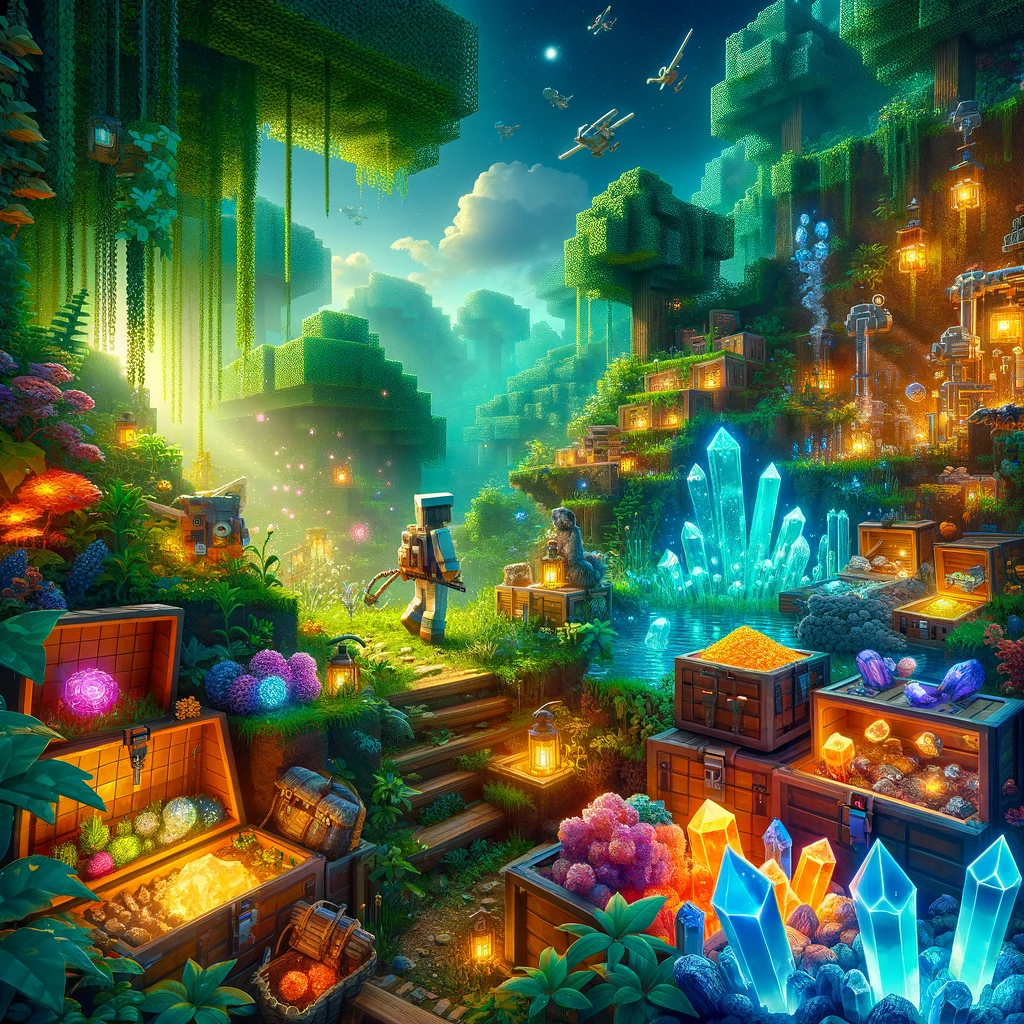
In Minecraft, the hunt for resources propels much of the gameplay, from the early scramble for wood and stone to late-game quests for rare ores and materials. While the base game offers a wealth of resources to gather and craft with, survival mods can introduce new materials, tools, and methods for resource acquisition, enriching the gameplay experience. Here’s a selection of mods that add depth and variety to resource gathering in Minecraft, making the pursuit of materials as engaging as the creations they lead to.
Tinkers’ Construct
- What It Offers: Tinkers’ Construct revolutionizes tool-making in Minecraft, allowing for the creation of custom tools and weapons from a mix of materials. It introduces new ores and a smelting system for creating alloys, expanding the resource pool. Tools made with this mod can be repaired and upgraded, extending their utility and value.
- Why It’s Great for Resources: It not only adds new resources but also encourages players to experiment with combinations, leading to tools that can mine faster, last longer, and perform special actions, enhancing the resource gathering process.
Immersive Engineering
- What It Offers: Immersive Engineering introduces a more industrial approach to resource processing and energy production. It features multi-block structures like windmills, water wheels, and diesel generators, along with machinery for more efficient ore processing, item transportation, and automation.
- Why It’s Great for Resources: It adds a layer of realism and complexity to resource gathering and processing, rewarding planning and design with increased efficiency and output.
Environmental Tech
- What It Offers: Environmental Tech focuses on providing high-tech solutions for resource gathering and energy production. It includes void miners that extract resources directly from the void, solar arrays for massive energy generation, and nanobot beacons for player enhancements.
- Why It’s Great for Resources: It offers endgame technology for passive resource generation, allowing players to focus on building and exploration without the constant need for manual resource gathering.
Mystical Agriculture
- What It Offers: Mystical Agriculture introduces the concept of growing resources as crops. Players can cultivate everything from standard ores to mob drops and even gems or food. It also includes a system for growing special infusion crystals used in crafting the mod’s seeds and resources.
- Why It’s Great for Resources: It transforms the resource acquisition process, making almost every material farmable. This mod is especially beneficial for players who prefer a more passive, agricultural approach to resource gathering.
Applied Energistics 2
- What It Offers: AE2 revolutionizes item storage, management, and automation. Its ME (Matter Energy) system allows for the digital storage of items in a network, simplifying inventory management. The mod also includes devices for automating crafting, sorting, and processing of materials.
- Why It’s Great for Resources: While primarily known for its storage solutions, AE2’s automation capabilities make managing and processing resources a breeze, significantly enhancing efficiency and organization.
SimpleOres
- What It Offers: SimpleOres adds new ores to the game, each with its own set of tools, armor, and items. This mod enriches the mining experience, providing more variety and incentives to explore the depths.
- Why It’s Great for Resources: It expands the variety of materials available for players, enriching the crafting and equipment system with new options and challenges.
How to Install Resource Mods
To enhance your resource gathering experience in Minecraft, follow these steps:
- Install a Mod Loader: Mods typically require Forge or Fabric. Choose the version that’s compatible with your Minecraft edition and install it.
- Download the Mods: Always download mods from reputable sources such as CurseForge to ensure they’re safe and compatible.
- Place Mods in the Mods Folder: Drag and drop the downloaded mod files into the «mods» folder within your Minecraft directory. If the folder doesn’t exist, create it.
- Launch Minecraft with the Mod Loader: Open the Minecraft launcher, select the mod loader profile, and start the game. You should now have access to the new resources and tools provided by the mods.
Conclusion
Resource mods can significantly diversify the Minecraft experience, offering new materials to gather, innovative ways to process them, and enhanced tools for exploration and collection. Whether you’re a builder, crafter, or explorer, these mods provide fresh challenges and opportunities, making the quest for resources as thrilling as the creations they inspire.
Добавить комментарий