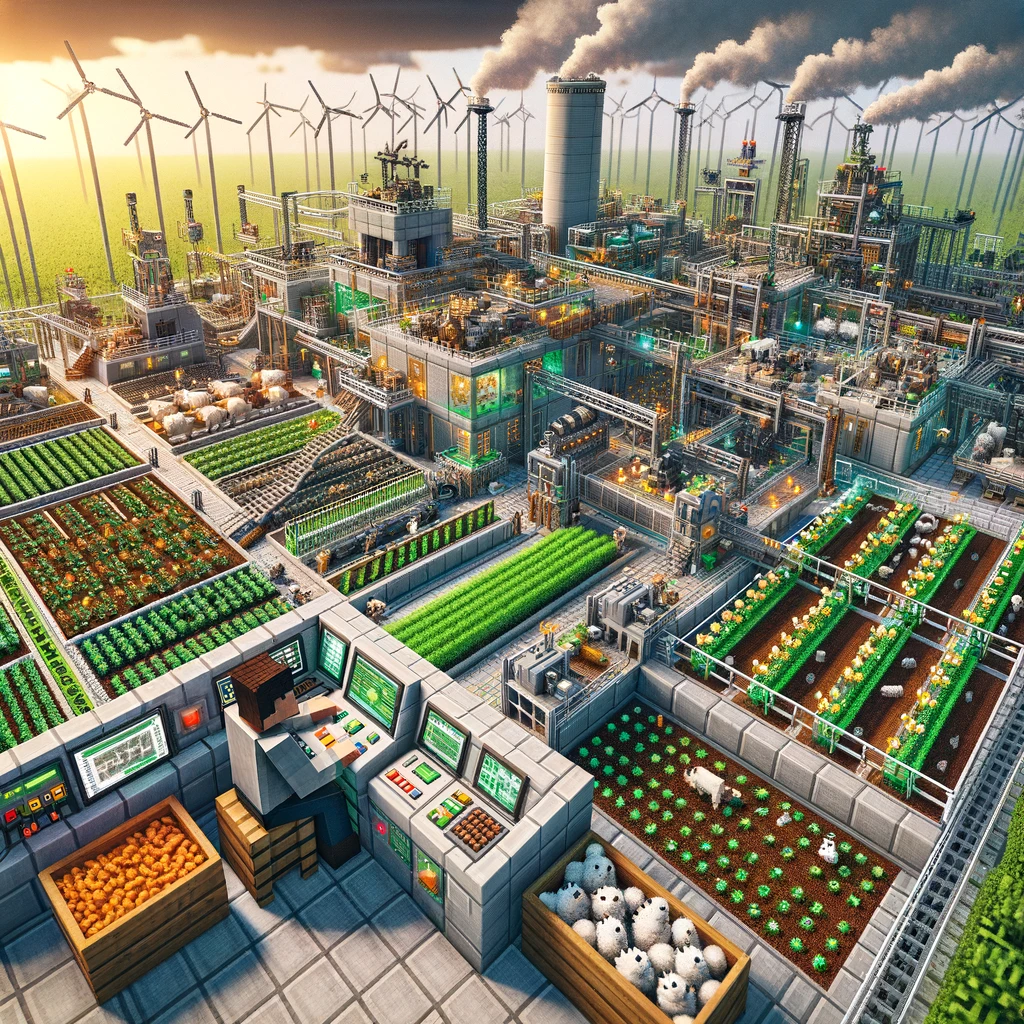
In the sprawling world of Minecraft, where every mined block and crafted item stacks towards grand creations, automation stands as a beacon for efficiency and innovation. Survival mode, known for its gathering and crafting grind, can be transformed with mods that introduce automated processes for resource collection, farming, and more. These mods not only streamline tedious tasks but also open up new avenues for creativity and engineering within the game. Here’s a selection of survival mods focused on automation, making your Minecraft endeavors more efficient and enjoyable.
Industrial Craft 2 (IC2)
- What It Offers: IC2 adds a plethora of industrial-themed technological advancements to Minecraft, including nuclear reactors, electric tools, and machines that can automate mining, material processing, and even agriculture. It’s a comprehensive mod that introduces an energy system (EU) to power various devices and contraptions.
- Why It’s Great for Automation: It allows for significant automation of resource gathering and processing, encouraging players to design and build complex industrial setups.
Thermal Expansion
- What It Offers: Thermal Expansion focuses on adding machines that can automate processes like smelting, pulverizing, and crafting. It introduces its own power system (Redstone Flux) and integrates seamlessly with other mods in the Thermal series, offering a wide range of automation possibilities.
- Why It’s Great for Automation: The mod provides tools and machines for resource automation, fluid and item transport, and energy generation, making it a versatile addition to any automated base.
BuildCraft
- What It Offers: BuildCraft is renowned for its introduction of pipes and automated mining machines, such as the Quarry, which mines out large areas automatically and deposits the resources into adjacent chests. It also offers engines to power the various machines and items for transporting resources.
- Why It’s Great for Automation: It’s particularly known for its robust transportation and sorting systems, allowing for detailed management of resources and inventories.
Botania
- What It Offers: Botania offers a unique twist on automation through its magic-based tech system. Instead of wires and electricity, Botania uses mana generated from flowers. It allows for automated farming, item sorting, and even mob farming using a variety of magical flowers and devices.
- Why It’s Great for Automation: It provides a different approach to automation that blends technology with magic, requiring players to think creatively about system design and resource management.
MineColonies
- What It Offers: MineColonies turns Minecraft into a colony simulation, where players build and manage their own thriving town. Villagers can be assigned roles like miner, farmer, and lumberjack, automating resource collection and processing.
- Why It’s Great for Automation: It adds a human element to automation, as players manage NPC workers to grow their colony and ensure efficiency.
Refined Storage
- What It Offers: Refined Storage offers a network-based storage system that can automate item and fluid storage, as well as crafting. It’s akin to a computer system where all resources can be accessed and managed from a single interface, including automated crafting tasks.
- Why It’s Great for Automation: It simplifies inventory management and crafting on a large scale, allowing for complex automated crafting setups with minimal space and hassle.
Installing Automation Mods
To incorporate these automation mods into your Minecraft survival world, follow these general steps:
- Install a Mod Loader: Most automation mods require either Forge or Fabric. Install the loader that matches the version of Minecraft you’re playing.
- Download the Mods: Always use reputable sources like CurseForge to download mods to ensure compatibility and safety.
- Place Mods in the Mods Folder: Copy the downloaded mod files into the «mods» folder located in your Minecraft directory. If this folder doesn’t exist, create it.
- Launch Minecraft with the Mod Loader: Open the Minecraft launcher, select the mod loader profile, and start the game. Your automation mods should now be active.
Conclusion
With these mods, the possibilities for automation in Minecraft’s survival mode are nearly limitless. From managing a bustling colony to constructing a fully automated resource processing plant, these mods not only reduce the grind but also challenge players to explore the intricacies of automated systems and engineering within the blocky realms of Minecraft.
Добавить комментарий