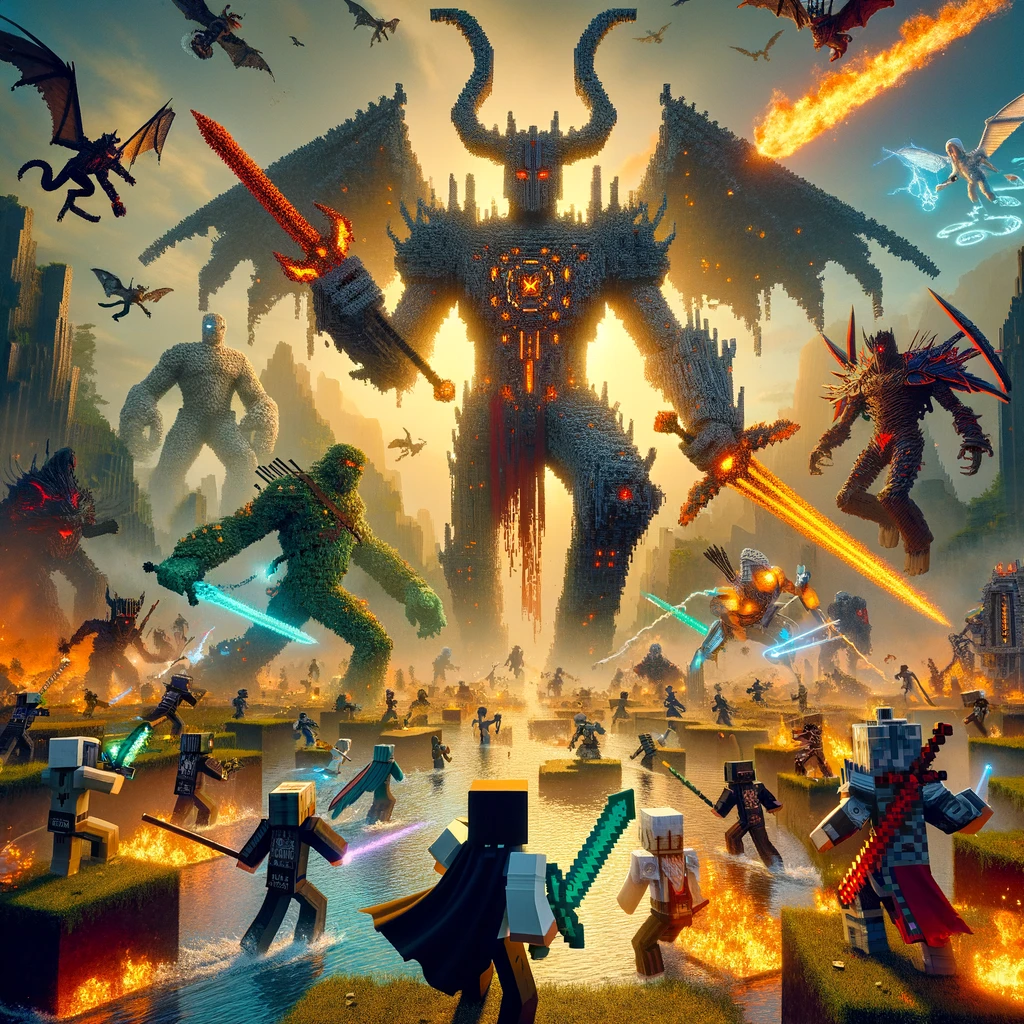
Combat in Minecraft, while engaging, can become predictable over time. Players looking for more challenge, variety, and depth in their skirmishes can find solace in the plethora of mods designed to enhance Minecraft’s combat system. These mods introduce new weapons, enemies, mechanics, and dimensions, making every battle a thrilling experience. Here’s a rundown of some standout mods that take Minecraft combat to the next level, ensuring that veterans and newcomers alike can find something to spice up their survival adventures.
Spartan Weaponry & Spartan Shields
- What They Offer: Spartan Weaponry adds a wide range of medieval weapons to Minecraft, including longswords, katanas, spears, and more, each with unique stats and fighting styles. Spartan Shields complements this by introducing various shields for defensive tactics. Together, they bring depth to both offensive and defensive aspects of combat.
- Why They’re Great for Combat: These mods provide players with more strategic options in battle, allowing for a personalized combat experience tailored to individual play styles.
Ice and Fire: Dragons in a Whole New Light
- What It Offers: Ice and Fire not only introduces dragons to Minecraft but also a host of other mythical creatures like griffins, hippogryphs, and sea serpents. Each creature comes with its own set of challenges and rewards, including the ability to tame and fly dragons.
- Why It’s Great for Combat: It adds a new layer of difficulty and strategy to combat, encouraging players to prepare and adapt to the strengths and weaknesses of various mythical beasts.
Tinkers’ Construct
- What It Offers: While Tinkers’ Construct is renowned for its tool-making capabilities, it also significantly expands the combat arsenal by allowing players to craft and customize their weapons. From swords and bows to more exotic weapons, each can be modified with different materials and upgrades to enhance their performance.
- Why It’s Great for Combat: The mod offers a high degree of customization, letting players tailor their weapons to their preferred combat style, whether it’s close-quarters melee or long-range sniping.
Electroblob’s Wizardry
- What It Offers: Electroblob’s Wizardry introduces a magic system to Minecraft, adding spells, wands, and magical artifacts. Players can become wizards, casting spells ranging from fireballs to summoning storms, and even teleportation.
- Why It’s Great for Combat: It diversifies combat by adding the option to use magic, offering a new and exciting way to engage enemies and defend oneself.
Mowzie’s Mobs
- What It Offers: Mowzie’s Mobs adds a variety of unique, challenging mobs to the game, each with their own set of abilities and attack patterns. Defeating these creatures often rewards players with special items and abilities.
- Why It’s Great for Combat: The mod introduces tougher enemies that require strategy and skill to defeat, making combat more challenging and rewarding.
Battle Towers
- What It Offers: Battle Towers spawns large tower structures across the world, filled with enemies and loot. As players ascend the tower, the difficulty increases, culminating in a boss fight at the top.
- Why It’s Great for Combat: It provides a focused combat challenge, testing players’ combat skills, strategy, and preparation as they battle their way to the top for the ultimate rewards.
How to Install Combat Mods
To enhance your Minecraft combat experience with these mods, follow these general steps:
- Install a Mod Loader: Most combat mods require either Minecraft Forge or Fabric. Choose the one compatible with the mods you want to use and install it for your version of Minecraft.
- Download Mods: Always use reputable sources like CurseForge to download mods to ensure safety and compatibility.
- Place Mods in the Mods Folder: Copy the downloaded mod files into the «mods» folder in your Minecraft directory. If there’s no «mods» folder, create one.
- Launch Minecraft with the Mod Loader: Start the game using the Forge or Fabric profile. Ensure your mods are listed and active.
Conclusion
These combat mods offer varied and exciting ways to revamp the combat system in Minecraft, providing everything from new weapons and magic to challenging enemies and epic boss fights. Whether you’re a knight, a wizard, or a strategist, these mods ensure that every battle is a thrilling adventure. Remember, the key to enjoying these mods is finding the right balance that suits your play style and enhances your Minecraft experience.
Добавить комментарий