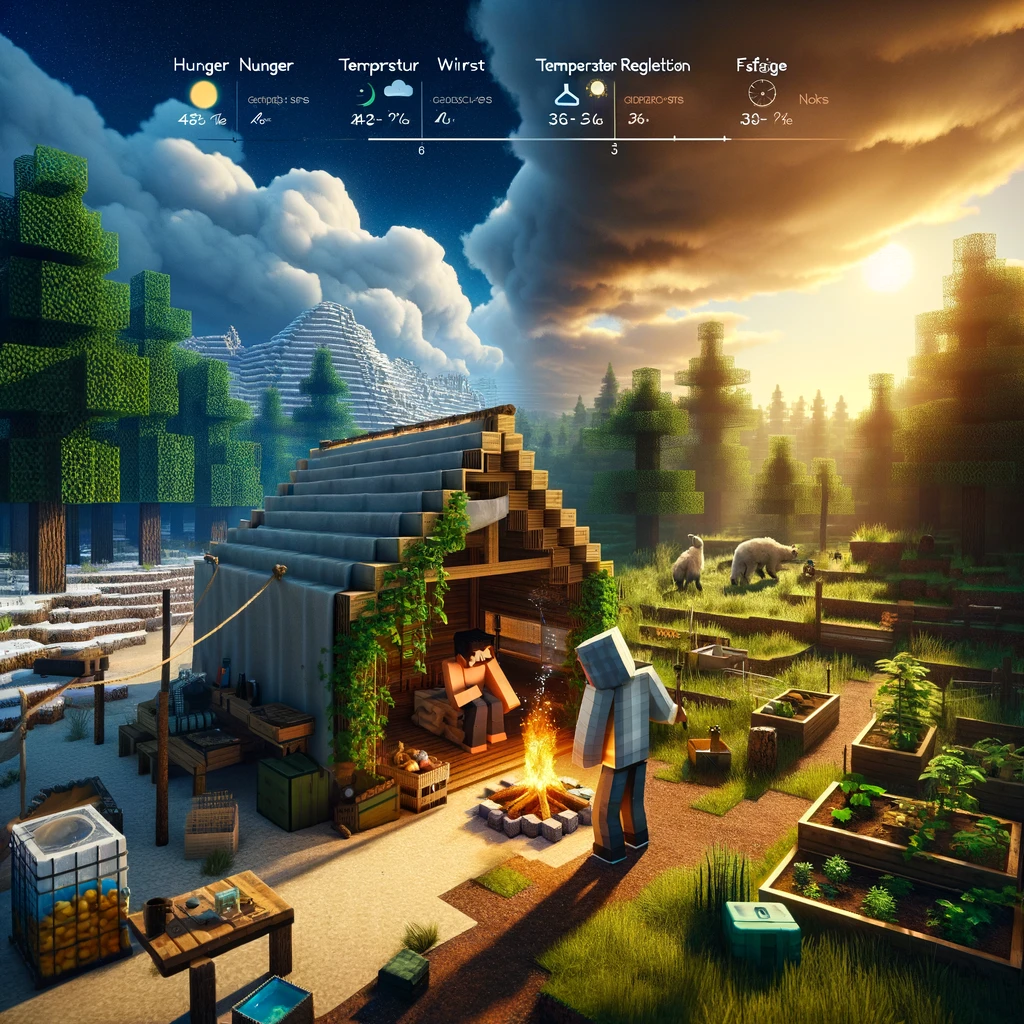
In the pixelated, blocky universe of Minecraft, the survival mode already presents an engaging challenge that tests your ability to adapt and thrive. However, for those who seek an even more immersive and realistic survival experience, the vast world of Minecraft mods offers numerous options to enhance the game’s realism. From the need to stay hydrated to the impact of changing seasons, these mods add layers of complexity and realism that require you to rethink your survival strategies. Here’s a curated list of mods designed to bring realism into your Minecraft survival adventures.
Tough As Nails
- What It Adds: Tough As Nails introduces additional survival mechanics such as thirst, body temperature, and seasons. You’ll need to find fresh water to stay hydrated, wear appropriate clothing to deal with temperature changes, and plan ahead for seasonal impacts on food availability.
- Why It’s Great for Realism: It forces you to consider environmental factors and plan your survival strategy around them, adding depth to the game’s survival aspects.
Realistic Torches
- What It Adds: This mod makes torches behave more realistically. Torches are not permanently lit upon crafting and will eventually burn out, requiring you to relight them or craft more durable, permanent light sources.
- Why It’s Great for Realism: It challenges you to manage your light sources wisely, adding a layer of complexity to exploring dark areas and maintaining a well-lit base.
Dynamic Trees
- What It Adds: Dynamic Trees completely revamps the vanilla tree mechanics. Trees grow over time, have a more natural shape, and when chopped down, fall realistically and can be chopped into logs.
- Why It’s Great for Realism: It transforms the simplistic act of gathering wood into a more engaging and visually pleasing process, enhancing the environmental realism of the game.
Biomes O’Plenty
- What It Adds: This mod vastly expands Minecraft’s biodiversity by adding dozens of new biomes, each with its unique flora, fauna, and terrain. From lush rainforests to barren wastelands, the mod brings the game’s worlds to life.
- Why It’s Great for Realism: It enriches the exploration aspect of Minecraft, making the game’s geography more diverse and realistic.
Nutrition
- What It Adds: Nutrition adds a system where you must balance your dietary nutrition by consuming a variety of foods. Failing to maintain a balanced diet can result in negative effects, while a well-rounded diet brings benefits.
- Why It’s Great for Realism: It encourages you to diversify your food sources and consider your dietary choices, mirroring real-life nutritional needs.
Aquaculture 2
- What It Adds: Expanding on Minecraft’s relatively simple fishing mechanics, Aquaculture 2 introduces a multitude of new fish species, fishing rods, and water biomes, making fishing a much more varied and engaging activity.
- Why It’s Great for Realism: It adds depth to the fishing experience, encouraging exploration of different water bodies to discover and catch various species.
Weather, Storms & Tornadoes
- What It Adds: This mod brings severe weather into the game, including storms, tornadoes, and hurricanes, which can cause damage to the environment and your structures.
- Why It’s Great for Realism: It adds an unpredictable element to the game, forcing you to build sturdier structures and plan for weather emergencies.
How to Install These Mods
To dive into a more realistic Minecraft experience, you’ll typically need a mod loader like Forge or Fabric. Here’s a quick guide on how to get started:
- Download and Install a Mod Loader: Choose either Forge or Fabric, depending on the mods you’re interested in, and install it for your Minecraft version.
- Download Mods: Always download mods from reputable sources like CurseForge to avoid compatibility issues or malware.
- Place Mods in Your Mods Folder: Drop the downloaded mod files into the «mods» folder within your Minecraft directory. If there’s no «mods» folder, create one.
- Launch Minecraft with the Mod Loader: Open the Minecraft launcher, select the profile for your mod loader, and start the game. Check the mods list in-game to ensure your mods are active.
Conclusion
By incorporating these mods, Minecraft transforms into a game where every decision, from what you eat to how you build, is influenced by a pursuit of realism. Such a setup challenges you to think critically and plan ahead, turning everyday survival into a deeply immersive experience. Whether you’re battling the elements, managing your diet, or simply enjoying the enhanced aesthetics of the world around you, these mods promise a richer, more realistic Minecraft adventure.
Добавить комментарий