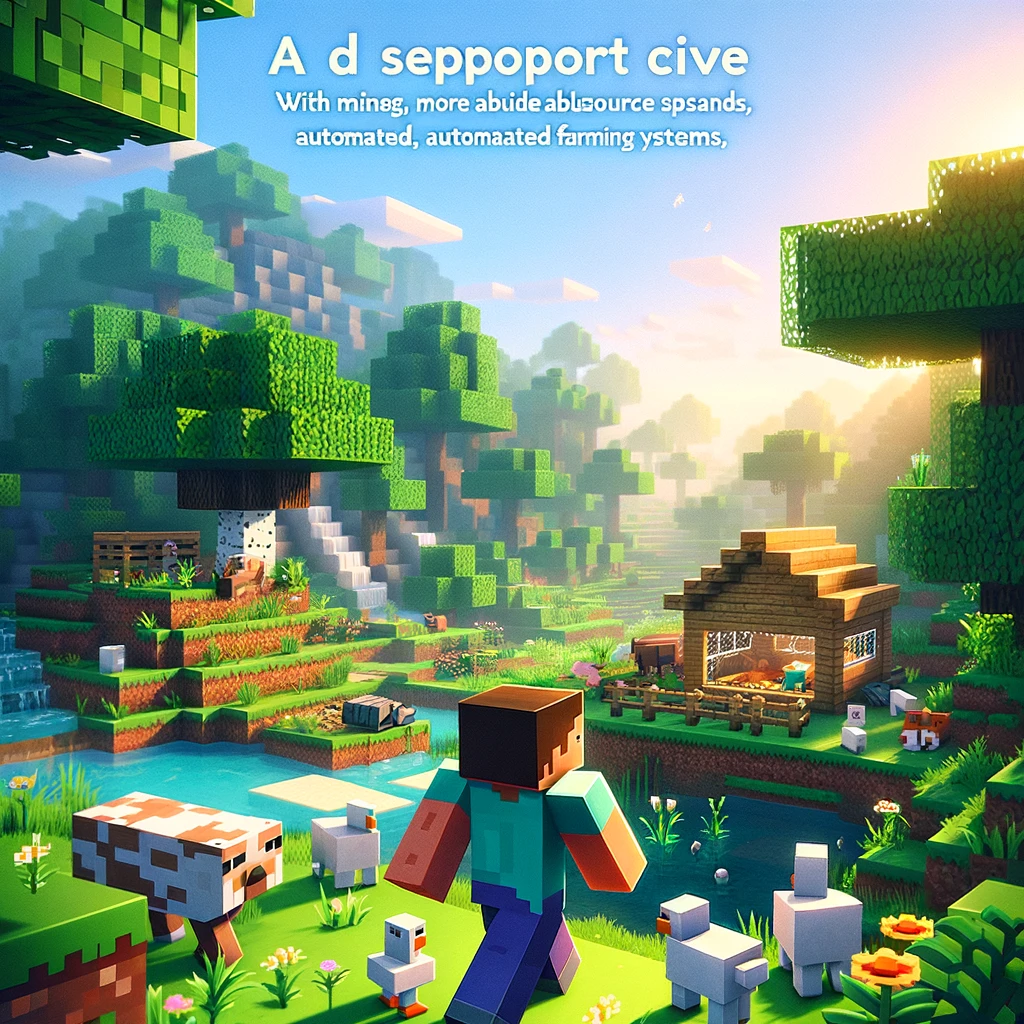
For players seeking a more relaxed or streamlined Minecraft survival experience, there are plenty of mods designed to ease the usual survival challenges, making the game more accessible or simply more enjoyable for those who prefer a less stressful adventure. Here’s a selection of mods that cater to an easier or more convenient survival experience, enhancing gameplay without sacrificing the core essence of Minecraft.
Keep Inventory Mods
GraveStone Mod: Losing your entire inventory upon death can be one of the most frustrating aspects of Minecraft. The GraveStone Mod addresses this by spawning a gravestone upon your death, securely holding all your items until you return to claim them. It eliminates the panic of trying to retrieve your belongings before they disappear forever.
Automated Resource Gathering
Simple Harvest: This mod simplifies farming by allowing you to right-click to harvest and replant crops instantly. It removes the tedious task of manually replanting, making farming more efficient and less time-consuming.
VeinMiner: Mining can be a slow and laborious process. VeinMiner allows players to mine entire veins of ore by crouching and breaking an ore block, significantly speeding up mining and resource gathering.
Simplified Crafting and Building
Just Enough Items (JEI): JEI is an invaluable tool for any Minecraft player, providing recipes and item uses directly in the game interface. It simplifies crafting by showing you exactly what you need and how to make it, including items from other mods you’ve installed.
Building Gadgets: Building in survival mode can be daunting, especially for large projects. Building Gadgets introduces tools that can place blocks in patterns, copy structures, and even exchange blocks, making building faster and more enjoyable.
Quality of Life Improvements
Inventory Tweaks: This mod automatically replaces tools as they break and sorts your inventory and chests with a single click, saving you time and keeping you organized.
Fast Leaf Decay: Speeds up the decay of leaves after you chop down the wood of a tree, allowing you to clear trees and gather saplings more quickly without waiting for leaves to naturally despawn.
Enhanced Exploration
Nature’s Compass: Exploration is a core part of Minecraft, but finding specific biomes can be a needle-in-a-haystack ordeal. Nature’s Compass adds a craftable compass that points you toward the biome of your choice, making exploration less of a wild goose chase.
Environmental Comfort
Comforts (Forge): This mod adds sleeping bags and hammocks to the game, allowing you to sleep anywhere without resetting your spawn point. Hammocks let you nap during the day to pass quickly to night, useful for skipping to night-time events or avoiding long waits for daylight.
Installation Tips
Most of these mods require a mod loader like Forge or Fabric to be installed. Here’s a quick rundown on how to get started with mod installation:
- Choose a Mod Loader: Download Forge or Fabric from their official websites, making sure it matches your Minecraft version.
- Install the Mod Loader: Run the installer, which should automatically create a new profile in your Minecraft launcher.
- Download Mods: Always download mods from reputable sources. Place the downloaded
.jarfiles in the «mods» folder within your Minecraft directory. If the folder doesn’t exist, you can create it. - Launch the Game: Open the Minecraft launcher, select the profile for your mod loader, and start the game. Your mods should now be active.
Conclusion
Mods can significantly alter your Minecraft experience, tailoring the game to fit your personal preferences. Whether you’re looking to reduce the grind, simplify resource management, or just make the world a bit friendlier, there’s likely a mod that suits your needs. With these mods, you can enjoy a more laid-back survival experience, focusing on the aspects of Minecraft you love most.
Добавить комментарий