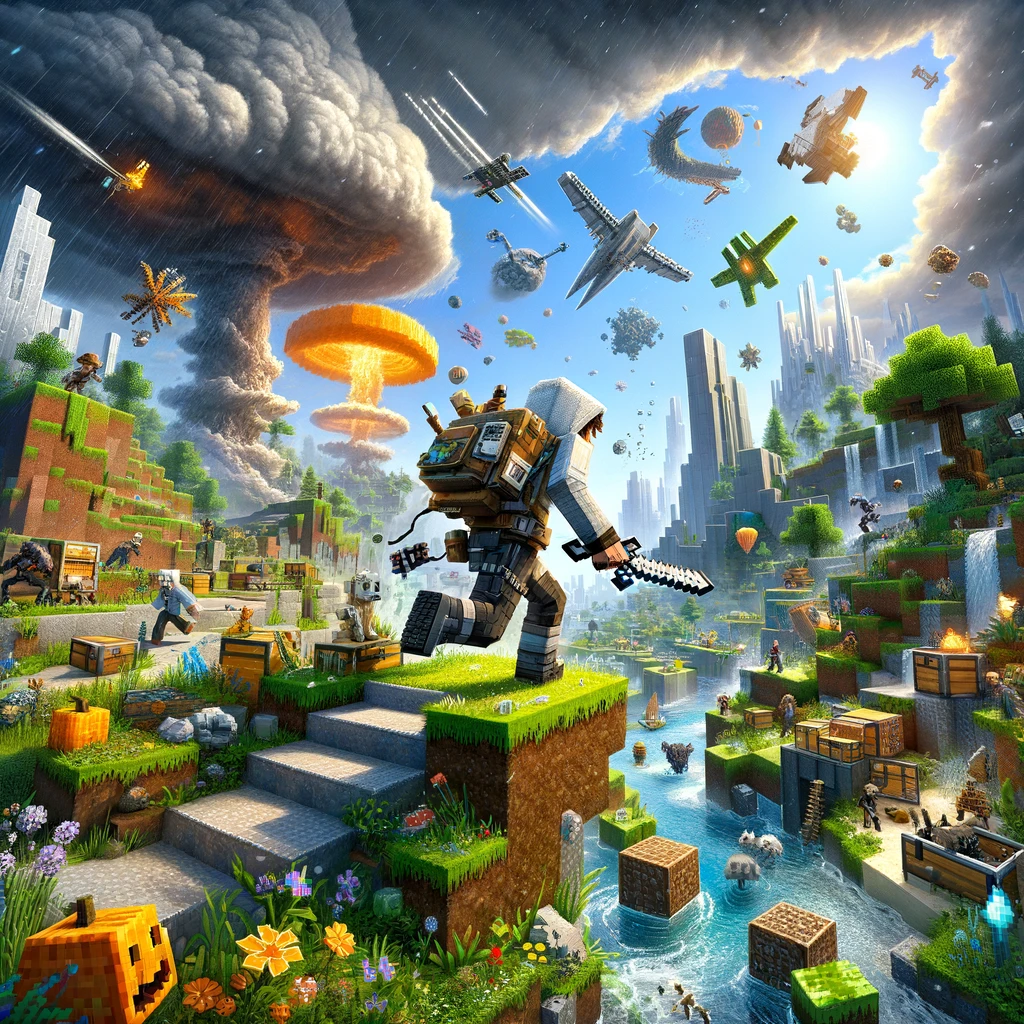
When it comes to Minecraft, the essence of survival mode is in gathering, crafting, and building, all while braving the endless dangers that come out at night. But for many, once the basics of survival are mastered, the vanilla experience can start feeling a bit routine. This is where enhanced survival mods come in, adding layers of complexity, realism, and new challenges to the game. These mods can transform the survival experience, making it more immersive and rewarding. Here are some of the best mods that offer an enhanced survival experience:
Tough As Nails
- What It Offers: Tough As Nails adds a thirst meter and body temperature mechanics, making survival more challenging and realistic. You’ll need to stay hydrated and maintain a comfortable body temperature to survive.
- Why It’s Great: It encourages you to plan and prepare for expeditions, making survival more than just about fighting monsters. Finding water and crafting gear to protect against the elements become crucial aspects of the game.
The Lost Cities
- What It Offers: This mod lets you spawn in a world filled with dilapidated cities overrun by nature. It offers a new survival challenge, with buildings to explore, loot to find, and of course, more dangers lurking around every corner.
- Why It’s Great: It changes the dynamic of the game from rural survival to urban exploration, offering a unique backdrop for your Minecraft adventures. Plus, the cities can be customized extensively, allowing for different experiences every time.
Pam’s HarvestCraft
- What It Offers: HarvestCraft significantly expands Minecraft’s farming and food system, adding over 1,400 new foods and items, as well as new crops, fruit trees, and even a cooking tool.
- Why It’s Great: It makes food gathering and preparation an intricate part of survival, encouraging you to explore the world to find new ingredients and experiment with different food combinations for various effects.
Biomes O’Plenty
- What It Offers: This mod adds over 90 new biomes to the game, vastly expanding the exploration aspect of Minecraft with new landscapes, plants, and building materials.
- Why It’s Great: The added biomes bring new challenges and opportunities, from navigating the dense foliage of tropical rainforests to surviving the harsh conditions of the tundra. Each biome feels like a new world to explore.
Environmental Tech
- What It Offers: Environmental Tech introduces a range of high-tech machinery and solar panels for efficient resource mining and energy production. It’s perfect for those looking to minimize the grind of resource gathering in a high-tech way.
- Why It’s Great: It allows for automation of various tasks, freeing you up to focus on exploring, building, and surviving. Plus, it adds a futuristic touch to your Minecraft world.
Dynamic Surroundings
- What It Offers: This mod enhances Minecraft’s visual and auditory experience by adding new weather effects, sound effects, and visual tweaks. From the rustling of leaves to the sound of your footsteps, the world feels more alive.
- Why It’s Great: It enhances the immersion of the game without altering core gameplay mechanics. The world feels more dynamic and responsive, making every expedition more exciting.
RLCraft
- What It Offers: Although not a single mod, RLCraft is a modpack that overhauls nearly every aspect of the game to make survival extremely challenging. It includes elements like new mobs, a temperature system, thirst, and more realistic crafting.
- Why It’s Great: For those looking for the ultimate survival challenge, RLCraft is it. It’s like playing a completely different game, where every decision can mean life or death.
Installing Enhanced Survival Mods
To install these mods, you’ll typically need a mod loader like Forge or Fabric, depending on the mod’s requirements. Here’s a quick guide to get you started:
- Download a Mod Loader: Forge and Fabric are the most popular ones. Ensure you download the version that corresponds with the version of Minecraft you’re playing.
- Install the Mod Loader: Run the installer, which should automatically set up the profile in your Minecraft launcher.
- Download Mods: Always download mods from reputable sources to avoid issues. Check compatibility with your version of Minecraft and the mod loader.
- Place Mods in Your Mods Folder: Move the downloaded mod files to the «mods» folder in your Minecraft directory. If there isn’t a «mods» folder, you can create one.
- Launch Minecraft with the New Profile: Open the Minecraft launcher, select the profile for your mod loader, and hit play. Your mods should be active!
Conclusion
Enhanced survival mods can breathe new life into Minecraft, offering fresh challenges, expanded gameplay mechanics, and deeper immersion. Whether you’re a seasoned veteran looking for a new challenge or a newcomer wanting a bit more depth from the survival experience, these mods can offer a richer, more rewarding journey through the blocky realms of Minecraft.
Добавить комментарий