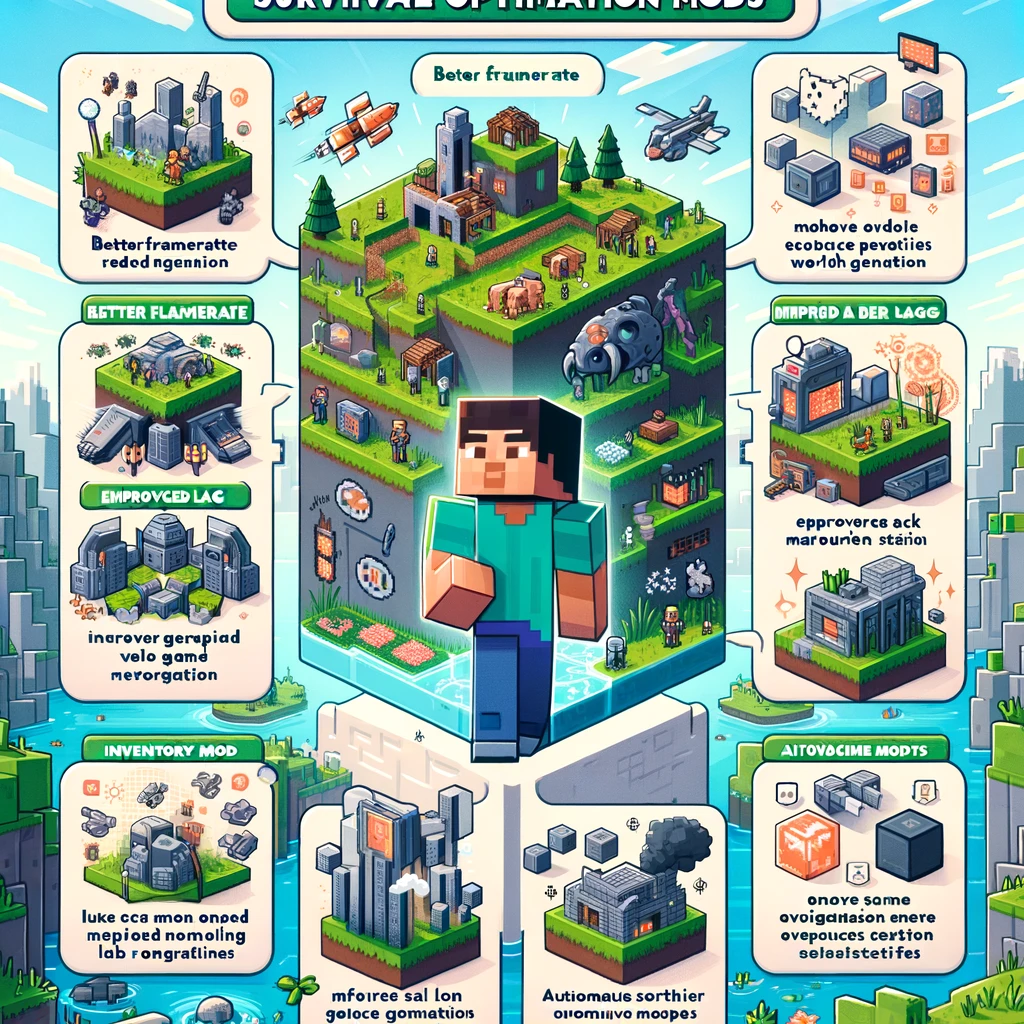
Surviving in the vast, blocky wilderness of Minecraft can be a thrilling yet challenging endeavor. But who says it has to be a struggle? With the right survival optimization mods, your gameplay can become more efficient, less cumbersome, and even more enjoyable. Whether you’re a seasoned miner or a fresh-faced explorer, these mods are designed to streamline your survival experience without compromising the game’s core challenges. Let’s dive into some essential mods that will refine your Minecraft adventures!
1. Just Enough Items (JEI)
- What It Adds: An in-game item and recipe viewer, showing you exactly how to craft any item, including those from other mods.
- Why You Need It: It simplifies crafting and saves time by eliminating the need to pause your game to look up recipes online.
2. Fast Leaf Decay
- What It Adds: Speeds up the decay of leaves after a tree is chopped down, allowing saplings and apples to drop more quickly.
- Why You Need It: It saves time and keeps your landscape looking neat without waiting ages for leaves to disappear.
3. Inventory Tweaks
- What It Adds: Automatically replaces broken tools, sorts your inventory and chests with a single click, and provides customizable inventory management.
- Why You Need It: Great for managing your resources efficiently, especially during long mining sessions or when sorting through loot.
4. OptiFine
- What It Adds: Boosts game performance and provides detailed graphics control, including dynamic lighting, smooth textures, and variable render distances.
- Why You Need It: It improves game speed and visual clarity, making your survival endeavors less laggy and more beautiful.
5. VeinMiner or Ore Excavation
- What It Adds: Allows you to mine entire veins of ore or chop down whole trees by holding down a key while mining.
- Why You Need It: Saves time and tools by streamlining the mining and logging process.
6. Iron Chests
- What It Adds: Larger and more varied chest options, allowing for more compact storage solutions.
- Why You Need It: Ideal for organizing your items more efficiently and saving space in your home or base.
7. Sleeping Overhaul (or Morpheus for Multiplayer)
- What It Adds: Changes sleeping mechanics; for multiplayer, Morpheus allows the night to pass when a certain percentage of players are sleeping.
- Why You Need It: It makes sleeping more realistic and, in multiplayer, eliminates the need for every player to sleep simultaneously to skip the night.
8. Aqua Culture 2
- What It Adds: Expands fishing mechanics and adds new fish, fishing gear, and water-related content.
- Why You Need It: Enhances the fishing experience, providing more resources and activities for your survival journey.
9. Ender Storage
- What It Adds: Adds Ender Chests and Bags with customizable channels, allowing for cross-dimensional item transport and storage.
- Why You Need It: Facilitates resource sharing and transportation, especially handy in large, multi-biome worlds or multiplayer settings.
10. WAILA (What Am I Looking At) or Hwyla
- What It Adds: Displays a tooltip with the name of the block or entity you’re currently looking at, including which mod it’s from.
- Why You Need It: Helps identify unfamiliar items or blocks, particularly useful when playing with many mods.
Installation Tips:
- Always back up your world before installing new mods.
- Ensure all mods are compatible with your version of Minecraft and with each other.
- Use a reliable mod loader like Forge or Fabric for easier installation and management.
- Regularly update your mods to benefit from the latest improvements and fixes.
Final Thoughts:
These optimization mods are designed to streamline and enhance your Minecraft survival experience, making your virtual life a bit less stressful and much more enjoyable. From inventory management to efficient resource gathering, each mod adds a layer of convenience without diluting the game’s survival challenges. So, gear up with these mods, and turn your survival world into a well-oiled machine, ready for whatever adventures or dangers lie ahead!
Добавить комментарий