Digital Overload
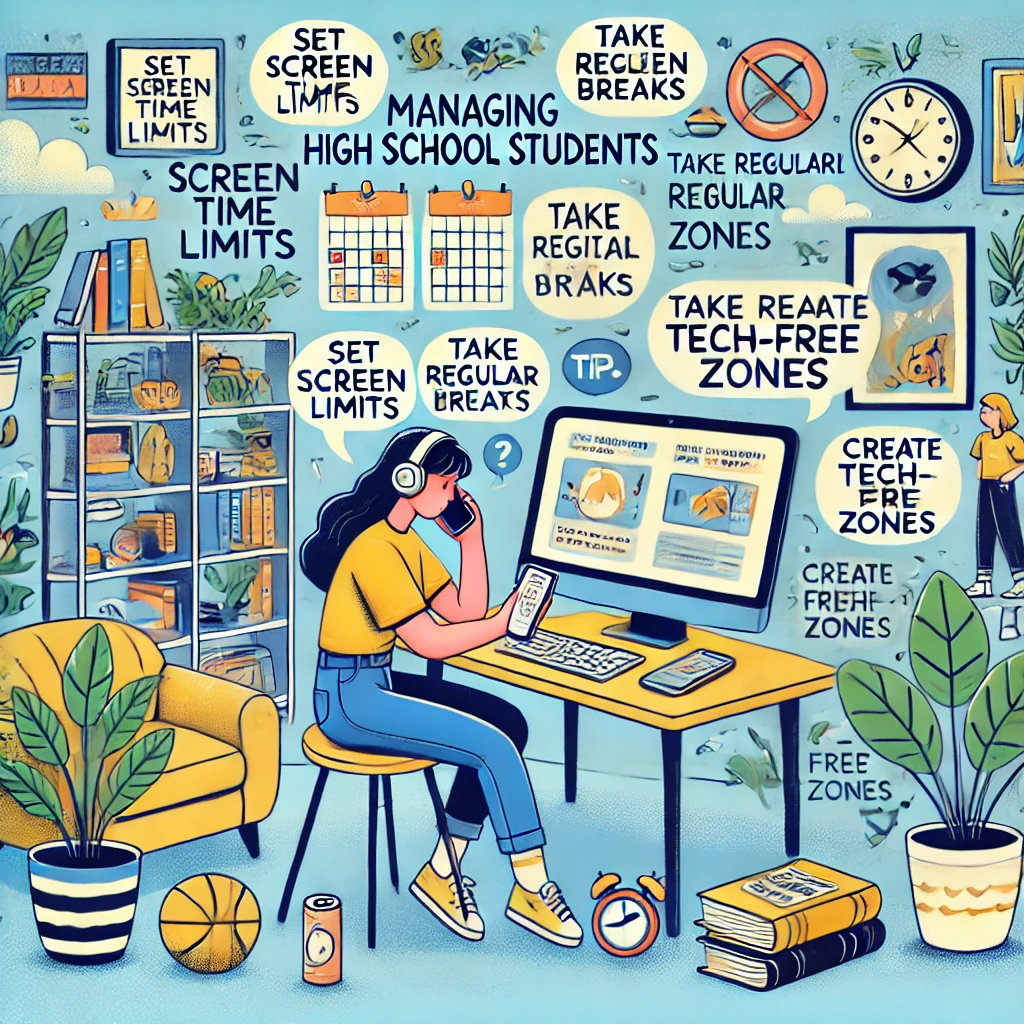
In today’s tech-driven world, high school students often face digital overload from constant notifications, online classes, social media, and gaming. This can lead to stress, reduced focus, and even burnout. Here are practical strategies to help manage digital overload while maintaining a balanced and healthy lifestyle.
1. Set Screen Time Limits
Why It Helps:
Setting boundaries for digital usage prevents excessive screen time and promotes productivity.
How to Do It:
- Use built-in tools like Screen Time (iOS) or Digital Wellbeing (Android) to monitor and limit usage.
- Set specific times for device use, such as only 30 minutes of social media after homework.
- Create a daily schedule that includes tech-free periods for relaxation or outdoor activities.
Tip: Involve family or friends to hold you accountable for your limits.
2. Prioritize Tasks with a Digital Planner
Why It Helps:
Organizing your tasks reduces the need to multitask and prevents overwhelm.
How to Do It:
- Use apps like Notion, Google Calendar, or Todoist to prioritize assignments and deadlines.
- Block specific times for studying, breaks, and recreational screen time.
- Focus on one task at a time to improve efficiency and reduce distractions.
Tip: Stick to your planner to maintain consistency and avoid last-minute stress.
3. Create Tech-Free Zones
Why It Helps:
Designating areas without technology encourages mindful engagement with non-digital activities.
How to Do It:
- Keep your bedroom or dining area tech-free to promote better sleep and family time.
- Store your phone or laptop in another room during study sessions.
- Replace screen time with hobbies like reading, drawing, or sports in these zones.
Tip: Use a charging station outside your bedroom to minimize nighttime device use.
4. Schedule Regular Breaks
Why It Helps:
Frequent breaks improve focus and prevent mental fatigue from prolonged screen use.
How to Do It:
- Follow the 20-20-20 rule: Every 20 minutes, look at something 20 feet away for 20 seconds.
- Take a 5–10 minute break after every 45–60 minutes of screen time.
- Use breaks for stretching, walking, or grabbing a healthy snack.
Tip: Set alarms or use apps like Focus Keeper to remind you to take breaks.
5. Turn Off Unnecessary Notifications
Why It Helps:
Minimizing interruptions allows you to stay focused on important tasks.
How to Do It:
- Disable notifications for non-essential apps like social media or games.
- Use «Do Not Disturb» mode during study time or at night.
- Unsubscribe from unnecessary email lists to reduce inbox clutter.
Tip: Schedule notification-free hours for focused work or relaxation.
6. Limit Social Media Time
Why It Helps:
Excessive scrolling on social media contributes to digital fatigue and distraction.
How to Do It:
- Set daily time limits for social media apps using built-in phone settings.
- Follow accounts that inspire and motivate you, and unfollow those that cause stress.
- Replace mindless scrolling with engaging offline activities like journaling or exercising.
Tip: Try a social media detox by avoiding apps for a day or week to reset habits.
7. Practice Digital Mindfulness
Why It Helps:
Being mindful of your digital habits helps you use technology intentionally.
How to Do It:
- Reflect on why you’re using a device—is it for work, connection, or procrastination?
- Avoid multitasking on multiple screens (e.g., texting while studying).
- Use apps like Moment or RescueTime to analyze and optimize your screen time habits.
Tip: Pause and ask yourself if screen time aligns with your goals before engaging.
8. Incorporate Offline Activities
Why It Helps:
Balancing online and offline activities improves overall well-being.
How to Do It:
- Spend time outdoors walking, biking, or playing sports with friends.
- Explore creative hobbies like painting, writing, or cooking.
- Engage in face-to-face interactions with family or friends to strengthen relationships.
Tip: Dedicate at least an hour daily to offline pursuits.
9. Focus on Sleep Hygiene
Why It Helps:
Excessive screen time, especially at night, disrupts sleep and leads to fatigue.
How to Do It:
- Avoid screens 1–2 hours before bedtime.
- Use blue light filters or wear blue light-blocking glasses in the evening.
- Establish a bedtime routine with calming activities like reading or meditating.
Tip: Replace phone alarms with a traditional alarm clock to reduce nighttime screen usage.
10. Seek Support When Needed
Why It Helps:
Asking for help provides accountability and solutions tailored to your challenges.
How to Do It:
- Discuss digital habits with parents, teachers, or friends to identify areas for improvement.
- Join study groups or clubs to stay engaged in non-digital activities.
- If digital overload causes significant stress, consider consulting a counselor or therapist.
Tip: Collaborate with others to create shared tech-free moments, like family dinners or group outings.
Final Thoughts
Managing digital overload as a high school student is about finding balance. By setting boundaries, staying organized, and incorporating offline activities, you can reduce stress and make the most of your time. Remember, technology is a tool—use it wisely to support your goals and well-being.
For more tips and resources, explore helpful guides and
Добавить комментарий