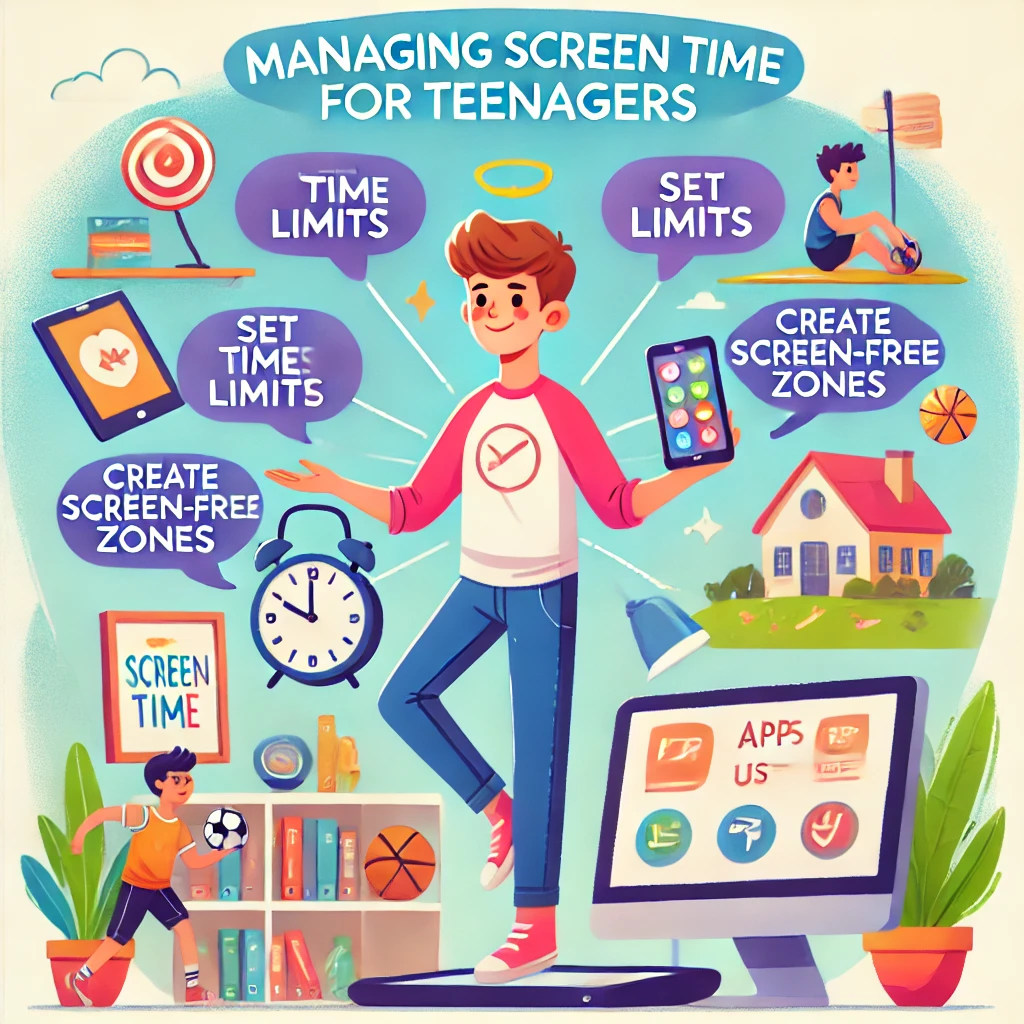
Screen Time
Screen time is a significant part of modern life, especially for teenagers who use devices for school, entertainment, and socializing. However, too much screen time can affect physical health, mental well-being, and academic performance. Here are practical tips to help teens find a healthy balance.
1. Understand Your Screen Time Habits
Why It Helps:
Recognizing how and why you use screens helps identify areas to adjust.
How to Do It:
- Use built-in tools like Screen Time (iOS) or Digital Wellbeing (Android) to track daily usage.
- Identify the apps or activities that consume most of your time.
- Reflect on when screen use feels productive versus excessive.
Tip: Keep a one-week log to spot patterns in your screen habits.
2. Set Daily Screen Time Limits
Why It Helps:
Boundaries prevent overuse and encourage a balanced lifestyle.
How to Do It:
- Set specific time limits for social media, games, or entertainment apps.
- Allocate time for educational activities or homework-related screen use.
- Gradually reduce screen time by 15–30 minutes a week to make adjustments manageable.
Tip: Use apps like Forest or StayFocusd to help enforce time limits.
3. Prioritize Non-Screen Activities
Why It Helps:
Engaging in offline hobbies reduces reliance on screens for entertainment.
How to Do It:
- Spend time on activities like sports, art, reading, or cooking.
- Join clubs, community groups, or extracurricular activities.
- Make plans with friends that don’t involve screens, like hiking or board games.
Tip: Try one new hobby each month to discover interests beyond screens.
4. Create Tech-Free Zones and Times
Why It Helps:
Limiting screens in specific places or during certain times promotes healthier habits.
How to Do It:
- Make bedrooms, dining areas, or study zones screen-free.
- Set “no device” times, such as during meals, family time, or the hour before bed.
- Use a physical alarm clock instead of your phone to reduce nighttime screen use.
Tip: Lead by example—encourage the whole family to adopt tech-free times.
5. Use Screens Mindfully
Why It Helps:
Intentional screen use ensures time spent online adds value rather than detracts from your well-being.
How to Do It:
- Avoid multitasking while using screens; focus on one task at a time.
- Take breaks every 20–30 minutes to rest your eyes and stretch.
- Turn off notifications for non-essential apps to minimize distractions.
Tip: Set a purpose before opening an app or website to prevent aimless scrolling.
6. Set Realistic Goals
Why It Helps:
Gradual changes are easier to maintain and lead to lasting habits.
How to Do It:
- Start by reducing screen time by 10–15% per week.
- Replace screen-heavy activities with specific alternatives, like going for a walk or playing a musical instrument.
- Track progress and celebrate small successes.
Tip: Use goal-setting apps like Habitica or Streaks to stay motivated.
7. Establish Bedtime Screen Limits
Why It Helps:
Reducing screen use before bed improves sleep quality.
How to Do It:
- Stop using devices at least one hour before bedtime.
- Keep phones and tablets out of the bedroom or use “Do Not Disturb” mode.
- Use apps with blue light filters if screens are unavoidable at night.
Tip: Replace nighttime screen use with relaxing activities like reading or journaling.
8. Balance Screen Time for School and Fun
Why It Helps:
Separating academic and recreational screen use prevents burnout and overexposure.
How to Do It:
- Schedule breaks between homework and entertainment use.
- Use tools like timers or Pomodoro apps to stay on task during study sessions.
- Focus on productive screen activities, such as educational videos or online research.
Tip: Create a dedicated workspace for school-related screen time.
9. Involve Parents and Guardians
Why It Helps:
Collaborating with family ensures a supportive environment for reducing screen time.
How to Do It:
- Discuss screen time goals and agree on reasonable limits together.
- Share your progress and challenges with your parents.
- Ask for their help in creating a balanced schedule.
Tip: Suggest family activities like game nights or outdoor adventures to encourage bonding without screens.
10. Reflect on the Benefits of Reduced Screen Time
Why It Helps:
Focusing on positive outcomes keeps you motivated to maintain healthier habits.
Benefits:
- More time for hobbies, socializing, and personal growth.
- Improved focus, academic performance, and physical health.
- Better sleep quality and reduced stress.
Tip: Journal about the changes you’ve noticed since reducing screen time.
Final Thoughts
Managing screen time as a teenager is about finding balance, not eliminating technology altogether. By setting boundaries, prioritizing offline activities, and using screens mindfully, you can create healthier habits that support your well-being and goals.
For more tips on maintaining balance and productivity, explore helpful guides to support your journey!
Добавить комментарий