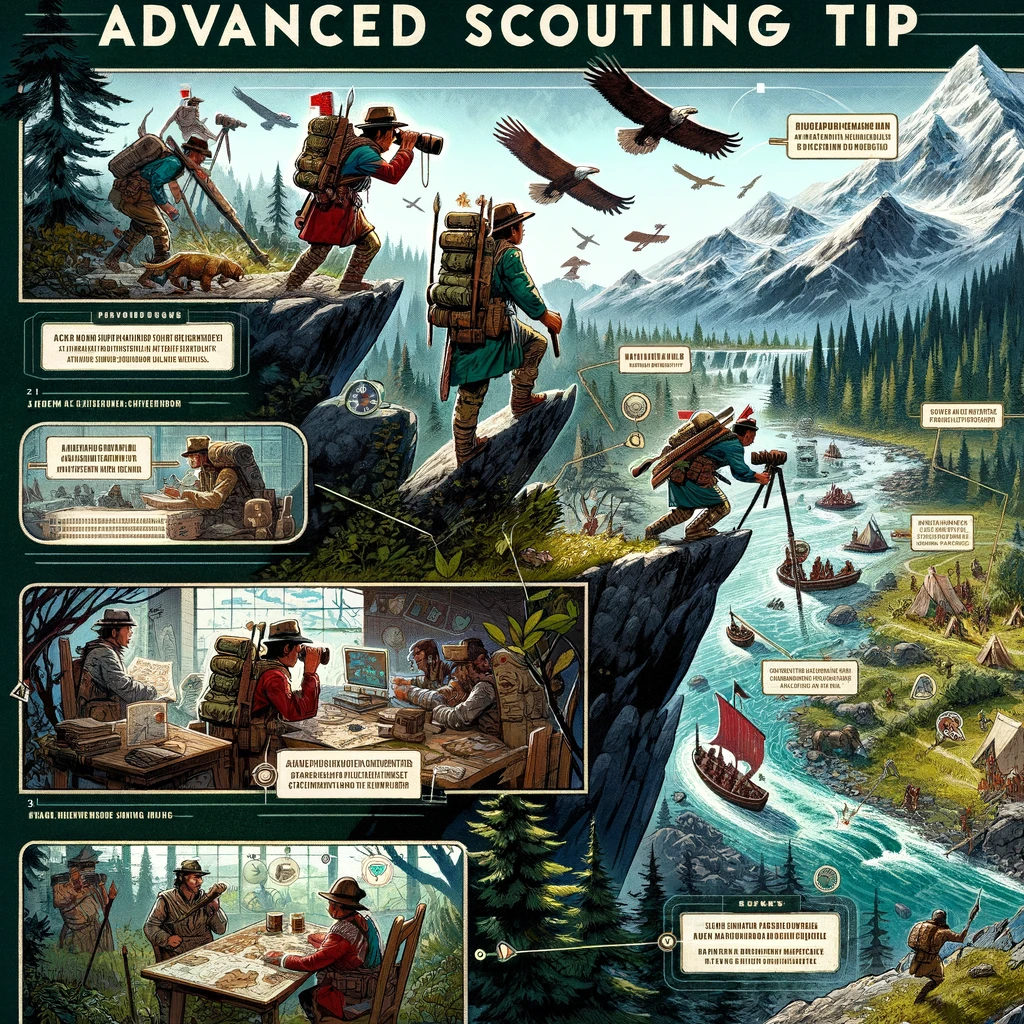
Civilization VI Advanced Scouting Tips: Exploring Efficiently and Strategically
Introduction: The Significance of Scouting
In Civilization VI, effective scouting is crucial from the very start of the game. It helps you make informed decisions about settlement locations, reveals important resources, and identifies potential threats and opportunities. Advanced scouting techniques can provide a significant advantage, helping you to plan your strategy with a comprehensive understanding of the world around you. Here are some advanced tips to maximize your scouting efforts.
1. Prioritize Early Scout Production
Building Scouts Early:
- Begin your game by producing at least one or two Scouts, especially if you’re playing on a larger or more complex map. The initial investment in Scouts can pay off by rapidly increasing the area you explore, giving you first access to goodie huts and crucial strategic information.
- Consider your civilization’s unique traits; some, like the Cree, have unique units that are particularly effective at scouting.
2. Utilize Unique Terrain Abilities
Optimizing Movement:
- Learn and leverage the terrain movement costs and bonuses. For instance, Scouts receive additional movement points in woods and rainforests with the Ranger promotion, which allows them to cover more ground quickly.
- Use high terrain like hills for a wider view range. Hills provide a visibility bonus, revealing more tiles per turn.
3. Scout in a Pattern
Systematic Exploration:
- Scout in a spiraling pattern from your capital or the location you’re most interested in securing. This method ensures comprehensive coverage and helps in strategically planning expansions.
- Avoid doubling back or crisscrossing previously explored areas to maximize efficiency unless revisiting to ensure safety for settlers or builders.
4. Upgrade and Protect Your Scouts
Enhancing Scout Viability:
- Upgrade Scouts with promotions strategically. Early on, prioritize speed and sight to explore more territory. Later, consider survivability upgrades if they need to traverse or scout near hostile territory.
- Protect your Scouts by avoiding engagement with barbarians and other threats unless necessary. Use their speed to evade threats rather than confront them.
5. Pair Scouts with Other Units
Strategic Pairing:
- Later in the game, pair your Scouts with military units. This approach can be especially useful in monitoring enemy movements and providing a buffer against unexpected encounters.
- Use Scouts in conjunction with a slinger or warrior to clear out barbarian outposts and secure tribal villages safely.
6. Use Scouts for Specific Missions
Targeted Missions:
- Beyond initial exploration, use Scouts to keep an eye on rival civilizations, checking their city placements, army size, and expansion progress.
- Task Scouts with following enemy settlers to predict new city locations, or monitor chokepoints and strategic passes between geographical features like mountains and seas.
7. Leverage Advanced Technology
Technological Advantages:
- As you progress, enhance scouting capabilities through technologies and civics that improve unit vision and movement.
- Consider the benefits of forming an army or fleet with your Scout units if the game advances into later eras, which maintains their usefulness by significantly boosting their strength and mobility.
Conclusion: Mastering the Art of Scouting
Advanced scouting in Civilization VI is about more than just randomly wandering the map; it’s a strategic tool that shapes the decisions you make throughout the game. By exploring efficiently and strategically, you can gain crucial advantages that help secure a strong start and a powerful position in the mid to late game. Remember, the more you know about the world, the better you can navigate its challenges and opportunities.
Добавить комментарий