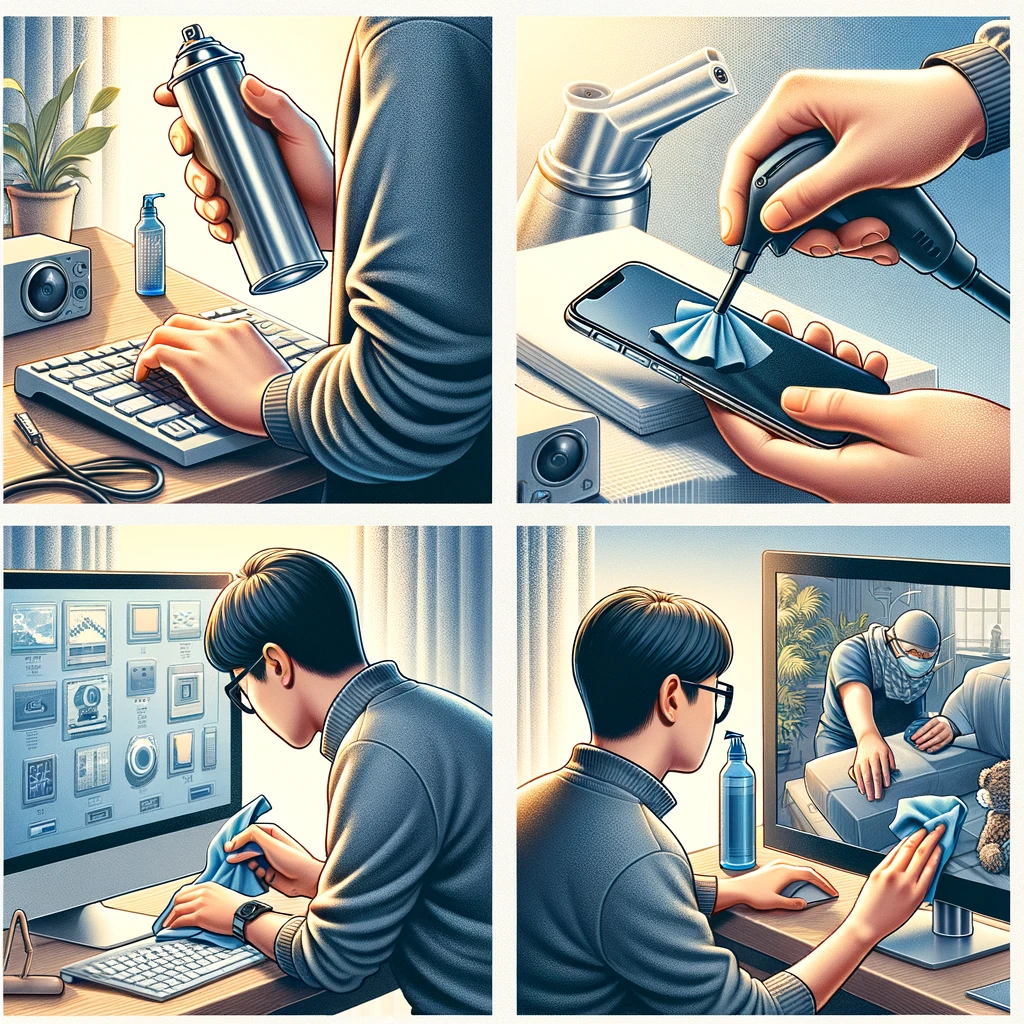
How to Clean Electronics: A Step-by-Step Guide
Keeping your electronics clean is essential not only for their appearance but also for their functionality and longevity. Dust, fingerprints, and other debris can affect how your devices operate, so here’s a detailed guide on how to effectively clean your electronics.
Gather Your Cleaning Supplies
What You’ll Need:
- Microfiber cloths: These are soft and will not scratch screens or surfaces.
- Isopropyl alcohol: A solution of at least 70% alcohol is effective for disinfecting and cleaning without damaging electronics.
- Distilled water: Using distilled water avoids the minerals found in tap water that can leave residue.
- Cotton swabs: Useful for reaching tight spaces.
- Compressed air: Great for blowing dust out of keyboards or vents.
- Cleaning sprays: Ensure they are specified for use on electronics.
General Cleaning Steps
- Power Down: Before you start cleaning, make sure to turn off your device and unplug it from any power sources. This prevents the risk of electrical shock and damage.
- Dust Off: Use a can of compressed air to blow away any loose dust or debris, especially around vents, ports, and keyboards.
- Wipe Down: Dip a microfiber cloth in a mixture of distilled water and isopropyl alcohol (a 50/50 mix usually works well). Wring out the cloth so it’s damp, not wet, and gently wipe the surfaces of your device. For screens, use straight, side-to-side motions rather than circles to avoid streaking.
- Clean Ports and Crevices: Use cotton swabs lightly dampened with your cleaning solution to clean around buttons, ports, and other difficult-to-reach areas. Be careful not to let any liquid drip into the device.
- Disinfect: If you want to disinfect your device (which is especially important during cold and flu season or if sharing devices with others), use a cloth with isopropyl alcohol. This will kill most germs without harming the electronics.
- Dry: After cleaning, use a dry microfiber cloth to wipe down the device again to remove any lingering moisture.
Special Considerations
- Screens: Avoid using paper towels or abrasive cloths on screens, as they can leave scratches. Never spray cleaning liquid directly onto a screen. Instead, spray it onto a microfiber cloth first.
- Keyboards: Tilt the keyboard upside down and gently shake out any crumbs or debris. For more thorough cleaning, you may need to remove the keys. Make sure you know how to safely do this according to the manufacturer’s instructions.
- Smartphones and Tablets: Use screen protectors to reduce the risk of scratches and make cleaning easier. Avoid getting moisture in charging ports and buttons.
Maintaining Your Devices
- Routine Cleaning: How often you should clean your device depends on how frequently it’s used and in what environments. A general rule is to clean personal devices like phones or tablets once a week and keyboards or other frequently used electronics at least once a month.
- Handling: Always handle your electronics with clean hands to avoid transferring oils and dirt.
- Storage: Keep your devices in a clean, dry place away from potential contaminants like kitchen grease or bathroom moisture.
By following these steps on how to clean your electronics, you can help ensure they continue to function correctly and last longer. Regular cleaning not only maintains the effectiveness of your devices but also contributes to a healthier, cleaner home and work environment.
Добавить комментарий