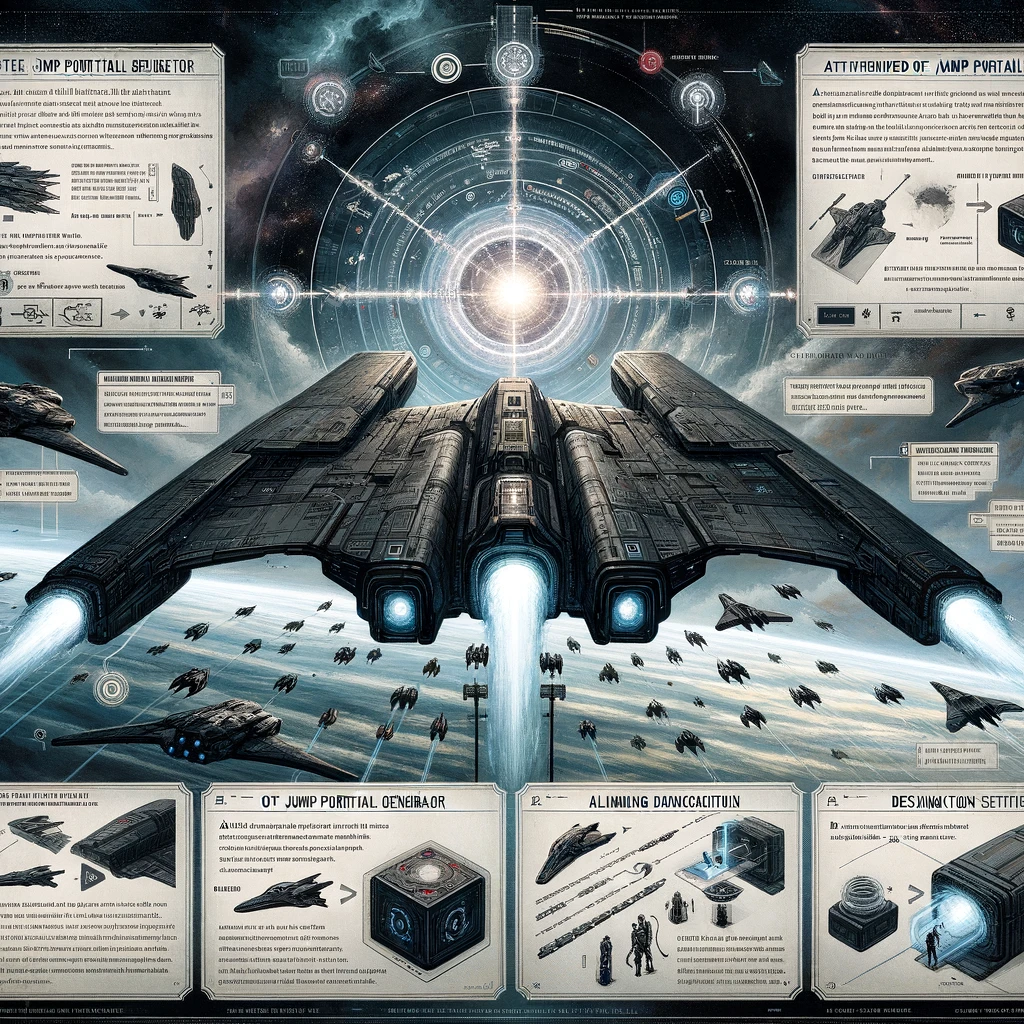
In EVE Online, a Jump Portal Generator (JPG) is a key strategic module that allows capital ships, specifically Titans and Black Ops Battleships, to create jump portals for allied ships. This enables fleets to move across vast distances in New Eden without using stargates, offering a significant tactical advantage for rapid deployments or surprise attacks. Here’s a guide to understanding and effectively using Jump Portal Generators:
Basic Mechanics
- Ship Requirements: Only Titans and Black Ops Battleships can fit and use a Jump Portal Generator. Each class uses the module differently, in line with their operational roles in EVE Online.
- Fuel Use: Opening a jump portal consumes a substantial amount of fuel, which varies depending on the mass of the ships jumping through and the distance traveled. Titans use Liquid Ozone, while Black Ops use Isotopes (specific to their faction).
- Range: The jump range for a portal is determined by the jump drive calibration skills of the pilot and the base range of the ship. Black Ops Battleships generally have a shorter jump range compared to Titans.
Strategic Use
- Rapid Deployment: Use JPGs for quick deployment of fleets to respond to threats, secure objectives, or launch surprise attacks.
- Hot Dropping: Black Ops Battleships excel at «hot dropping» on unsuspecting targets, using their covert jump portal to bring stealth bombers and recon ships directly into combat.
- Strategic Relocation: Titans can move large fleets, including other capital ships, across strategic distances for operations or to project power into contested areas.
Operational Considerations
- Coordination: Effective use of a JPG requires careful coordination. Fleets should be staged nearby, and potential jump destinations scouted for threats. Communication is key to ensure all ships jump through the portal promptly.
- Fuel Logistics: Managing fuel is critical, especially for larger operations. Ensure your Titan or Black Ops Battleship has enough fuel for both the jump portal and its return trip. Support ships may be needed to carry additional fuel.
- Security: The ship using the JPG becomes immobile and vulnerable while the portal is open. Protecting these valuable assets during operations is paramount.
Tips for Effective JPG Use
- Know Your Jump Ranges: Familiarize yourself with the maximum jump ranges and plan your operations within those limits. Consider skills, ship fittings, and fleet compositions that can influence these distances.
- Scout Ahead: Always send scouts to the destination system to gather intelligence on enemy presence, gate camps, or other hazards. The safety of your fleet and the success of your mission depend on good reconnaissance.
- Practice Opsec: Operational security (Opsec) is crucial. Limit the number of people who know the details of your operation to minimize the risk of leaks. Use secure communication channels for planning and execution.
- Manage Fatigue: Jump fatigue (also known as jump cooldown or blue timer) affects all ships using jump drives or jump portals. Manage your fleet’s fatigue levels to maintain operational flexibility.
- Emergency Extraction: Have a plan for extracting your Titan or Black Ops Battleship if the operation goes south. This may include having a secondary JPG ship on standby or securing safe log-off spots.
The Jump Portal Generator is a powerful tool in EVE Online, offering unparalleled strategic mobility. Whether for launching surprise attacks deep in enemy territory or quickly reinforcing allies, mastering the use of JPGs can significantly enhance an alliance’s or corporation’s military and strategic capabilities. Always remember, the element of surprise and well-executed coordination are your greatest allies when deploying jump portals.
Добавить комментарий