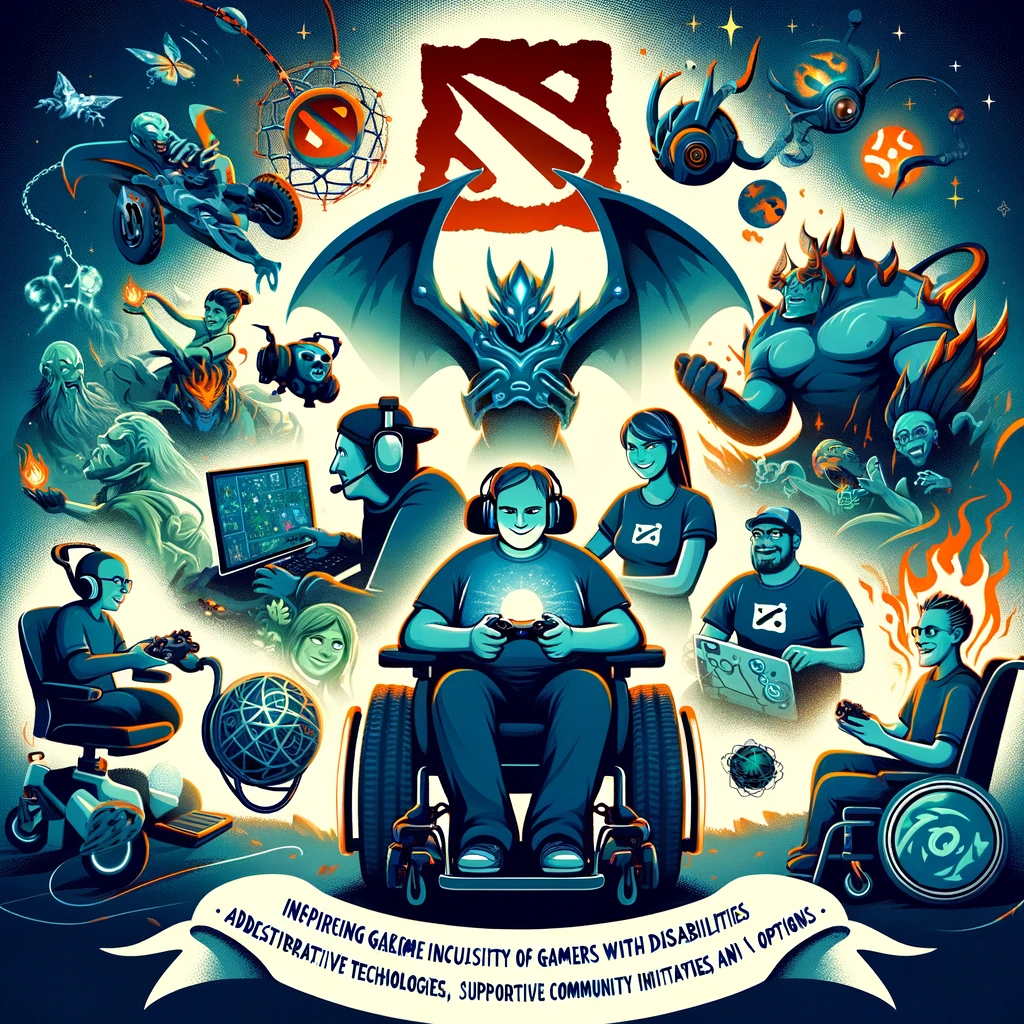
Gaming with a disability presents unique challenges, but many passionate players find ways to enjoy Dota 2, a game celebrated for its strategic depth and competitive spirit. The Dota 2 community and developers have made strides in making the game more accessible, yet there’s always room for improvement. Here’s an overview of considerations, tools, and community efforts aimed at enhancing accessibility in Dota 2 for gamers with disabilities:
Customizable Controls
- Key Bindings: Dota 2 allows players to extensively customize their key bindings. This flexibility can be particularly beneficial for players who have limited mobility in their hands or who use specialized input devices.
- Mouse Settings: Adjusting mouse sensitivity and enabling/disabling certain mouse functions can help players with precise control needs. Some players might find it easier to assign more actions to the mouse to reduce the need for keyboard use.
Visual and Audio Adjustments
- Colorblind Mode: Dota 2 includes a colorblind mode to assist players with color vision deficiency, altering the game’s color palette to make it more distinguishable.
- Audio Cues: The game provides comprehensive audio cues that are crucial for gameplay. Players who are hard of hearing or deaf can rely on visual indicators and the in-game ping system for communication and alerts. More nuanced audio-to-visual conversion tools or mods could further assist in this area.
Community and Custom Tools
- Assistive Technology: Some players use assistive technology such as voice recognition software to control their heroes or communicate with teammates. While not specifically designed for Dota 2, these tools can be configured for gaming.
- Mods and Scripts: The community sometimes develops mods or scripts to add functionality that assists players with disabilities. However, players should be cautious and ensure that any mods or scripts comply with Valve’s policies to avoid potential bans.
Inclusive Community Practices
- Communication: Encouraging the use of text chat, pings, and the chat wheel can make in-game communication more accessible for everyone, regardless of their ability to use voice chat.
- Education and Awareness: Raising awareness about the challenges disabled gamers face can foster a more inclusive and supportive community environment. This includes promoting positive attitudes towards the use of assistive devices and alternative control schemes.
Looking Forward
- Developer Support: Continued support from Valve in terms of introducing more accessibility features would greatly benefit the community. Regular updates that address accessibility concerns can make Dota 2 more enjoyable for everyone.
- Community Feedback: Active feedback from the community, including players with disabilities, is crucial. It helps identify areas of need and potential improvements. Forums, social media, and direct communication with the developers are avenues for this feedback.
Advocacy and Resources
- Organizations and Groups: Several organizations and online communities advocate for gamers with disabilities, offering resources, support, and a platform to share experiences and advice. Engaging with these groups can provide valuable insights and camaraderie.
While Dota 2 offers a range of settings and tools to improve accessibility, the evolving nature of video game accessibility means there’s always more work to be done. Through continued dialogue between the community and developers, and by sharing solutions and adaptations, Dota 2 can become an even more welcoming space for players with disabilities.
Добавить комментарий